
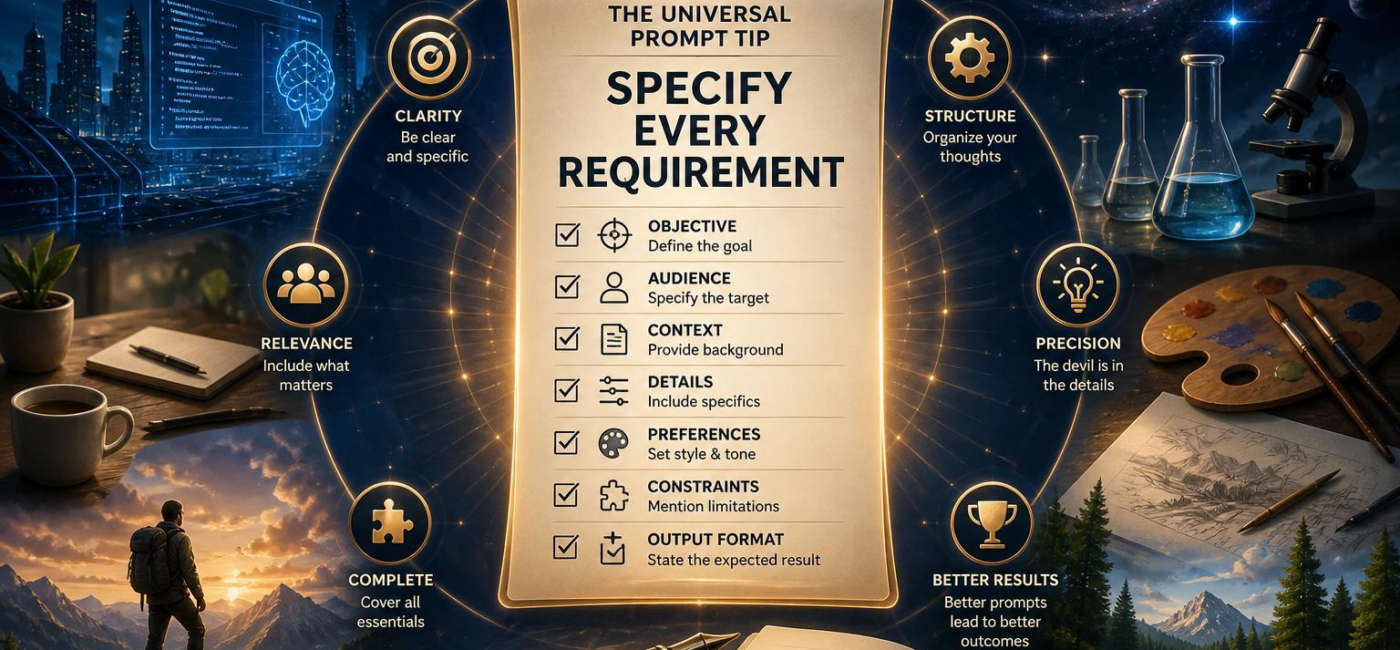
What is the best universal prompt tip? Be specific about the job, the audience, the constraintsand the final format. That sounds simple, but it solves a surprising number of problems. When a prompt leaves key details open, the model has to make assumptions. Sometimes those assumptions work. Often, they do not.
Start With the Result You Need
Before writing a prompt,decide what you want the response to accomplish. Are you asking for an clarification, a recommendation, a draft, a plan, a comparison, or code? Each is a different job, so each needs different instructions. “Write about email marketing” is broad enough to produce almost anything. “Draft a 150-word welcome email for first-time subscribers with a warm, direct tone and one call to action” gives the model a clear destination.
It also helps to picture where the finished response will be used.If it will go into a client proposal, say so. If it needs to help a beginner make a choice without jargon, include that. A useful prompt does more than name a topic. it describes the finished piece well enough that someone else could recognise whether it meets the need.
Give the Response a Shape
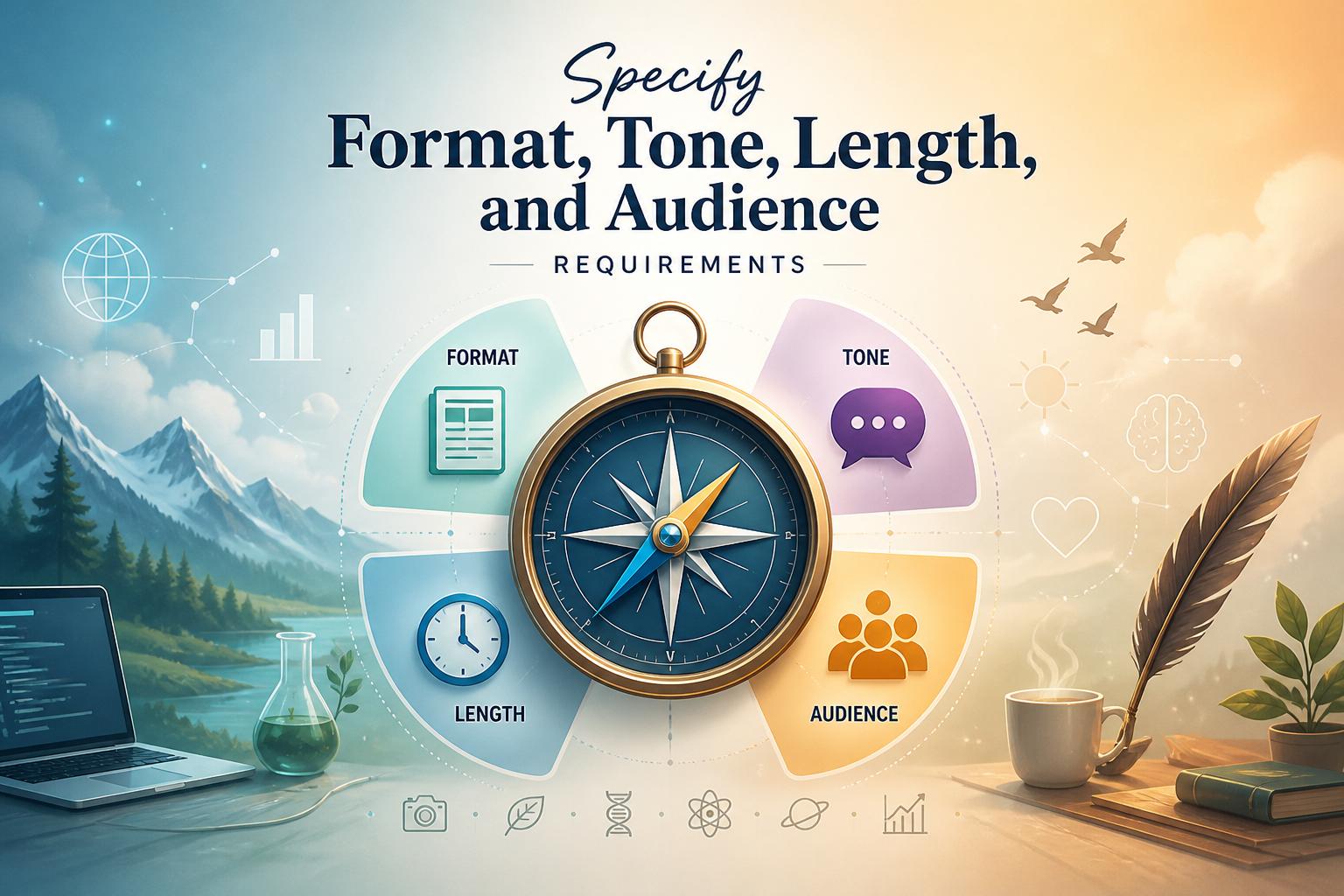
A prompt can cover the right subject and still produce the wrong kind of answer if you do not explain how it should be presented. Name the format: a blog post, product description, email, FAQ, lesson plan, HTML snippet, or plain text. Then set the tone. Should it be formal, conversational, reassuring, technical, skepticalor playful?
Be equally clear about the reader. A message for first-time customers should not sound like technical documentation for experienced developers. Audience details help guide the vocabulary, examplesand level of explanation.Length matters too. Ask for two short paragraphs, a 700-word guide, a headline and meta description, or an answer under 150 words.
if the structure matters, spell that out. You might ask for active voice, a short checklist, no headings, one tableor HTML formatting. These are not minor finishing touches. They affect how the response is planned from the beginning. “Write a 400-word, kind HTML article for beginner gardeners with two paragraphs and one short unordered list” is much easier to follow than “write an article about gardening.”
Set the Boundaries
Good prompts also make clear what belongs in the response and what does not. Set limits around the depth of explanation,time period,geographic focus,sources,and subjects to avoid. If you want a practical guide rather than a sales pitch, say that. If the response should not include speculation,legal guidance,medical advice,or competitor mentions,include those limits up front.
It helps to define your standard for a usable result. You may want factual accuracy, plain languageoriginal phrasing, relevant examplesor a specific reading level. You can also state what should be avoided: unsupported claims, vague fillerand off-topic comparisons are common problems worth calling out. The goal is not to overload the prompt with rules. It is indeed to prevent the most likely misunderstandings.
Check for Gaps Before You send It
Even a detailed prompt can leave crucial choices to chance. Read it once as though you were the person expected to carry it out. Is the audience clear? Is the format stated? Does the prompt explain the scope, tone, source limitsand definition of done?
Watch for vague instructions such as “make it engaging,” “keep it short,” or “include examples.” Those phrases sound useful until someone has to interpret them. Engaging for whom? how short? What kind of examples? Replace broad preferences with details that can be followed without guesswork.
Also look for conflicts between requirements. A request for a detailed explanation, very little length, technical accuracyand beginner-friendly language may be possible, but it needs priorities. say what wins when trade-offs arise: accuracy over brevity, for exampleor a plain-language summary followed by optional detail. if the prompt depends on details you have not provided, such as a brand voice, source document, target readeror word count, add it before submitting.
Specific Beats Clever
You do not need a complex formula to write better prompts. You just need to make the important decisions before asking for the response. Explain the job, identify the audience, set the constraintsand name the final format. A swift review at the end can save far more time than revising an answer built on assumptions.
AI tools built by Emerald Force
Built and supported by Emerald Force.


You might also like
- How AI Clusters Customer Feedback and Detects Sentiment
- AI Center of Excellence: Standards and Adoption
- Where AI Coding Excels: Tests, Refactors, Scaffolds
- AI Can Fake Documents-Why Verification Is Essential
- Can AI Identify You From a Photo? Key Risks
AI Models Explained: From Inputs to Outputs
- Synthetic Data: Purpose, Uses, and Limitations
- Preparing Students for Success in AI-Driven Work
- How AI Improves Test Prep With Plans and Practice
- Content Provenance: How Media Origins Are Verified