
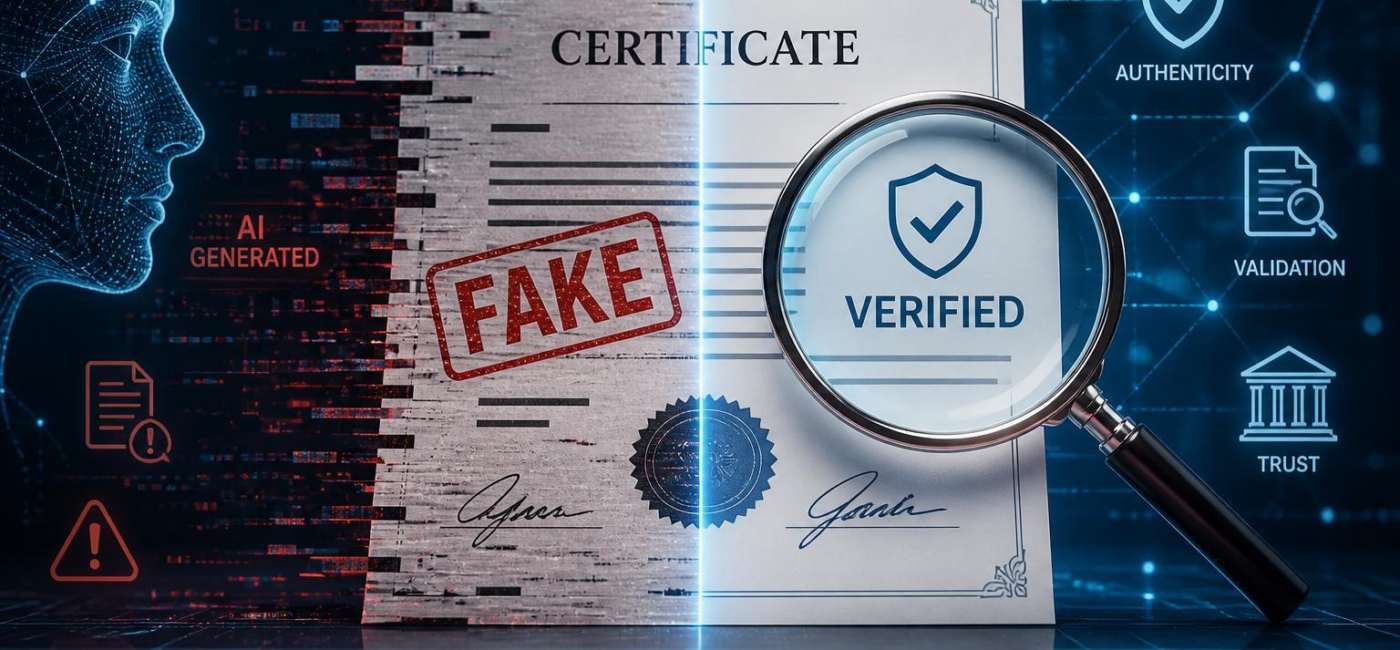
Can AI fake documents? Yes. It can generate convincing text, images, signaturesand layouts, which is exactly why document verification matters. A file can look polished, use familiar brandingand read like it came from a legitimate association without being genuine. That is true of invoices, bank statements, employment letters, identity records, contracts, and supporting emails.
The problem is not always a completely fabricated document. AI can also help someone alter a real one: changing dates, replacing account details, adding a pageor creating a believable explanation for why something does not quite match. A professional-looking PDF is no longer enough reason to trust what it says.
How AI makes Fake Documents Look Real
Generative AI is good at copying patterns.It can imitate the tone of a formal letter, recreate the structure of an invoiceand produce logos, stamps, signatures, and layouts that look credible at a glance. Someone creating a fake may combine those elements with publicly available company details or information taken from a genuine document.
What frequently enough gives a false document away is not the overall appearance, but the details. Dates may not line up. Contact information might potentially be outdated or wrong. Reference numbers may follow no real pattern. A letter may use polished language while misunderstanding the way the organization actually works. These clues can be subtle,which is why a speedy visual review is rarely enough.
Documents should be treated as claims that need confirmation, not proof that confirms itself.
Why Unverified Records Create Risk
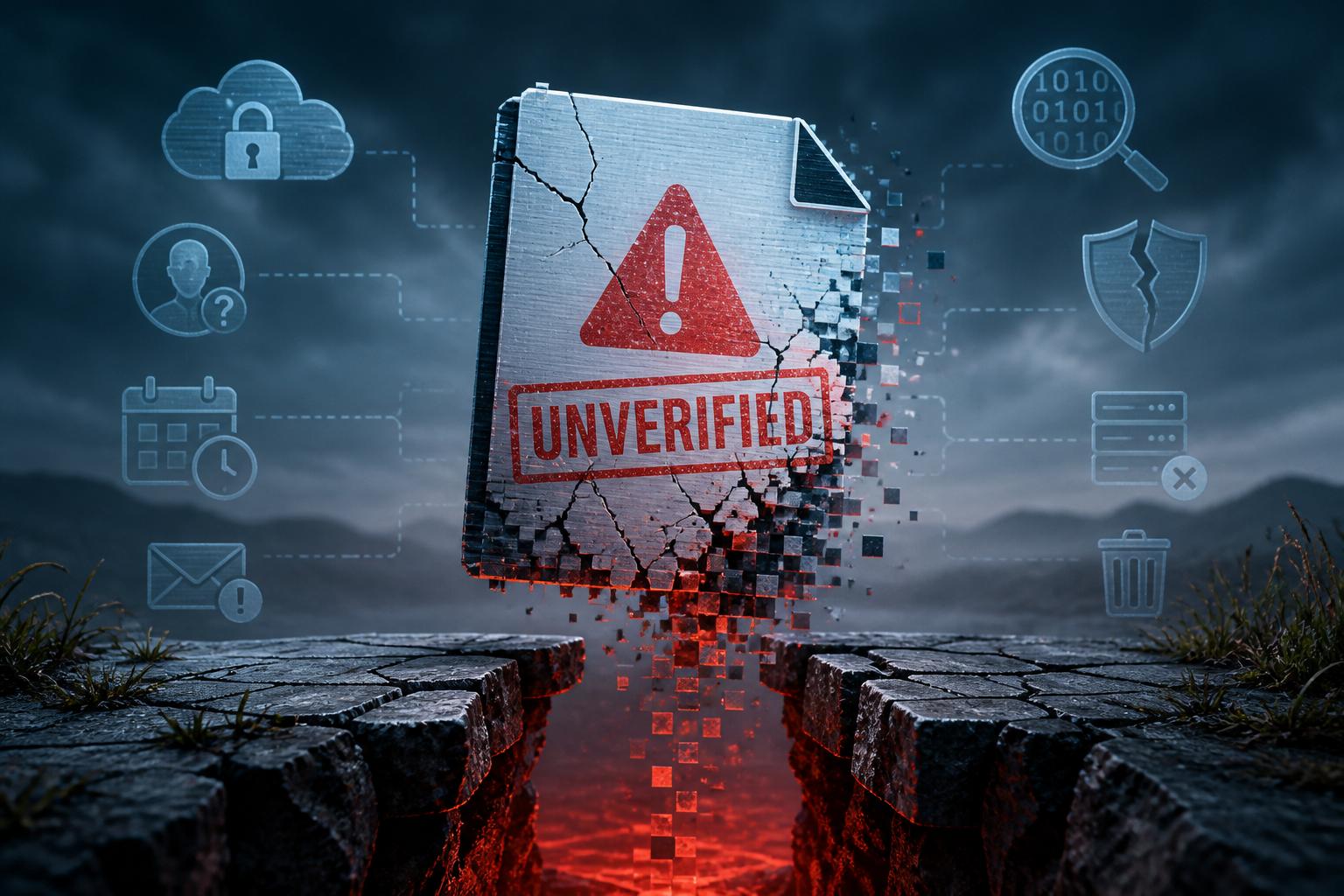
An unverified document can lead to more than an awkward mistake. It can result in a fraudulent payment, an incorrect hiring decision, improper access to sensitive information, credit or compliance problemsor a dispute over ownership or authorization. The risk rises when people are rushed,when a request seems routine,or when the document arrives with a convincing explanation.
Email attachments and PDFs deserve particular care because they can be copied, editedand redistributed easily. A clean layout, a familiar logoor a signature at the bottom of the page may make a file feel official, but none of those features establishes where it came from. The important question is whether the issuing organization can confirm it through a separate, trusted channel.
How to Verify a Suspicious Document
Start with the source. If possible, request the original file rather than relying on a screenshot, scanor pasted text. Check who sent it, where it originatedand whether the sender’s identity can be verified independently. Do not rely on the phone number, email addressor website printed in the document itself; use contact information from the organization’s official website or from an existing trusted record.
Then compare the document with information you already know to be accurate. Look at names, addresses, dates, account details, totals, reference numbers, page numberingand approval language. Review metadata, version history, embedded linksand digital signatures when they are available, but do not treat them as conclusive. Those details can be changed too.
The strongest check is confirmation from the real issuer: a bank, school, employer, government office, legal representative, vendoror other organization named in the document. A genuine document should be supported by records outside the document itself. If a request involves money, identity, employment, property, complianceor a legal decision, it is worth pausing until that confirmation is complete.
Make Verification Part of the Process
good verification should not depend on one cautious employee spotting every problem. Finance, HR, legal, procurementand customer-facing teams all need a clear way to handle documents that trigger payments, approvals, hiring decisionsor changes to important records.
For higher-risk requests, a simple process usually helps: assign ownership, require an independent reviewand document how the information was confirmed. A second reviewer can be especially useful when a request is urgent, unusual, high valueor tied to changed bank details. The goal is not to make routine work tough. it is to make sure a convincing document does not become the only basis for an important decision.
Teams should also be pleasant asking questions when something feels off. A mismatch in a name, date, signature, payment instructionor formatting detail may be innocent, but it still deserves an explanation from a trusted source. Verification is a normal business control, not an accusation.
Trust the source, Not the Appearance
AI has made it easier to create documents that look legitimate. That does not mean every digital record is suspect, but it does mean appearance alone carries less weight than it once did. The safest approach is straightforward: check the source, compare the detailsand confirm important records independently before acting on them.
A convincing document can still be false. Verification is what makes it dependable.
AI tools built by Emerald Force
Built and supported by Emerald Force.
You might also like
- How AI Clusters Customer Feedback and Detects Sentiment
- AI Center of Excellence: Standards and Adoption
- Where AI Coding Excels: Tests, Refactors, Scaffolds
- AI Can Fake Documents-Why Verification Is Essential
- Can AI Identify You From a Photo? Key Risks
AI Models Explained: From Inputs to Outputs
- Synthetic Data: Purpose, Uses, and Limitations
- Preparing Students for Success in AI-Driven Work
- How AI Improves Test Prep With Plans and Practice
- Content Provenance: How Media Origins Are Verified