

Can AI improve customer experience? Yes-when it is used to answer questions faster, personalize support where it helps, and make useful information easier to find. The best results do not come from adding automation everywhere. They come from removing small frustrations: long waits, repeated explanations, irrelevant messages, and the feeling that no one has the full picture.
AI works best as part of a thoughtful service strategy. It can take care of routine requests, help employees find the right informationand make interactions more relevant. But customers should still be able to reach a person when the situation calls for judgment, empathy, or a closer look.
Personalize the Moments That Matter
Predictive AI can help businesses move beyond one-size-fits-all service. By drawing on information such as past purchases, browsing activity, service history, stated preferencesand timing, it can suggest what a customer may need next. Someone who keeps checking an order status, such as, may appreciate a proactive delivery update. A subscriber who has stopped using an critically important feature may benefit from a simple guide before they become frustrated.
The goal is not to make every interaction feel overly familiar. It is indeed to make it more useful. A well-timed reminder, a relevant advice, or a support agent who already understands the customer’s recent issue can save time and reduce friction.
Personalization also makes handoffs easier. AI can surface relevant account details, suggest a next step, or give an agent context before a conversation begins. Customers should not have to repeat the same information every time they move from a chatbot to a support representative. Still, businesses need to be careful. Clear privacy practices, sensible data limitsand customer control are essential.Personalization should feel helpful-not invasive.
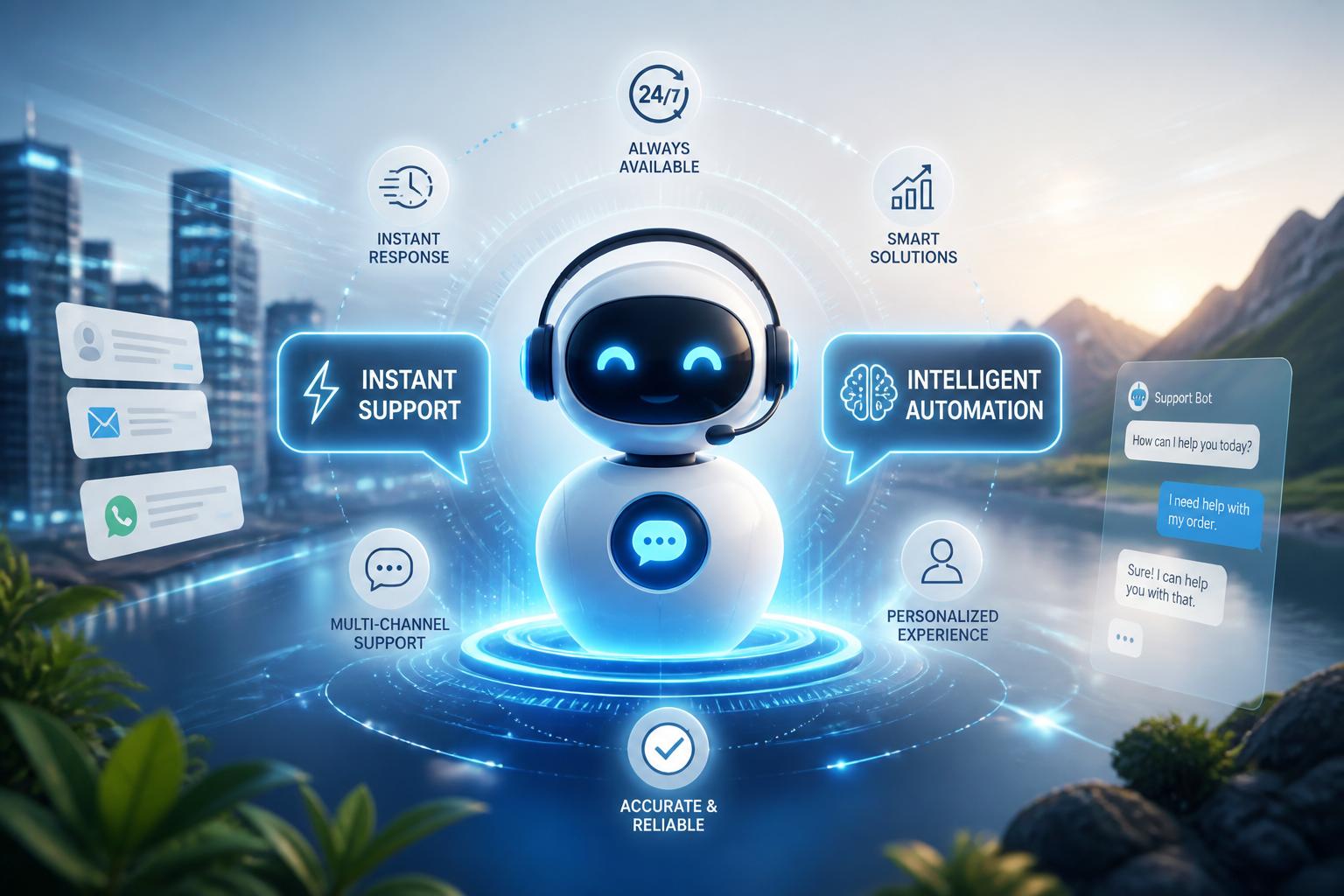
Offer Fast Help Without Creating Dead Ends
Customers often reach out when they need an answer right away.Intelligent automation can handle many common requests at any hour, whether someone is checking an order, updating an account, looking for billing informationor trying to understand a policy. When the system draws from approved, up-to-date information, it can point people in the right direction without making them wait in a queue.
Speed alone is not enough. An instant answer that is vague or wrong only creates more work for the customer and the support team. The strongest automated experiences are designed as a helpful first stop, not a barrier between customers and people. They deal with straightforward questions, recognize when a request is more complicatedand pass the conversation to a human with the relevant context attached.
That balance lets support teams spend more time on unusual cases, sensitive concernsand problems that need real judgment. It also gives customers a clearer path forward: speedy self-service when it worksand human help when it does not.
Keep the Conversation Connected
Customer experiences break down when information is scattered across ecommerce systems, email, support tools, stores, and social channels. AI becomes more useful when it can work from a connected view of the customer rather than treating every conversation as a fresh start.
That does not mean collecting everything possible. It means making the right information available at the right time. A support representative may need to see a recent purchase and an unresolved service request. A marketing team may need to know that a customer has already raised a complaint, so they do not receive an irrelevant promotion. Store and online teams should be working from the same current account details.
When context carries across channels, each interaction can build on the last. AI may identify a delivery issue before the customer contacts support, suggest a product guide after a purchaseor direct a question to the team best equipped to solve it. The result is a more consistent experience, whether the customer is using a chat window, email, mobile appor speaking with someone in person.
Measure What Actually Improves the Experience
AI should be evaluated by what it changes for customers, not by how impressive the technology sounds. Are people finding answers more quickly? Are they completing tasks with fewer transfers? Do they need to contact support again about the same issue? Those questions matter more than simple measures of automation volume.
It also helps to look closely at what goes wrong. Review confusing responses, unnecessary escalationsand cases where a person had to correct the system. Compare AI-assisted journeys with similar interactions handled without AI, and pay attention to whether the experience is working equally well across diffrent customer groups.
Scaling responsibly usually means starting small. Begin with routine, low-risk tasks, keep knowledge sources current, and set clear rules for when human review is required.Employees should be able to flag problems easilyand customers should always have a reasonable way to reach a person when the situation is complex or sensitive.
AI can improve customer experience at scale, but it should not be used simply because it is available. Used well, it makes routine tasks easier, support more responsiveand interactions more relevant. The human side still matters moast when trust, empathyand careful interpretation are on the line.
AI tools built by Emerald Force
Built and supported by Emerald Force.
You might also like
- How AI Clusters Customer Feedback and Detects Sentiment
- AI Center of Excellence: Standards and Adoption
- Where AI Coding Excels: Tests, Refactors, Scaffolds
- AI Can Fake Documents-Why Verification Is Essential
- Can AI Identify You From a Photo? Key Risks
AI Models Explained: From Inputs to Outputs
- Synthetic Data: Purpose, Uses, and Limitations
- Preparing Students for Success in AI-Driven Work
- How AI Improves Test Prep With Plans and Practice
- Content Provenance: How Media Origins Are Verified