
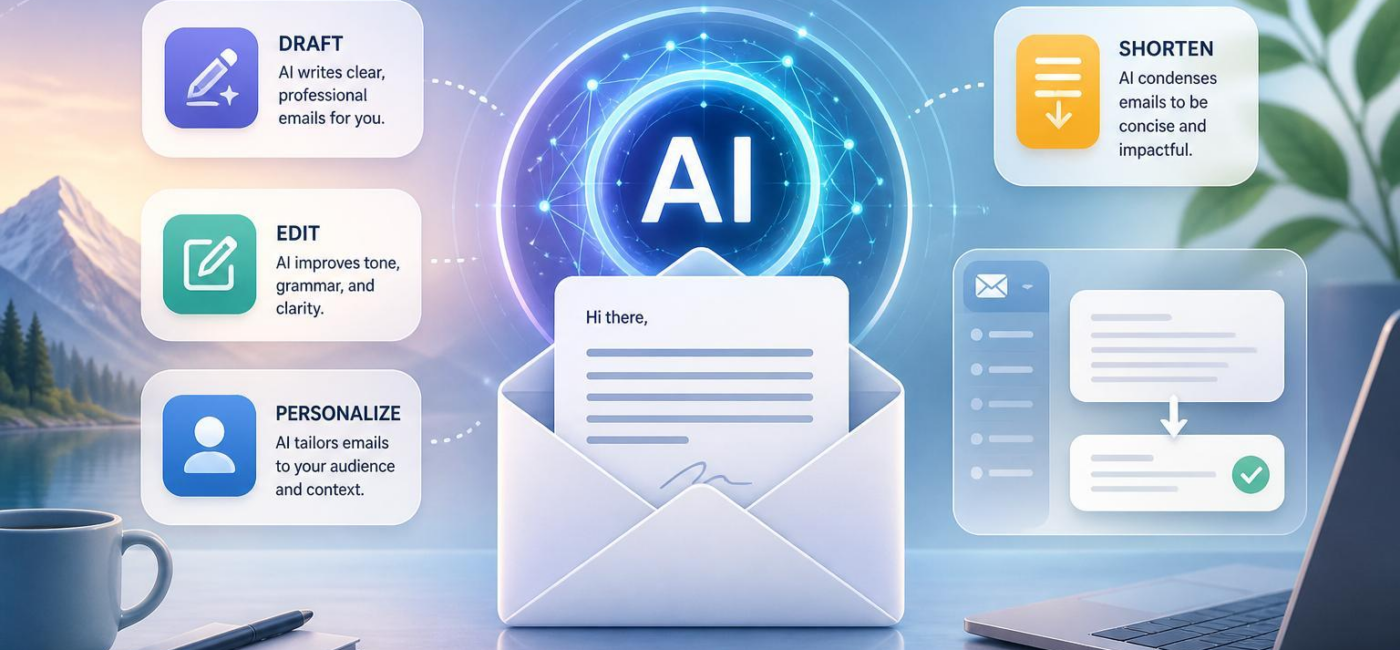
Yes, AI can write emails. It can help you draft a message from a few notes, clean up an awkward paragraph, adjust the tone for a specific readeror cut a long email down to the essentials. The key is giving it enough direction: what you want to accomplish, who will read itand how you want to sound.
Think of AI as a writing assistant, not a substitute for judgment. It can get you past a blank screen and save time on routine edits, but you should still check facts, names, dates, promises, and anything sensitive before you hit send.
Draft the First Version
AI is particularly helpful when you know what needs to be said but cannot quite find the words. Such as, you might type: “Ask the vendor for a revised delivery date. Be polite and mention our upcoming launch.” That is often enough to produce a solid first draft.
The more specific your instructions, the better the result. Include the recipient, the purpose, the toneand the next step you want them to take. If you are writing to a client, you may want a warm, direct note with a clear call to action.For a colleague, a brief update that separates decisions from unanswered questions may work better. In a sensitive situation, ask for calm, respectful wording that does not place blame.
You can also ask for alternate versions: more formal, friendlier, shorteror more detailed. That is useful when the same basic message needs to fit different relationships. AI can suggest a subject line, turn vague language into a specific requestor keep a draft within a word limit. Still, read the result as yourself before sending it. A message should sound like it came from you,not from a generic template.
Edit for Tone and Clarity
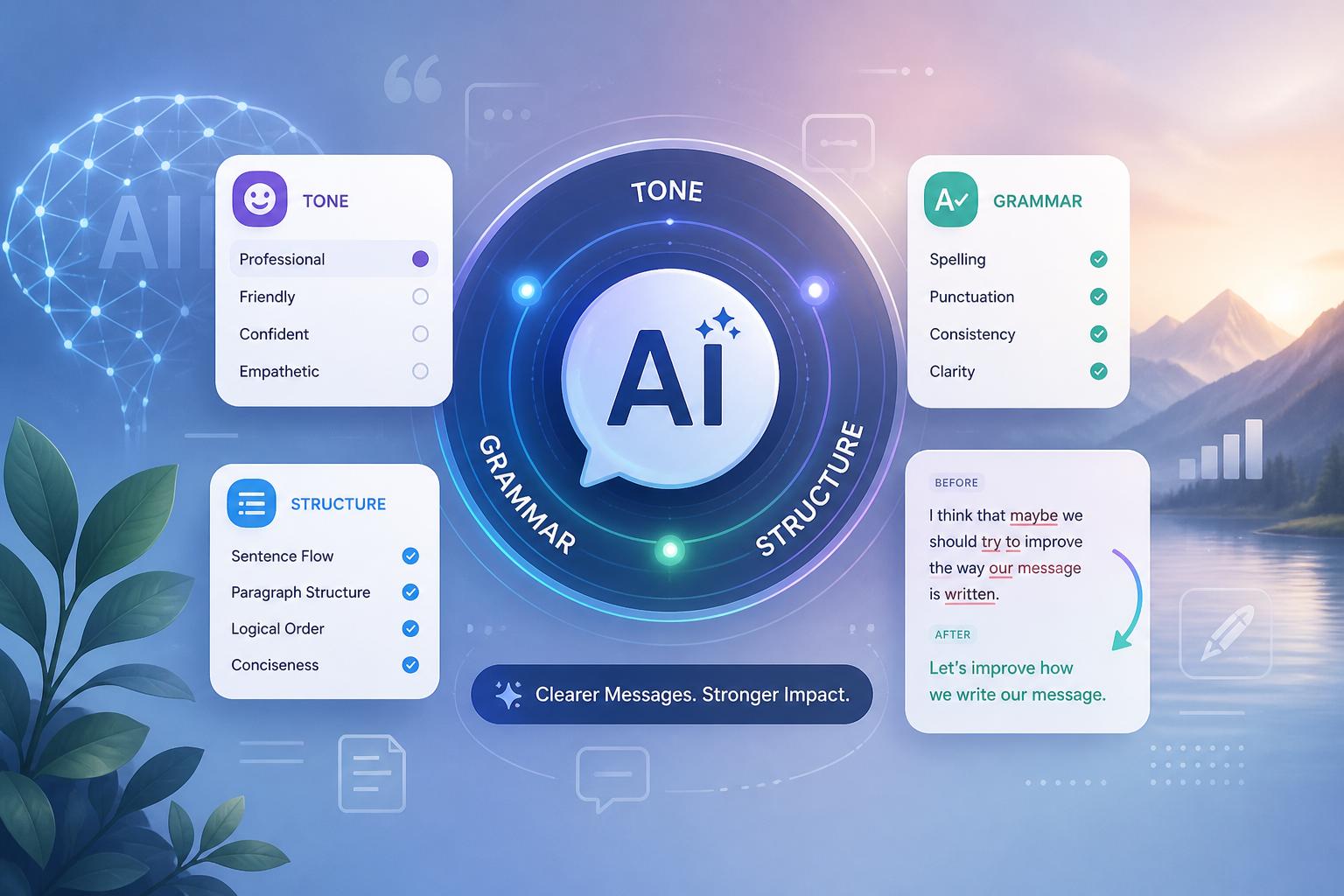
Once you have a draft, AI can be a useful second pair of eyes. It can spot grammar mistakes, but its real value often lies in showing you how the email may land with the reader. A message that feels efficient to you may sound abrupt to someone else. A careful follow-up may come across as hesitant or overly formal.
Try asking for a tone check: “Make this firmer without sounding rude,” or “Keep this kind, but make the request clearer.” You can also ask it to remove hedging,simplify long sentences,or make a tough message more considerate. Accept the changes that improve the email, but do not feel obligated to take every suggestion.Your own voice matters.
AI can also help with structure. If a draft wanders through background details before getting to the point,ask it to move the purpose to the opening and place supporting facts afterward.A good email lets the reader quickly understand why it matters and what you need from them.
Personalize Without Overdoing It
Personalization is more than adding someone’s name to the greeting.It means shaping the message around what that person needs to know. A new customer may need a clear description of the next step. A long-term partner may only need a fast reference to an earlier conversation and a direct question about an open decision.
When you provide relevant context, AI can help turn it into a message that feels specific rather than copied and pasted. Mention the recipient’s role, the project stage, prior conversations, or the action you need from them. It can then adjust the level of detail accordingly. An executive may appreciate a two-sentence summary and a clear request, while a teammate working through a complicated issue may need dates, optionsand background.
Use restraint, especially when customer information or sensitive details are involved. Only include information that supports the purpose of the emailand check that every detail is accurate.the goal is to make the reader feel understood, not watched.
Make Long Emails Easier to Read
Shortening an email is not the same as removing everything useful. Start by identifying the one decision,action,or update the reader should take away. Then use AI to cut repetition,tighten the opening,and combine sentences that say nearly the same thing.
For example, “I wanted to reach out to see if you might have time to review the attached proposal sometime this week” can become: “Please review the attached proposal by Friday.” The shorter version is clearer,and it gives the reader a deadline.
When asking AI to shorten a message, be clear about what must remain. You might say: “Reduce this to 90 words. Keep the meeting date, requested approval, budget figure, and friendly tone.” Then compare the new draft with the original.Make sure it has not dropped a commitment, question, date, or crucial piece of context.
Be careful with sensitive messages. A short email can be respectful and effective, but cutting too much may make it sound cold or dismissive. The aim is not to write the fewest possible words. It is indeed to give the reader what they need,in a form they can absorb quickly.
Use AI as a Helpful Drafting Partner
AI can draft, edit, personalizeand shorten emails when you supply the goal, audienceand tone. It is indeed especially useful for routine messages, difficult first draftsand emails that need a clearer structure.Just keep the final review human.You are still responsible for the facts, the relationshipand the message you send.
AI tools built by Emerald Force
Built and supported by Emerald Force.
You might also like
- Can AI Identify You From a Photo? Key Risks
AI Models Explained: From Inputs to Outputs
- Synthetic Data: Purpose, Uses, and Limitations
- Preparing Students for Success in AI-Driven Work
- How AI Improves Test Prep With Plans and Practice
- Content Provenance: How Media Origins Are Verified
- AI Chatbots Explained: How They Answer and Act
- U.S. AI Governance: No Single Federal AI Law
- When to Ask for JSON for Structured Output
- Fine-Tuning vs. Retrieval: Model Change or Context