

Should you ask for JSON? Yes-when you need structured output that can move cleanly into another tool, form, databaseor piece of software. If the answer will be read only by a person, plain language is usually better. But when a system needs to sort, store, validateor act on the result, JSON can save a lot of cleanup later.
When JSON makes sense
JSON is useful when the response has a predictable shape. Think of a product record with a name, price, category, and availability; an event with a date, venue, and guest list; or a support request with a priority, summaryand status. In each case, the information belongs in clearly defined fields rather than buried in a paragraph.
A good rule of thumb is this: could the same response be dropped into spreadsheet columns or form fields without someone having to interpret each sentence? If the answer is yes, structured output is probably the right choice.
That commonly includes collections of products, contacts, tasksor locations; extracting names, dates, prices, IDsor action items from text; defining settings and options; and passing data into a database, script, APIor website component.
JSON is not always the best format. If the task depends on tone, persuasion, judgmentor a natural reading experience, start with prose.A customer apology, article draft, strategy memo, or headline concept should not be forced into a rigid structure just as JSON is available.
There is a useful middle ground. You can ask for JSON to collect the raw ingredients-such as an article topic, audience, key points, examples, and call to action-then turn those fields into readable copy afterward. That keeps reusable information organized without making the finished writing feel stiff.
Be clear about the shape you need
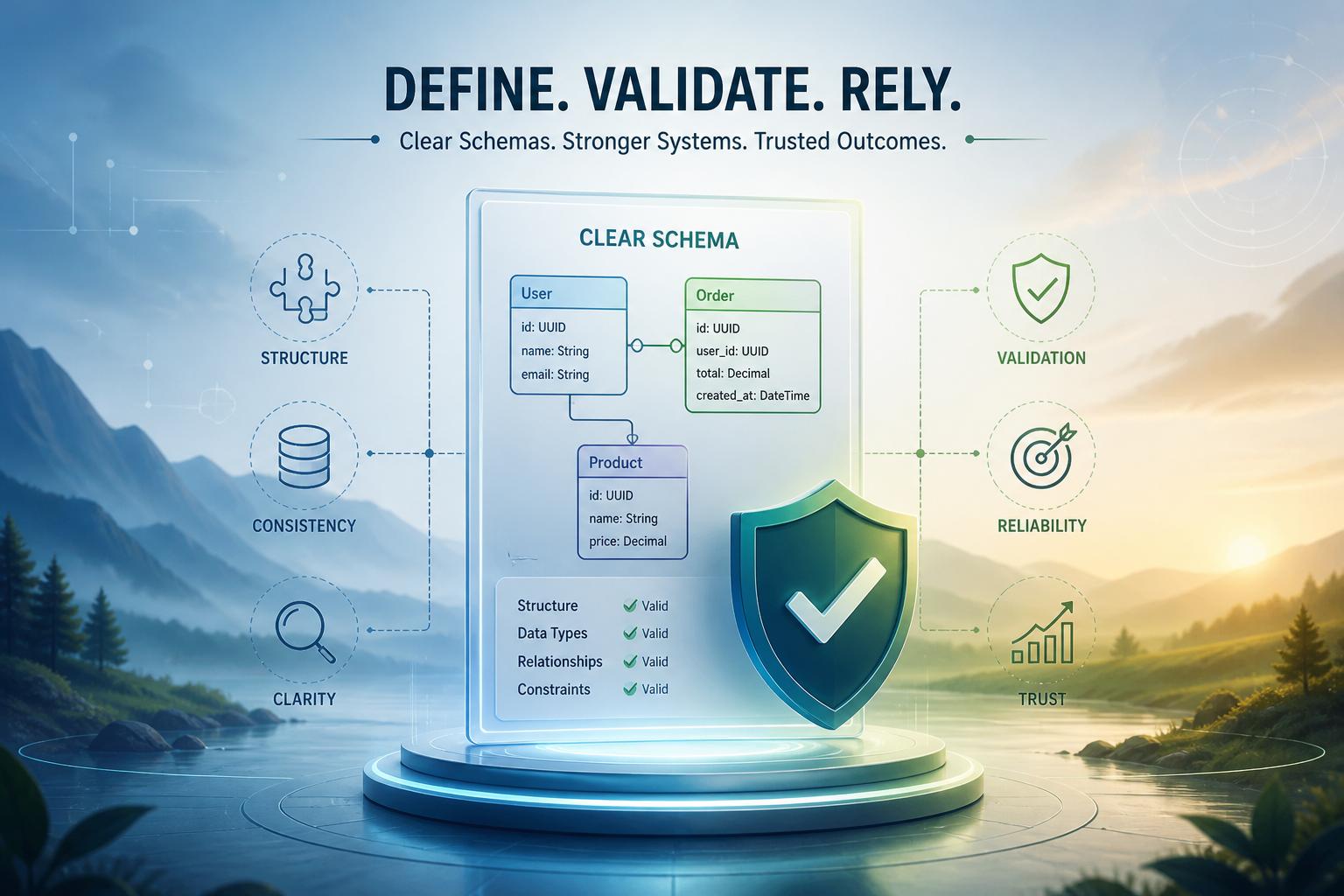
JSON becomes much more reliable when you spell out the expected structure. Don’t simply ask for “a product summary.” Say which fields you need: a name, short description, category, priceand availability status. Also make clear which fields are required, which are optionaland what kind of value each one should contain.
That detail reduces guesswork. It also makes it easier to spot problems before the data reaches a database,workflow,or interface. Such as, a price should be a number if your software expects a number. A date should follow the format your system accepts.A list of tags should stay a list, even when there is only one tag.
A response can look perfectly reasonable to a person and still fail in software.A number may arrive as text,a date may use an unexpected format,or one object may appear where an array was expected. A clear schema gives you a way to validate those details rather of relying on a response that merely looks right.
keep field names stable, especially if the JSON feeds other tools. For more complex data, use nested objects carefully and avoid putting several unrelated ideas into one field. The simpler and more focused the structure, the easier it is to test and maintain.
Keep the conversation human
Structured output is helpful when a conversation eventually needs to hand information to another system. A support workflow, for instance, may need an order ID, a reason for the request, a preferred outcomeand a contact method. JSON gives the next step a dependable record rather of making it interpret a paragraph.
Still,there is no reason to turn every conversation into a form. Let people explain the issue in their own words first. Ask follow-up questions where needed.Once the details are clear and the workflow needs a confirmed record or tool call, that is the moment to create the structured output.
Leave room for missing information.Optional fields should actually be optionaland null can be appropriate when something is unknown. It also helps to include a short notes field for useful context that does not fit neatly into the schema. Machines get the consistency they need, while people can still speak naturally.
Treat JSON as input, not instructions
When JSON enters a production system, treat it as data that still needs checks-not as an unquestioned command. Define the fields, expected typesand allowed values before the response reaches your submission.Then parse it with a strict JSON parser and validate it against the rules your system requires.
Valid JSON is not automatically safe or complete. A response might potentially be well-formed while still containing missing fields, unexpected valuesor text that is unsuitable for a downstream action. If a value affects a database query, URL, file pathor external API request, validate both it’s format and whether it makes sense in that context.
Do not let generated JSON directly trigger irreversible actions such as sending payments, deleting records, changing permissionsor publishing content without application-level review and safeguards. When validation fails, reject the response, ask for a corrected versionor fall back to a safe manual path.
Keep the requested structure narrow and purposeful. Ask for bounded details such as identifiers, classificationsand short summaries rather than leaving the model to invent an open-ended object. Logging validation failures can also show where the prompt or schema needs betterment,provided that those logs are handled carefully and do not expose sensitive information.
Use structure where structure helps
JSON is a practical choice when the result needs to travel beyond the chat window. Use it for predictable records, tool inputs, extraction tasks, and repeatable workflows. Use prose when the value is in the wording itself. The best approach is not to make every response structured-it is to choose structure when it removes ambiguity and makes the next step easier.
AI tools built by Emerald Force
Built and supported by Emerald Force.

You might also like
- When to Ask for JSON for Structured Output
- Fine-Tuning vs. Retrieval: Model Change or Context
- Seeing Isn’t Believing: Verify Video Evidence First
- How AI Can Build Your Case for a Better Raise
- System Prompts: Rules That Govern AI Behavior
- AI Can Draft Books, but Humans Still Make Them Great
- How AI Reviews Code: Bugs, Tests, Style, and Security
- How AI Is Regulated: From Privacy to AI-Specific Laws
- AI Agent Memory: Goals, Preferences, and Past Steps
Value Lock-In: How AI Can Entrench Narrow Values