
What a System Prompt Dose
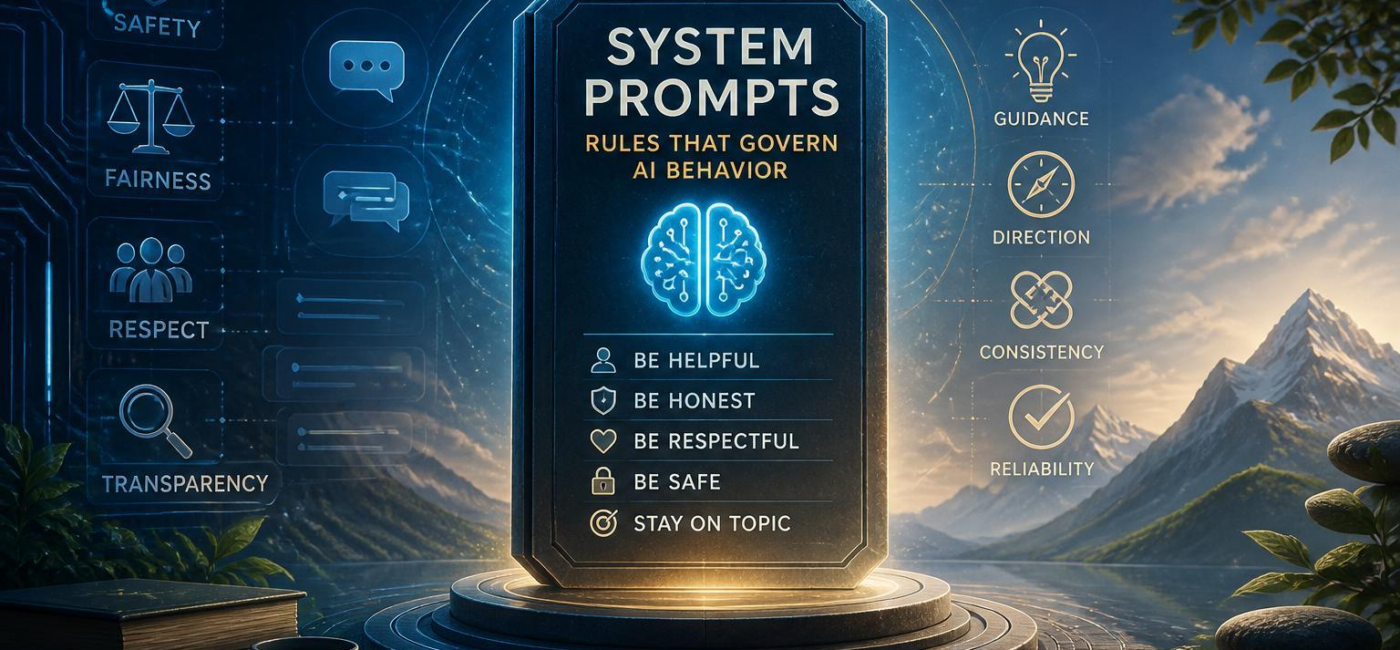
A system prompt is a higher-priority instruction that sets behavior rules and constraints for an assistant. It gives the AI its standing directions before a user asks anything: the role it should play, the tone it should use, the limits it needs to followand the kinds of requests it should handle carefully or decline.
Think of it as the operating guidance behind the conversation. A user might ask for a swift summary, a technical explanation, or help drafting an email, but the system prompt shapes how that request is handled.It helps the assistant stay accurate,respect privacy,follow a defined scope,and respond in a way that fits the product or situation.
System prompts are especially useful when instructions conflict. A user can make a request, but that request should not override rules about safety, confidentialityor honesty. The prompt does not script every response word for word. Instead, it gives the assistant a set of principles for making sensible decisions when the conversation gets elaborate.

Set Clear Boundaries and Priorities
A useful system prompt makes the boundaries plain. It should explain what the assistant must not do, when it needs to be cautiousand what rules take priority over a user’s preferences. Those instructions are not just disclaimers. They guide the assistant’s behavior throughout the exchange.
For example, a system prompt may require the assistant to avoid harmful instructions, protect sensitive facts, acknowledge uncertaintyand avoid presenting guesses as facts. It can also establish a role, such as customer support representative, writing coachor internal research assistant, so the model does not wander into work it was never meant to do.
Priorities are just as crucial as restrictions. A request for a confident or dramatic answer should not outweigh a rule against overstating uncertain information. When the prompt clearly explains which instructions come frist, the assistant has a better way to handle contradictory requests. It can stay within its limits and explain those limits plainly when necessary.
Write Instructions People Can Actually Follow
Good system prompts are specific without becoming fussy. Broad directions such as “be helpful” or “make it good” leave too much to interpretation. Helpful to whom? Good in what way? A clearer instruction identifies the audience, the goaland the expected shape of the answer.
As a notable example, “Explain this policy in plain english for a new employee in no more than three short paragraphs” gives the assistant useful direction. It sets the reader, tone, lengthand format in one sentence. That is much easier to apply than a vague request for a better explanation.
it also helps to address predictable trouble spots upfront.A prompt can tell the assistant to label necessary assumptions, avoid inventing facts or sources, ask a clarifying question when a missing detail would change the answerand follow required formatting. These are practical instructions, not needless constraints. They reduce avoidable errors and make the assistant’s responses more consistent.
Review the Prompt as You Learn
A system prompt is not something you write once and leave alone forever. Review it when the assistant starts drifting from the intended tone, overlooking an important limitor struggling with common edge cases.The most useful review is based on real interactions: Did it stay in its role? Did it handle uncertainty well? Did it give users the kind of response they expected?
Small changes can have a noticeable effect. Replacing a vague instruction with a more direct one may solve a recurring problem without adding pages of rules. At the same time, avoid turning the prompt into a patchwork of exceptions. Remove duplicate guidance, make conflicts explicitand keep the wording readable enough that someone else can understand why each rule is there.
Keeping a short record of changes can also help when behavior shifts unexpectedly. Over time,the goal is not to create the longest possible prompt. It is to maintain a clear set of instructions that gives the assistant a consistent, useful, and responsible way to respond.
Conclusion
System prompts provide the rules that guide an AI before the conversation begins. When they are clear, focusedand regularly reviewed, they help the assistant respond with better judgment-not just more words. The best prompts set firm boundaries, explain prioritiesand leave enough room for the assistant to handle real questions naturally.
AI tools built by Emerald Force
Built and supported by Emerald Force.

You might also like
- System Prompts: Rules That Govern AI Behavior
- AI Can Draft Books, but Humans Still Make Them Great
- How AI Reviews Code: Bugs, Tests, Style, and Security
- How AI Is Regulated: From Privacy to AI-Specific Laws
- AI Agent Memory: Goals, Preferences, and Past Steps
Value Lock-In: How AI Can Entrench Narrow Values
- Trust AI for Speed-Verify High-Stakes Facts
Can AI Write Essays? Risks, Accuracy, and School Rules
- How Generative AI Creates Art From Prompts and References
- How Privacy Laws Shape AI Data and Decisions