
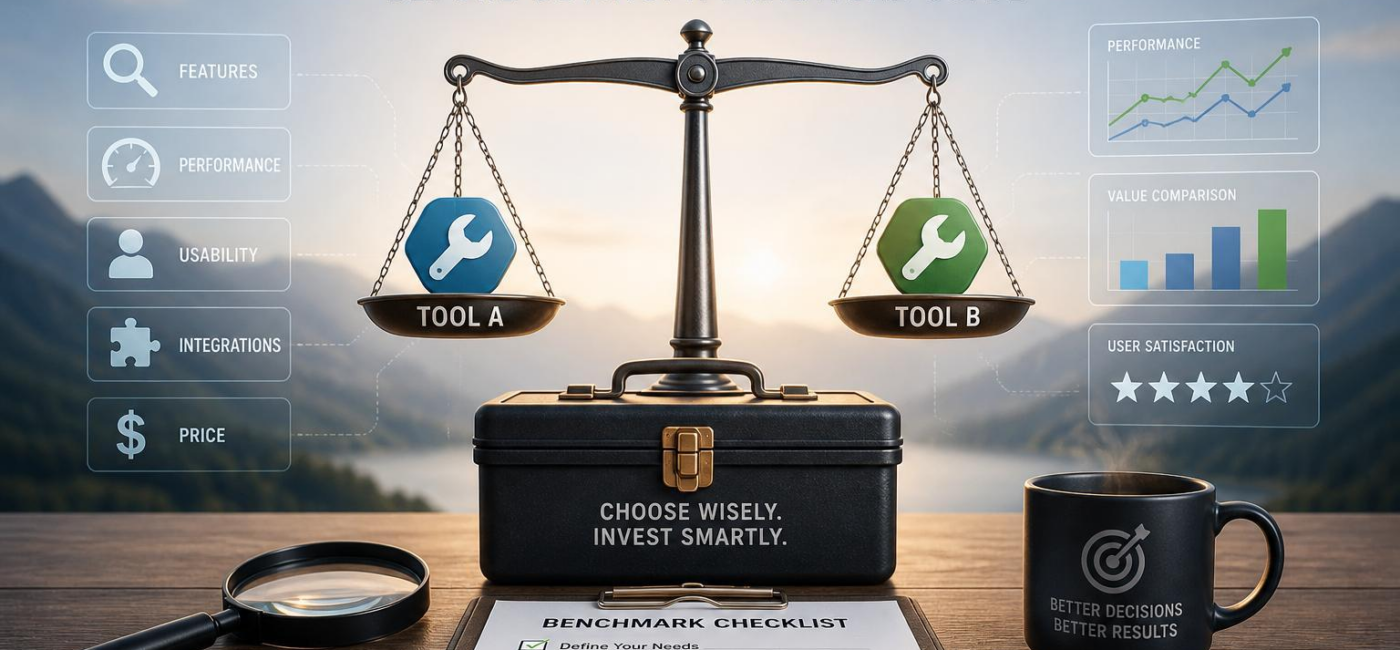
Buying software or equipment based on a feature list is an easy way too end up with something that looks good on paper but creates more work in practise.The better approach is to test the options against the work your team already does. If you are wondering how to benchmark tools before buying,run the same real tasks across each option and compare the results for quality,speed,reliability,and cost.
Set criteria based on real work
Start with the day-to-day jobs the tool needs to handle, not the highlights in a sales demo. A product can appear polished during a walkthrough and still become frustrating when it has to fit your approval process, reporting needs, customer deadlinesor existing systems.
Choose criteria that describe outcomes your team can actually observe. For example, “easy to use” is too open to interpretation. “A coordinator can create and assign a standard request without help” gives testers something concrete to check. Think about how quickly people can complete common tasks, how the tool handles mistakes or missing data, whether reports need manual cleanupand how much effort it takes to keep the system running.
It also helps to agree in advance on what counts as acceptable. Consider training time, administrative workload, support quality, permissions, security requirementsand the likely cost of adding users or integrations later. Those details often matter more after purchase than they do during a demo.
Test the same tasks in every option
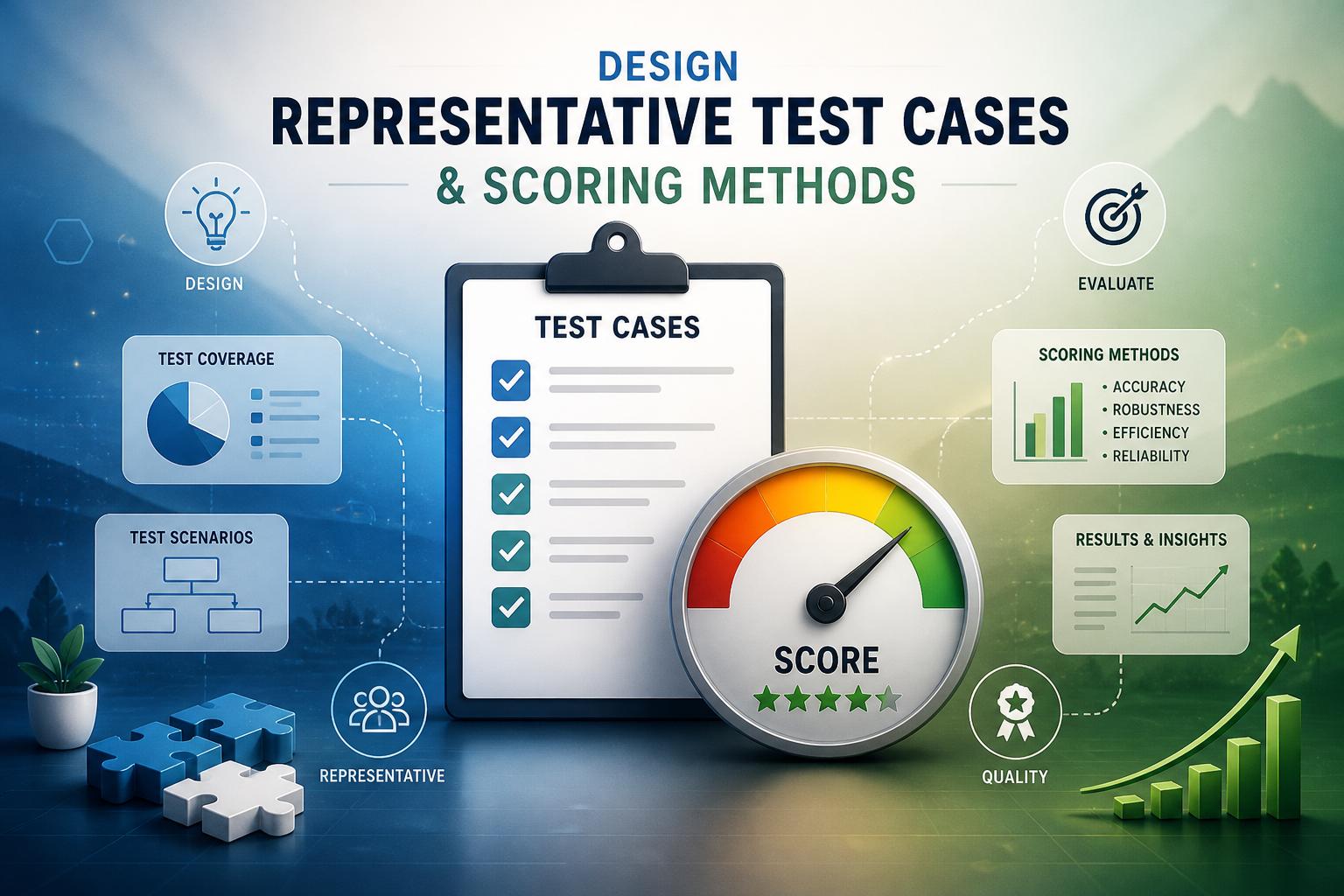
A fair benchmark uses the same test cases for every tool. Pick a small number of tasks that reflect normal work, then add a few situations that tend to expose weaknesses. For a document tool, that might mean testing a clean file, a badly formatted import, a long documentand an edit involving several contributors. Testing only the ideal scenario tells you very little.
Keep the instructions and starting materials consistent so different reviewers can repeat the test. Include everyday tasks that users will perform often, awkward inputs that may need correction, and higher-stakes work where an error, approval delayor security issue would matter.
Use a simple scoring scale, such as one to fiveand assess the same areas each time: output quality, time required, ease of use, reliabilityand fit with the current workflow.Weight scores only when a factor deserves more influence. A small convenience should not outweigh a recurring accuracy problem or an critically important security concern.
Ask reviewers to leave a short note with every score. The notes are often more useful than the number itself because they explain what happened: where a task slowed down, what required extra work, or why one option handled an exception better than another.
Compare performance with the full cost
The cheapest quote is not always the cheapest choiceand the highest-scoring tool is not automatically the best value. Look beyond the initial price to include implementation, training, integrations, support, administration, maintenanceand potential migration or exit costs.
A useful way to think about the decision is cost per meaningful result.A tool that completes a task a little faster may not justify a much higher long-term cost, especially if it requires specialist support or adds complexity elsewhere. Conversely,paying more can make sense when the improvement solves a real operational problem,such as avoiding repeated errors or reducing a bottleneck that affects customers.
Use the same time period for each option,ideally long enough to account for renewal and ongoing operating costs rather than just the first year. Then place those estimates next to the benchmark results. That makes the trade-offs visible and keeps the conversation focused on value rather than sticker price.
Record the evidence and review it together
Keep a clear record of the evaluation so the decision does not rest on vague impressions. Save the requirements,test scenarios,scores,sample outputs,screenshots,pricing details,and any assumptions that affected the results. Vendor claims and trial observations should be noted separately from what your team was able to verify.
| Criterion | Evidence to Record | Validation Question |
|---|---|---|
| Core workflow | Test result and sample output | Did it handle a real task correctly? |
| Cost | Quoted plan, add-ons, renewal terms | Is the total cost acceptable over time? |
| Adoption | User feedback and training needs | Will the intended team actually use it? |
Bring the findings to the people who will approve, manageand use the tool.Finance may have questions about recurring costs. Security may need to assess data handling.The people doing the work every day can often point out friction that a brief trial did not reveal.
A benchmark is not meant to produce a perfect winner. Its purpose is to make the trade-offs clear enough for the right people to make a sound decision.When a tool has been tested against real work, measured consistentlyand reviewed openly, you are far less likely to buy a solution that only looked convincing in a demo.
AI tools built by Emerald Force
Built and supported by Emerald Force.
You might also like
- Few-Shot Prompting: Learning from a Few Examples
- Inference Cost: The Compute Behind Model Outputs
- How to Benchmark Tools Before Buying: A Practical Guide
- Can AI Remove Backgrounds? A Proven Vision Use Case
- How AI Clusters Customer Feedback and Detects Sentiment
- AI Center of Excellence: Standards and Adoption
- Where AI Coding Excels: Tests, Refactors, Scaffolds
- AI Can Fake Documents-Why Verification Is Essential
- Can AI Identify You From a Photo? Key Risks
AI Models Explained: From Inputs to Outputs