

Companies are using AI right now in practical, everyday ways: to support customer service, help developers write and review code, search internal facts, summarize documents, improve marketing analysisand keep operations moving. The useful applications tend to be the unglamorous ones-the tasks that take time, involve repeated handoffsor require employees to dig through too many systems to find an answer.
The goal is rarely to hand every decision to a machine. More frequently enough, AI gives people a quicker starting point, highlights something that needs attentionor takes routine work off their plate. The companies getting the most from it are usually starting with clear problems rather than searching for reasons to use AI.
Making everyday work easier
AI is finding its way into the workflows that keep a business running: processing incoming requests, checking documents, forecasting demand, routing approvalsand flagging exceptions before they become delays. A customer-service team might use it to sort messages by urgency and draft replies from approved internal guidance. In finance, it can help surface invoices or transactions that need a closer look. Procurement teams can organize supplier information, while HR teams can use it to answer routine policy questions or assist with document-heavy processes.
What matters is whether the change improves the work itself. A company should be able to point to something concrete: fewer manual steps, shorter turnaround times, fewer errors, faster repliesor more requests resolved without extra back-and-forth. That is why it helps to begin with one repeatable process, assign someone to own itand establish a baseline before changing anything.
Good results also depend on the basics. The underlying information needs to be reliable, access needs to be controlledand employees need a clear path for reviewing or correcting AI output. AI can speed up a process, but it cannot fix a workflow that is unclear or data that no one trusts.
Helping customers without adding friction
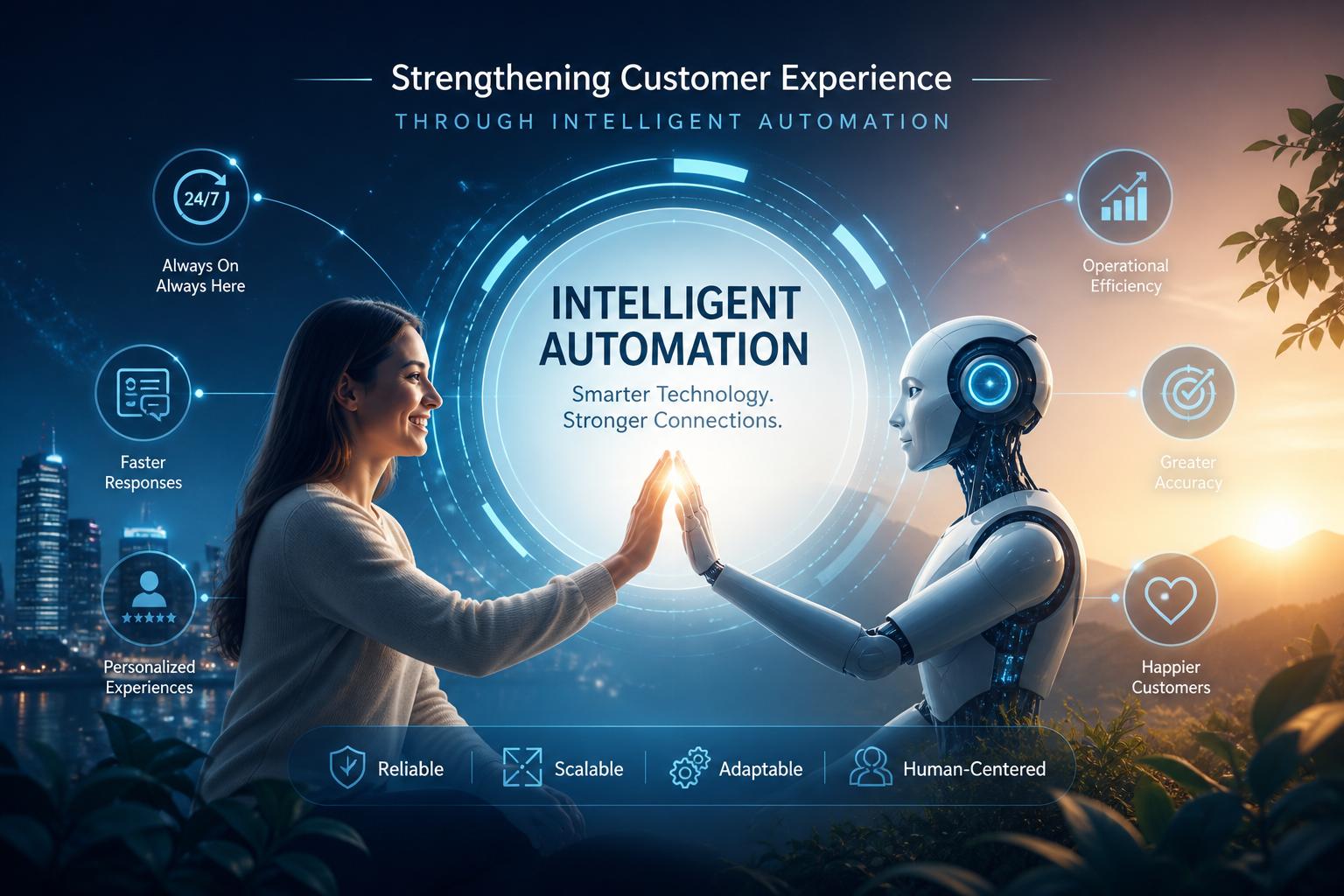
Customer service is one of the clearest places to see AI at work. Virtual assistants can handle simple questions, check an order status, guide someone through an account task, or direct a customer to the right team. Done well, this is less about putting a bot between people and support than about removing unnecessary waiting from routine interactions.
It can also make human support better. when an agent receives a short summary of the issue,relevant account details,and a record of earlier messages,the customer does not have to start over. That gives the agent more time to handle the part of the conversation that actually requires judgment, empathyor problem-solving.
AI can also reveal patterns that are easy to miss in a busy support queue.Repeated questions may point to a confusing checkout step, unclear onboarding instructionsor a product problem worth investigating. Still, customers should always be able to reach a person-especially when the issue is sensitive, unusualor has meaningful consequences.
Finding the signal in the data
Many businesses have plenty of data and not enough time to make sense of it. AI can help teams pull together information from sales, inventory, support, staffing, productionand other parts of the business so they can spot patterns sooner. A retailer may notice growing demand for a product in one region. A manufacturer may see recurring delays connected to a supplier, shift, or component.
The value is not in creating another dashboard.The best AI insights are connected to a decision. A useful signal might prompt a manager to adjust inventory, investigate an unexpected cost increase, prioritize service requestsor revisit a delivery schedule. People still need to weigh the context, the trade-offsand the limits of the data-particularly when past patterns no longer reflect what is happening now.
Internal knowledge access is another common use. Rather of searching through shared drives, policy documents, meeting notesand old tickets, employees can use approved AI tools to find relevant information and get a summary. That can save time, provided the source material is current and employees can verify where the answer came from.
Setting sensible ground rules
As AI becomes part of day-to-day work, companies need clear rules around it. that does not have to mean a large committee for every small experiment, but someone needs to decide which tools are approved, what data may be usedand where human review is required. Business leaders, technology teams, legal counsel, security specialistsand risk or compliance staff all have a role to play.
A practical policy should cover data handling, vendor review, access permissions, recordkeepingand the limits of AI-generated work. Higher-stakes uses-such as decisions that affect employment, financial outcomes, eligibility, or safety-deserve closer oversight. AI can support judgment, but accountability should remain with people.
Employees also need straightforward training. They should know how to ask useful questions, check answers against reliable sources, recognize when an output may be wrong or incompleteand avoid putting confidential information into unapproved tools. Controls such as access limits,testing,monitoring,and an easy way to report problems help turn those expectations into everyday practice.
Start with the work, not the tool
Companies are using AI across their operations as it can make routine work faster, make information easier to findand help teams focus on the decisions that need their attention. The strongest use cases are usually specific: a support queue that takes too long to manage, a document process filled with repetitive checksor a reporting task that requires too much manual searching.
Start small, measure what changes, and keep people involved where judgment matters. That approach gives a company room to learn without treating AI as either a cure-all or a risk too large to explore.
AI tools built by Emerald Force
Built and supported by Emerald Force.
You might also like
- AI Can Build Websites: From HTML to Backend Scaffolds
- AI Voice Scams Are Rising: Why Verification Matters
- Letting AI Run Terminal Commands: Essential Safeguards
- AI Lowers Routine Costs, but Expertise Still Decides
- AI Agents Today: Useful but Still Need Oversight
- How AI Enables Robots to Perceive, Plan, and Interact
- Retrieval-Augmented Generation: A Clear Guide
- Why Smaller Tuned Models Win Focused AI Tasks
- Protect Family From AI Scams: Verify Before Paying
- Will AI Become Conscious? No Evidence So Far