

Can AI build websites? Yes-AI can generate HTML, CSS, JavaScript, React componentsand backend scaffolding for many common website patterns. It can turn a rough brief into a useful starting point surprisingly quickly. But teh best results come when people treat that output as a draft to shape, testand improve rather than a finished product.
Start with meaningful, accessible HTML
A website should do more than look right in a browser. its markup needs to explain what the page is.That means using elements such as
for standalone material, and
for supporting details.
When prompting an AI tool,be specific about the structure you need. Ask for one clear
, headings that follow a sensible order, links for navigation, buttons for actionsand form inputs with visible
Accessibility belongs in the first draft as well. AI can produce useful starting points for keyboard-friendly menus, visible focus states, descriptive image alternativesand form errors that tell users what needs attention. Still,someone needs to review the result. An option text suggestion may be technically present but unhelpfuland a custom interaction may look fine while failing for keyboard users. As a practical check, make sure the page has a logical heading order, usable native controls, visible keyboard focus, meaningful text alternativesand enough contrast to keep text readable without relying on color alone.
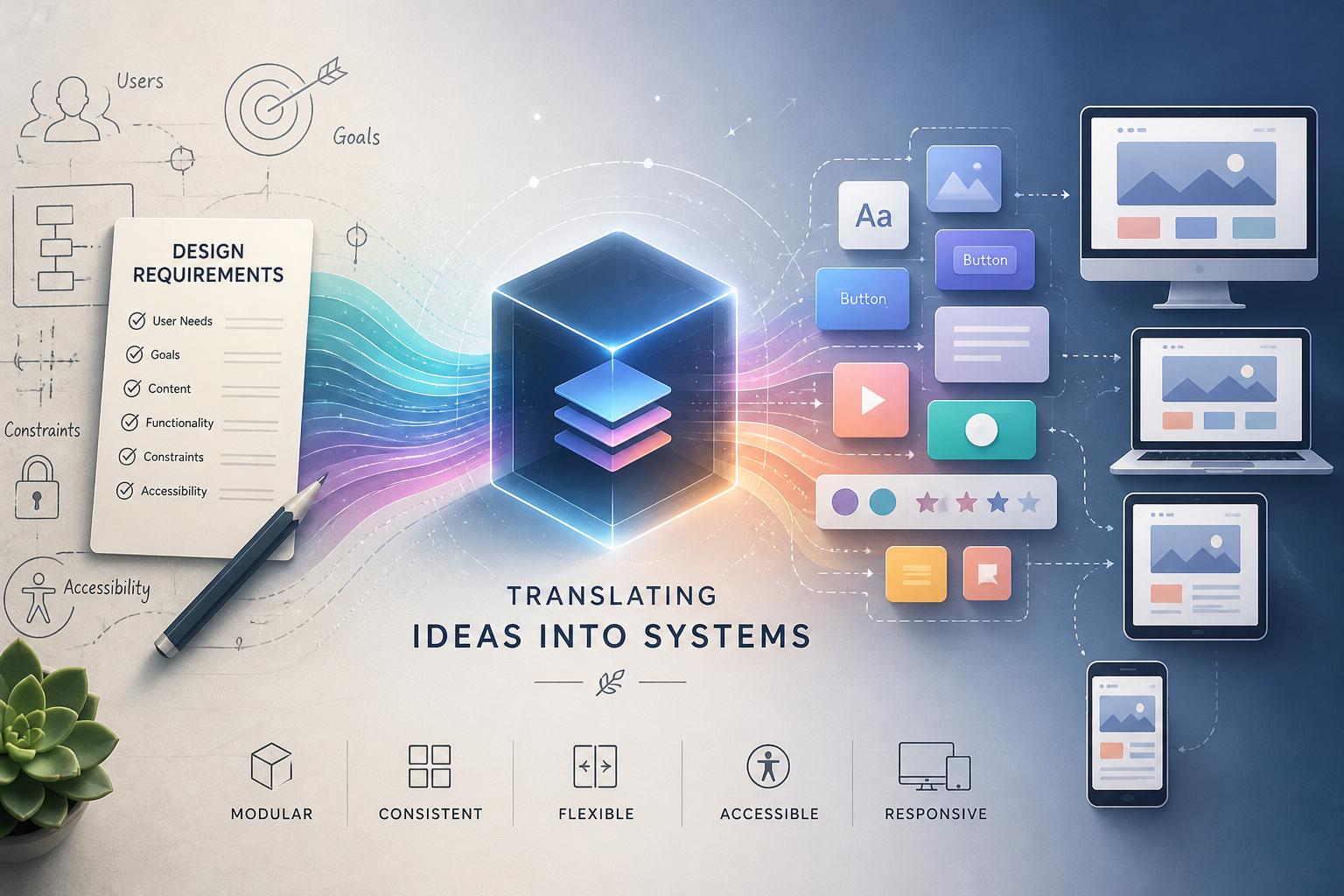
Turn design notes into reusable components
AI is most helpful when the design brief includes real constraints. “Make the hero spacious on mobile” is a direction, but it leaves too much open to interpretation. A stronger request explains how content should stack, how wide the text can become, whether an image should crop or move below the copyand where the layout should change for smaller screens.
Rather than generating separate desktop and mobile versions, build one component that responds to the space available. Define what content is required, what is optionaland what can repeat. Keep type styles, spacing, colorsand interaction states consistent so the same rules can be used across the site.
A card is a simple example. It might accept a title, short summary, image, linkand visual variant. with that structure in place, editors can update content without asking for a new template every time, while developers have a clearer foundation to refine. HTML can describe the content,CSS can handle the presentation,and the content model can reflect what people are actually allowed to change.
use AI to sketch the backend, not to skip the work
Building a working site often requires more than a polished interface. There may be forms to process, user accounts to manage, data to storeand rules that determine what each person can see or do. AI can help draft an initial structure from a plain-language description.
For an appointment booking site, as an example, it may suggest routes for creating bookings, checking availabilityand viewing a customer’s booking history. It can also propose early models for customers, servicesand appointments. That can save time at the planning stage, but it is still a starting map-not a finished backend ready for real users.
Generated backend code is easier to review when its assumptions are obvious. Keep routes, validation, business logicand database access separated where possible. Review field requirements, data relationships, error handlingand authentication before connecting the system to production data. Schema definitions and migrations should also be treated as working drafts that can change as the product becomes clearer.
Review, testand release carefully
AI-generated code should not go directly from a prompt to a live website. Someone still needs to check for broken behavior, confusing copy, missing error states, accidental exposure of credentialsand decisions that do not fit the business or its users. AI can build websites quickly,but speed does not remove the need for judgment.
Before release, test forms with incomplete and unexpected input, check mobile layouts and keyboard navigationand confirm that permissions and data access work as intended. Use a staging habitat to run through the complete experience before visitors see it. Keep backups available, have a rollback planand watch logs after deployment for problems that did not appear during testing.
It is also worth keeping secrets out of generated files and requiring closer review for changes involving payments, personal information, or account access. The goal is not to make AI-assisted development slower. It is to make sure the time saved during drafting does not become time lost fixing preventable problems later.
What AI can-and cannot-do for a website
AI is well suited to producing first drafts of page layouts,frontend components,forms,API routes,and database models. It can reduce the blank-page problem and help teams move from an idea to something tangible faster. What it cannot reliably replace is the review required to make a site accessible, secure, accurateand useful.
Use AI for the scaffolding. Then bring in human judgment for the parts that matter most: the content, the experience, the edge casesand the responsibility of putting a website in front of real people.
AI tools built by Emerald Force
Built and supported by Emerald Force.

You might also like
- AI Can Build Websites: From HTML to Backend Scaffolds
- AI Voice Scams Are Rising: Why Verification Matters
- Letting AI Run Terminal Commands: Essential Safeguards
- AI Lowers Routine Costs, but Expertise Still Decides
- AI Agents Today: Useful but Still Need Oversight
- How AI Enables Robots to Perceive, Plan, and Interact
- Retrieval-Augmented Generation: A Clear Guide
- Why Smaller Tuned Models Win Focused AI Tasks
- Protect Family From AI Scams: Verify Before Paying
- Will AI Become Conscious? No Evidence So Far