

Can AI edit photos? Yes-it can remove unwanted objects, extend backgrounds, retouch portraits, replace scenesand even shift the overall style of an image. The results can be remarkable,especially for everyday cleanup and creative edits,but they are not always perfect. AI is best treated as a helpful editing tool, not a substitute for looking closely at the finished image.
Removing Unwanted Objects
AI object removal can erase a passerby, power line, logoor stray piece of clutter by filling the space with new pixels that match the surrounding image. It tends to work best when the background is simple and predictable: sand behind a person on the beach,grass beneath a bottle,or a plain wall behind a framed picture.
That said, the tool is reconstructing what it thinks belongs there-it is not revealing what was actually hidden. The larger or more detailed the removed area, the more carefully you should check the result. A small distraction near the edge of a travel photo is usually an easy fix. Removing someone who overlaps a face, hands, detailed architecture, textor patterned clothing can produce warped lines, repeated texturesor strange gaps.
Review the image at full size,paying close attention to hair,shadows,reflections,and straight edges. If an edit looks off, try selecting a smaller area, remove the object in a few passesor finish the job with a manual retouching tool. For anything that needs to serve as evidence or documentation, avoid using AI removal altogether.
Retouching Portraits Naturally
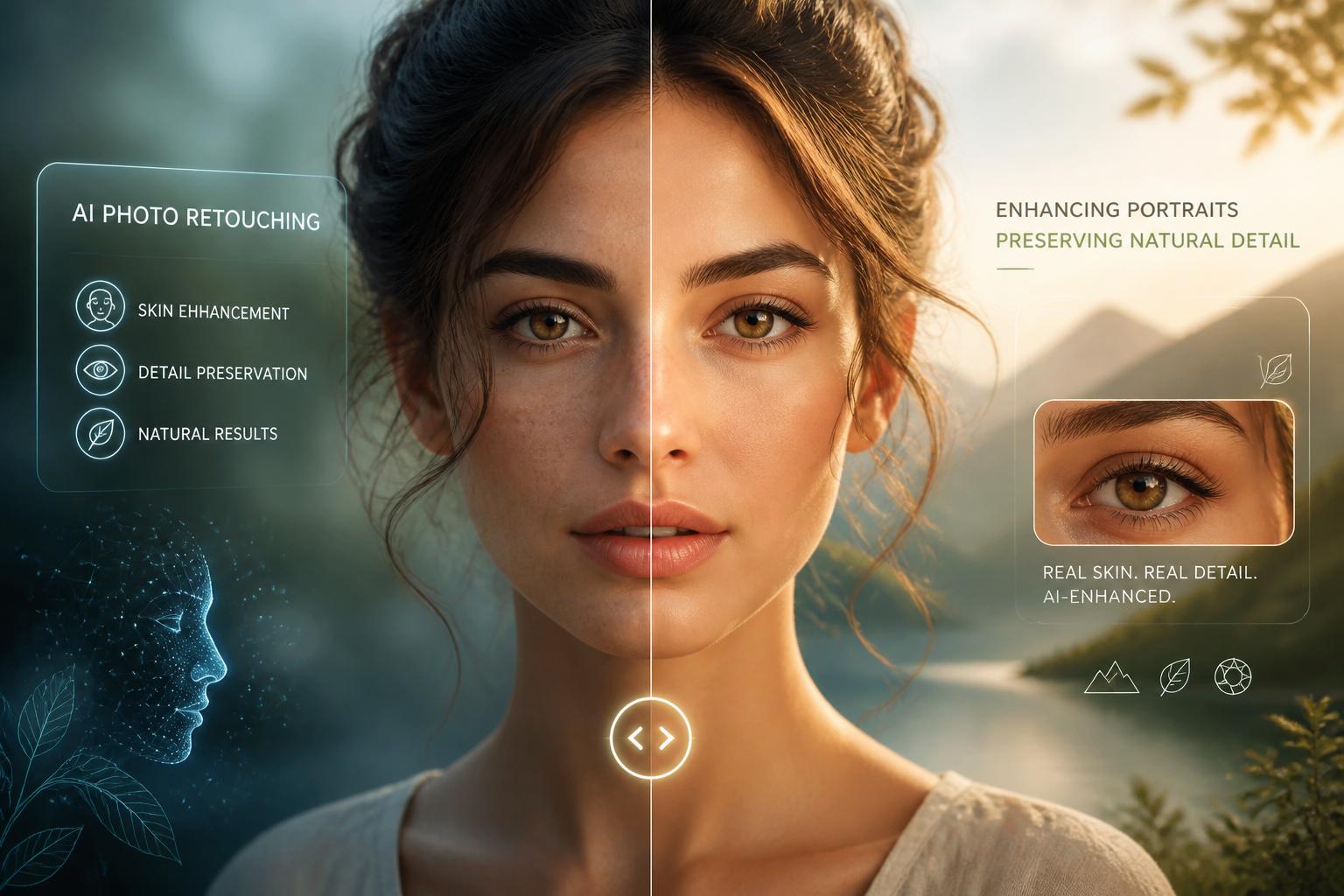
AI can make portrait retouching quicker, but subtlety matters. It can soften a temporary blemish, reduce under-eye shadows, tidy flyaway hairs, and balance uneven lighting without making the person look like someone else. The aim is usually to remove distractions, not erase every feature that gives a face character.
Freckles, smile lines, skin texture, and natural variations in complexion are often worth keeping. Heavy smoothing,whitening,or face reshaping can quickly make a portrait look artificial-or change how the subject is perceived. A better approach is to make small, local adjustments and compare the edited version with the original as you go.
AI is particularly handy when you need similar corrections across several portraits, but it still needs human judgment. Stop when the image looks rested, cleanand believable. The best retouching is often hard to spot.
Changing or Extending Backgrounds
AI photo editing is not limited to removing things. It can replace a distracting background, add space around the edges of a photoor clean up a scene without changing the main subject. Extending a sky, wall, flooror landscape can be useful when a photo needs a different crop for a social post, banneror product listing.
A clean source image gives the tool a better starting point. Clear edges, consistent lightingand visible background detail all help. Even then, the new background has to match the perspective, shadowsand color of the original photo. Otherwise, the subject can look as though it was cut out and dropped into another image.
Hair, glass, clear objects, reflectionsand architectural details deserve extra attention. these are frequently enough where an AI-generated background reveals itself through odd textures, misplaced objectsor repeating patterns.A swift full-size check can save an otherwise convincing edit.
What to Look for in an AI Photo Editor
The best AI photo editor is not necessarily the one with the most dramatic one-click effects. Look for one that gives you room to control the edit. Being able to refine a selection, adjust the strength of an effect, restore part of an imageand compare before-and-after versions makes a real difference.
- Natural-looking detail in faces, hair, fabricand edges
- Editable masks, layers, or easy revision controls
- Export options suitable for web use, printingor client delivery
- Clear information about how uploaded photos are stored and used
It also helps to choose the tool for the task. Object removal calls for believable reconstruction.Portrait work calls for restraint. Background expansion needs a close eye for perspective and lighting. If the image matters, test a few options on the same photo before settling on one workflow.
AI can edit photos in ways that once took much longer, from removing clutter to retouching portraits and reshaping a composition. The strongest results come from using those capabilities carefully: make a modest edit, inspect the detailsand keep the original file. AI can do a lot, but a convincing photo still depends on good judgment.
AI tools built by Emerald Force
Built and supported by Emerald Force.
You might also like
- AI Can Build Websites: From HTML to Backend Scaffolds
- AI Voice Scams Are Rising: Why Verification Matters
- Letting AI Run Terminal Commands: Essential Safeguards
- AI Lowers Routine Costs, but Expertise Still Decides
- AI Agents Today: Useful but Still Need Oversight
- How AI Enables Robots to Perceive, Plan, and Interact
- Retrieval-Augmented Generation: A Clear Guide
- Why Smaller Tuned Models Win Focused AI Tasks
- Protect Family From AI Scams: Verify Before Paying
- Will AI Become Conscious? No Evidence So Far