

Choosing an AI chatbot is less about finding one worldwide winner and more about finding the one that fits the way you work. Some are better for writing and brainstorming. Others are stronger at coding, handling files, finding current facts, or giving you more control over privacy. If you are wondering which AI chatbot you should use, start with the tasks you expect it to handle most often-not the longest feature list.
Accuracy, reasoningand sources
A chatbot can sound certain and still be wrong, so it is worth testing before you rely on one. Try a few questions from your own field: one with a fact you can verify, one that involves several stepsand one where there is not enough information for a confident answer. Pay attention to whether it acknowledges uncertainty, asks useful follow-up questionsand corrects itself when you point out a real mistake.
For research, shopping, health, legal, or financial questions, source handling matters as much as the answer itself. A helpful chatbot should be clear about whether it searched the web and should give you a way to inspect the sources behind importent claims. Be cautious if it offers citations that do not lead anywhere useful, fills gaps with highly specific details, or treats a debatable point as settled fact.
Good reasoning is usually easy to recognize. The chatbot explains its assumptions when needed, separates facts from suggestionsand does not pretend to know more than it does.You should be able to follow the path to an answer-even if you still decide to verify it elsewhere.
Match the tool to the job
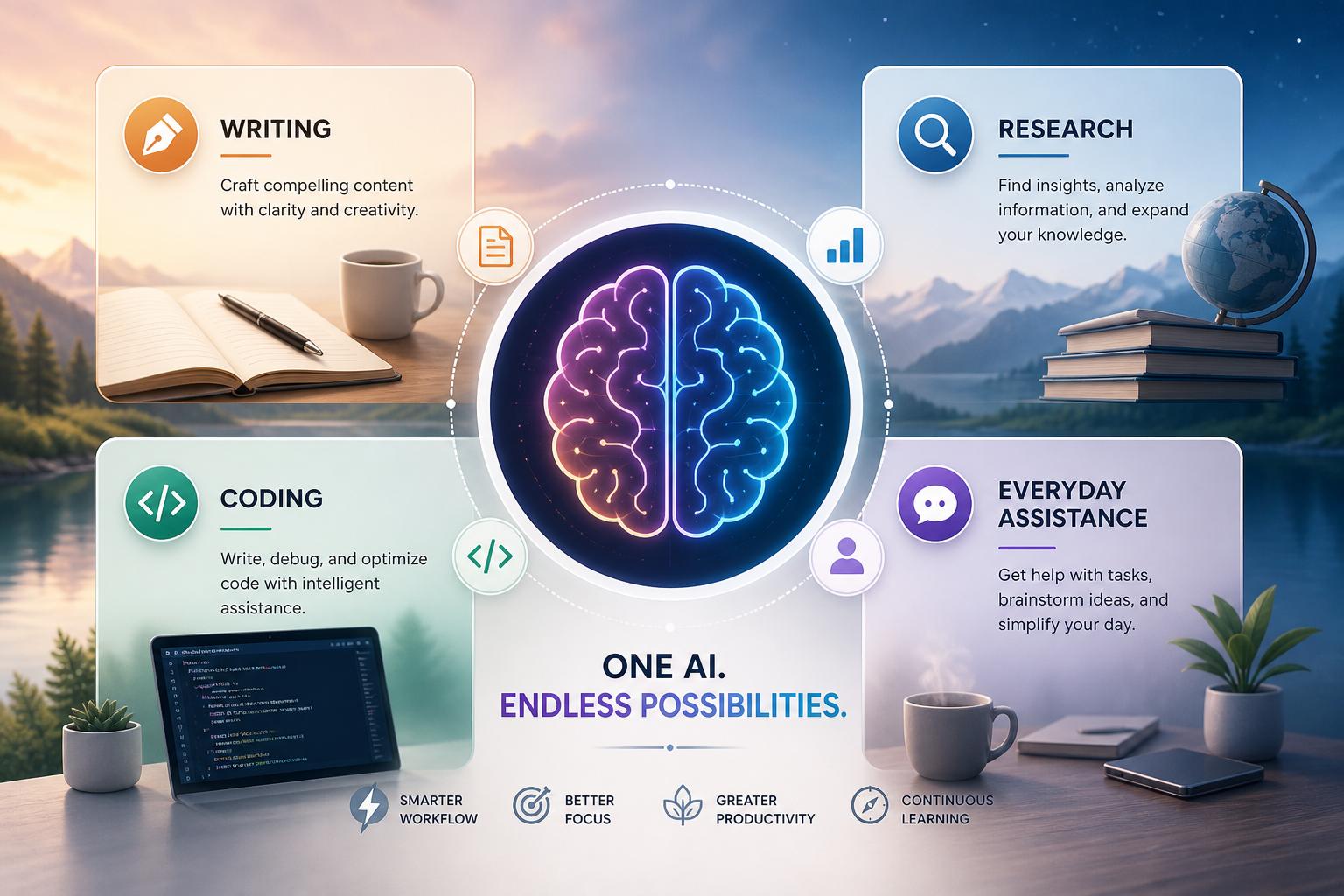
Diffrent chatbots tend to shine in different situations. For writing, look for one that can follow a brief, adjust its toneand improve a draft without sanding away your voice. For research, prioritize clear citations, readable summariesand a willingness to say when the evidence is thin. If you write code, try it on a real bug or a piece of documentation you need to understand. A useful coding assistant should help you think through the problem, not just drop a large block of code into the chat.
Everyday use reveals the smaller differences. One tool may be great at polishing an email but weak when asked about a current event.Another may be excellent at searching and comparing options, yet feel awkward for creative work. The best choice depends on whether you need stronger writing, coding, privacy, multimodal features, speedor price.
Rather than comparing product pages for hours, give two or three options the same handful of real prompts. Ask them to rewrite a difficult message, summarize a source, compare two choices, explain a bugor work with a file you regularly use. Notice which replies are accurate, clearand ready to use with minimal cleanup. A short practical trial tells you far more than a polished demo.
Privacy, cost, and fit
Privacy deserves a close look before you paste anything sensitive into a chat. Check whether you can control chat history, opt out of training where that option is available, delete conversations, export data, or set retention rules. Business plans may offer added administration and data controls, but it is still worth reading the terms rather than assuming a paid account is automatically private.
If you plan to share client information, internal documents, health details, or source code, make sure the service’s settings and policies are appropriate for that material. A login is not the same thing as confidentiality. When in doubt, remove identifying details or use an approved workplace tool.
Cost matters too, though it should not be the first thing you compare. Free plans can be enough for occasional use and for trying a tool out. Paid plans may offer higher usage limits, stronger models, file uploads, research tools, or better availability during busy periods. For teams, look beyond the monthly price: shared workspaces, permissions, account management, and predictable billing can matter just as much.
Also consider where the chatbot will live in your routine. A tool that works well with your documents, browser, phone, email, calendar, code editoror other everyday software may be more useful than one that performs slightly better in a one-off test.
Make the final choice
There is no single best AI chatbot for everyone. A general-purpose assistant may be all you need for brainstorming, drafting, learningand day-to-day questions. A document-connected tool might potentially be a better fit for internal knowledge work. For customer-facing tasks,focus on reliable tone,language support,integrations,and a clear path for handing elaborate questions to a person.
Before you commit,test your finalists with the same real-world requests. Include an ordinary task,a vague request,and a question where the honest answer should be “I’m not sure.” Look at how well each tool follows instructions, handles uncertainty, protects your informationand produces work you can actually use.
the right chatbot is the one that saves you time without adding more fact-checking, rewritingor privacy worries than it is worth.
AI tools built by Emerald Force
Built and supported by Emerald Force.
You might also like
- Protect Family From AI Scams: Verify Before Paying
- Will AI Become Conscious? No Evidence So Far
- Where AI Agents Excel: Structured Digital Workflows
- How AI Strengthens Finance Teams and Reporting
- Can AI Fake Photos? How Synthetic Images Look Real
- AI Handles Routine Service; Humans Handle the Rest
- How AI Can Scale and Tailor Misinformation
- AI Helps Both Sides: Security Choices Decide
- Few-Shot Prompting: Learning from a Few Examples
- Inference Cost: The Compute Behind Model Outputs