
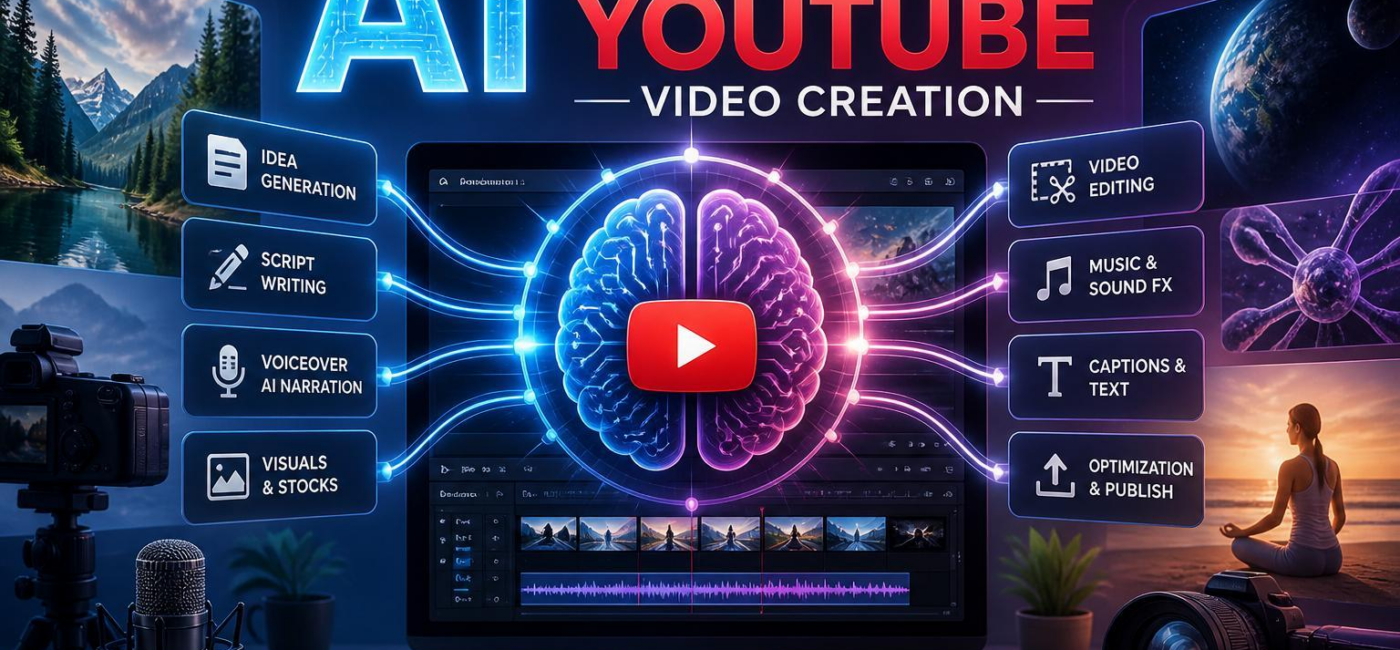
Can AI help with YouTube videos? Yes-it can write scripts, generate thumbnail ideas, edit captionsand turn longer videos into shorter clips. The useful part is not handing your channel over to a tool. It is indeed taking repetitive work off your plate so you can spend more time on the ideas,stories,and decisions that make people want to watch.
start with a clearer script
A rough idea can be enough to start a video, but it is not always enough to keep one focused. AI writing tools can help turn a loose topic into a workable outline, suggest a stronger opening, group related pointsand spot places where the script repeats itself. That is useful when you know what you want to say but are struggling to find the right order.
The best scripts still sound like the person behind the channel. Use AI to create a first draft, then rewrite it in your own voice. Add the examples, opinions, storiesand phrasing your audience expects from you. A good script should get to the point early, move naturally from one idea to the nextand give viewers a reason to stay through the next section.
Think of AI as a second set of eyes, not the author of your channel. It can definitely help you cut the filler, but it cannot replace your experience or point of view.
Speed up the editing process
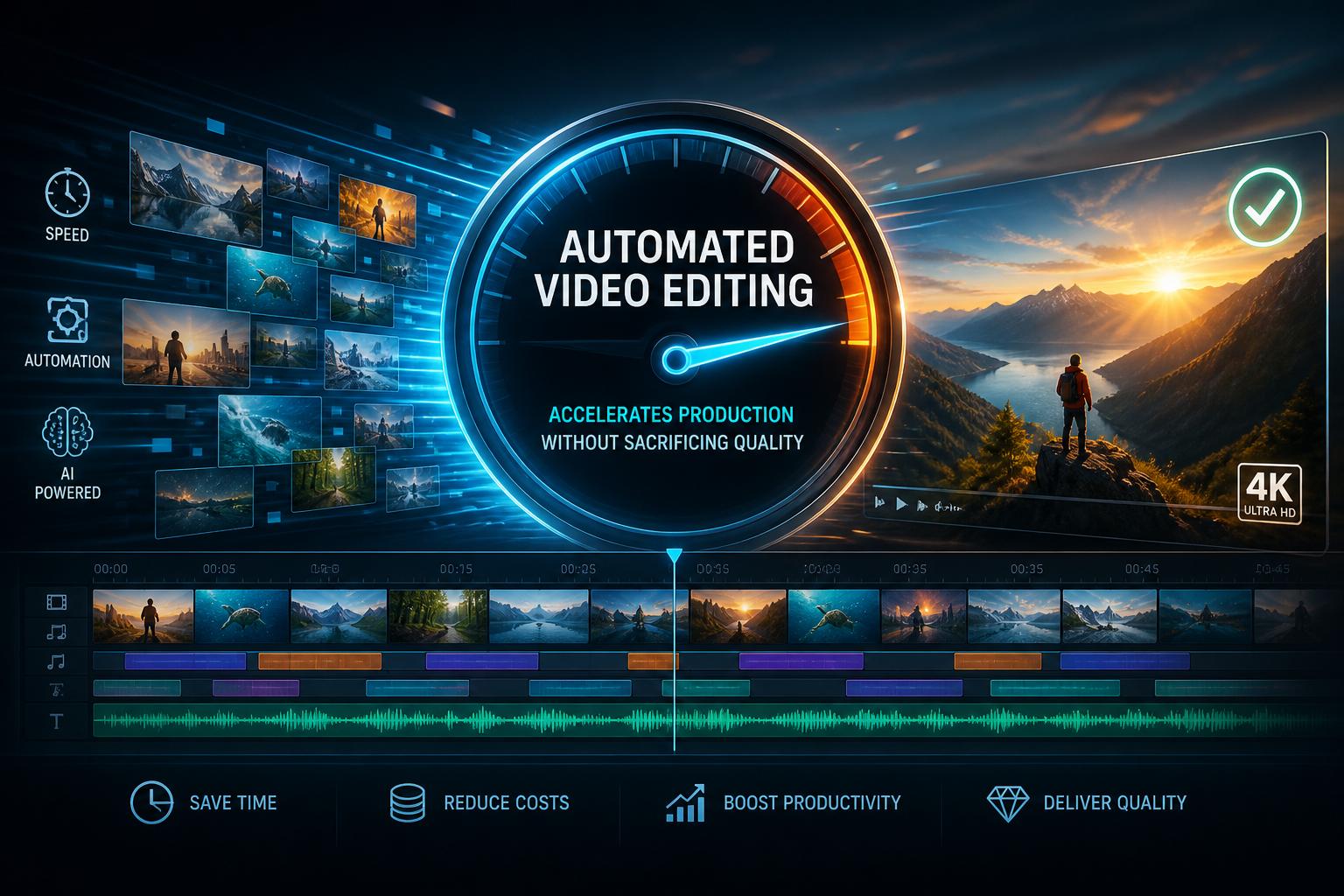
Editing is often where a simple YouTube video becomes a time-consuming project. AI tools can handle some of the repetitive tasks, such as finding long pauses, creating captions, organizing clips, balancing audioor pulling together a rough cut from selected moments. For creators who publish regularly, that can make a real difference.
Still, the first automated edit should be treated as a starting point. Watch it through. Check whether cuts change the meaning of a sentence, whether the pacing feels rushedand whether captions got names, jargonor numbers wrong. Those small details affect how polished a video feels.
AI can make the mechanical part of editing faster,but the final choices should remain yours.You know when a pause adds emphasis, when a reaction shot is worth keepingand when a visual needs a little more time on screen.
Use voiceovers and visuals with care
AI voiceovers can be helpful for explainers, tutorials, product walkthroughs, training videos, or translated versions of existing content. They also make it easier to update a line without setting up a microphone again. But the script matters more than the voice itself. Short sentences, natural pausesand a tone that fits the audience will make any narration feel more intentional.
Visual generation tools can also fill gaps when you need an illustration, a background scene, a thumbnail conceptor supporting imagery for something that is tough to film. They can be especially useful for abstract subjects, such as software workflows or past concepts. Before publishing, review generated visuals closely for mistakes, inconsistent detailsand anything that could mislead viewers.
Original footage and personal visuals usually give a channel more character. AI-generated assets work best as support-not as a substitute for the things only you can show or explain.
Learn from what viewers actually do
AI can also help make sense of channel data. Views matter, but they do not tell the whole story. Retention, click-through rate, watch time, traffic sources, commentsand returning viewers can all reveal something different about how a video performed.
if viewers leave early, the opening might potentially be taking too long to reach the point. If one topic brings in steady search traffic, it may be worth covering a related question.If the same question keeps appearing in the comments, you may already have an idea for the next video. Tools can definitely help surface those patterns, especially once your channel has a larger library of videos to compare.
The goal is not to chase every trend or obsess over every dip in the graph. It is to make smarter editorial decisions over time: improve the next hook, tighten the next clarification, test a clearer thumbnailor build a follow-up around a question viewers care about.
Keep the creator in control
AI can definitely help with YouTube videos at nearly every stage of production, from planning and scripting to captions, thumbnails, editsand post-publish analysis. Used well,it saves time and gives you a cleaner starting point. Used carelessly, it can make videos feel generic.
Let the tools handle the repetitive work. Keep the judgment, personalityand creative direction for yourself. That is what turns a faster production process into a better channel.
AI tools built by Emerald Force
Built and supported by Emerald Force.
You might also like
- Can AI Fake Photos? How Synthetic Images Look Real
- AI Handles Routine Service; Humans Handle the Rest
- How AI Can Scale and Tailor Misinformation
- AI Helps Both Sides: Security Choices Decide
- Few-Shot Prompting: Learning from a Few Examples
- Inference Cost: The Compute Behind Model Outputs
- How to Benchmark Tools Before Buying: A Practical Guide
- Can AI Remove Backgrounds? A Proven Vision Use Case
- How AI Clusters Customer Feedback and Detects Sentiment
- AI Center of Excellence: Standards and Adoption