
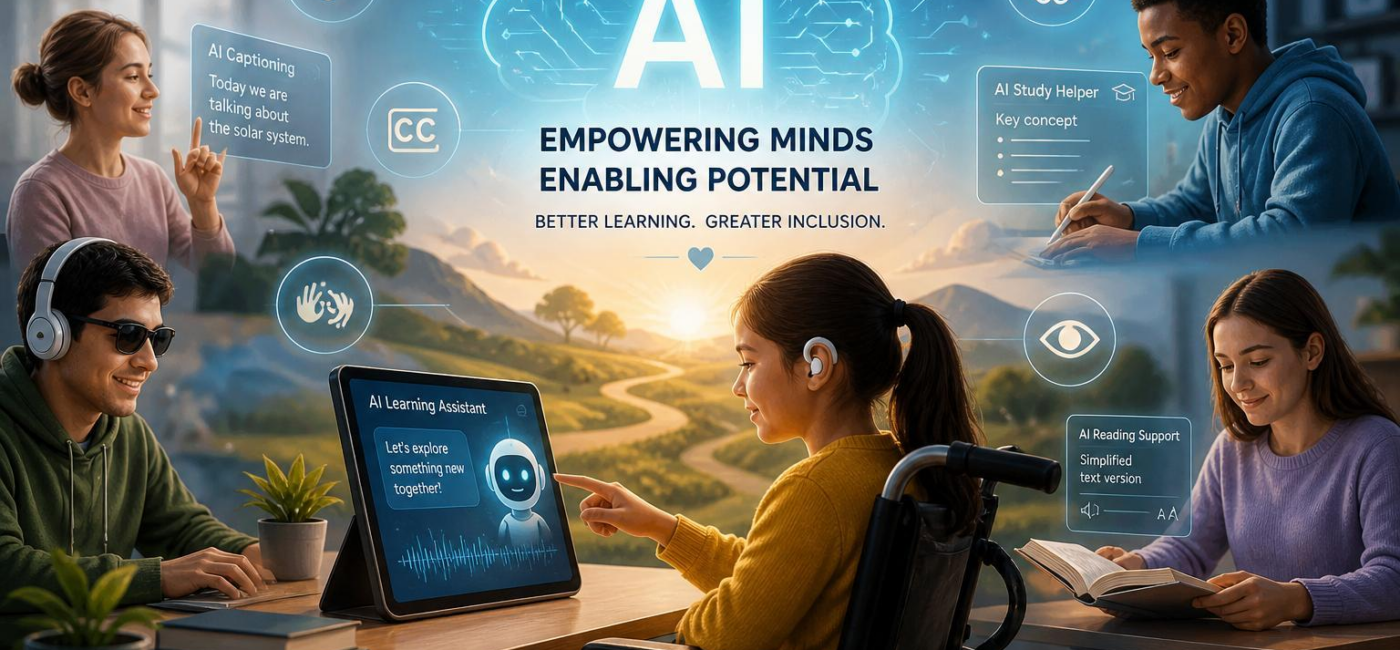
Can AI help people with disabilities learn? Yes-when it is used to improve access rather then add another hurdle. AI can support better captioning, transcription, plain-language explanationsand learning tools that adapt to a person’s needs.For many learners, that can mean spending less time working around a barrier and more time engaging with the lesson itself.
Tools that make learning materials easier to access
Some of the most useful AI tools are the ones that make everyday course materials available in different formats. Text-to-speech can read a digital book, worksheetor web page aloud. Speech-to-text lets students dictate notes, answersor drafts when typing is difficult or tiring. Captions and transcripts make live and recorded lessons easier to follow for deaf or hard-of-hearing learners, while image-description tools can provide context for photographs, chartsand other visual content.
What matters is not just convenience.Different formats give learners more control over how they take in facts. A student with dyslexia might listen to a chapter while following the highlighted text. Someone with limited hand mobility may dictate an essay and then revise it with spelling or grammar support. A learner who needs more processing time can pause a recording, review the transcriptor work through a long passage in smaller sections.
Thes supports work best alongside good teaching and accessible course design. They do not replace teachers, disability specialistsor clear instructional materials. They can, though, make support available at the moment a learner needs it.
Learning paths that fit the learner
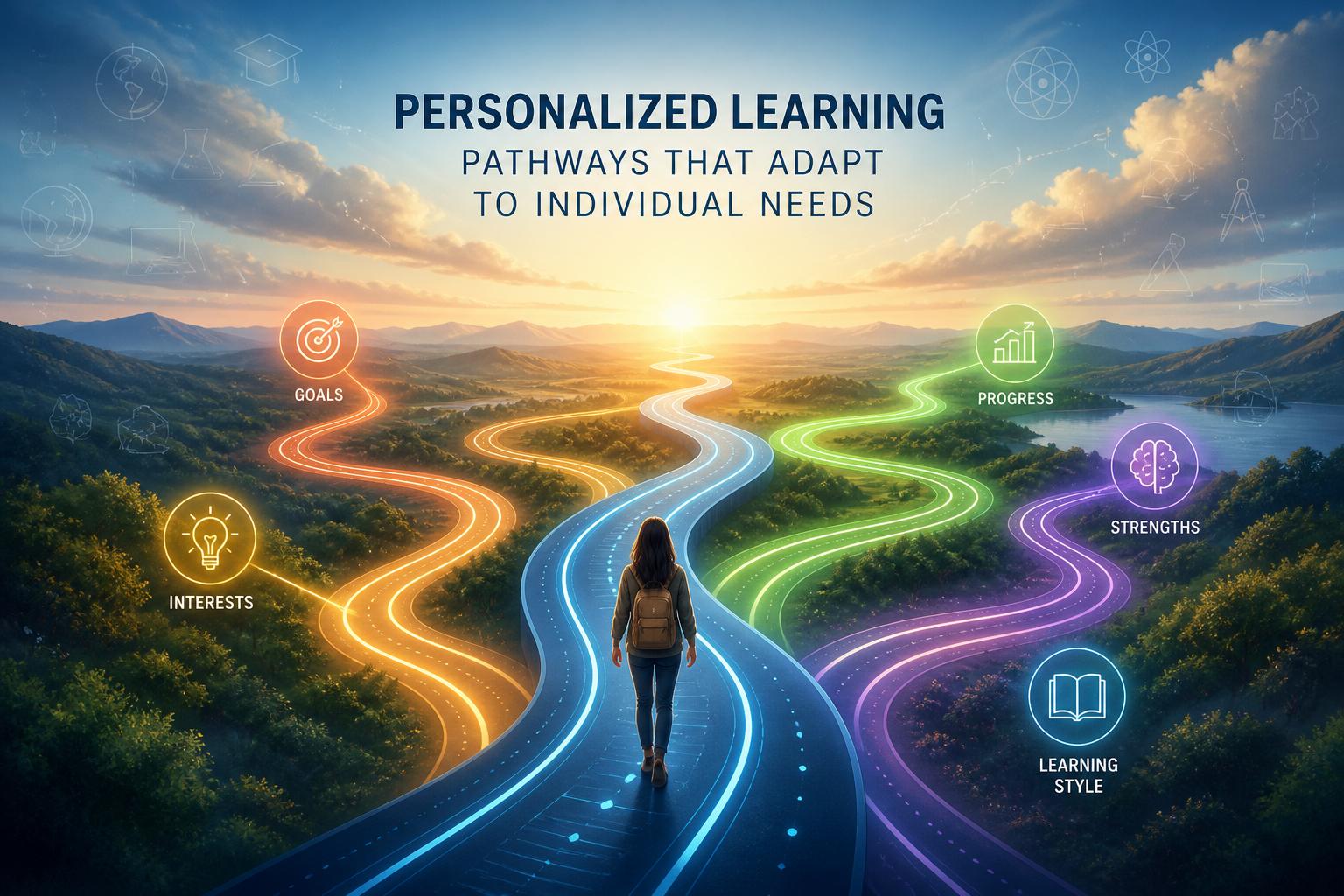
AI can also help adjust how a lesson is delivered without lowering expectations. The learning goal may stay the same, but the route to reaching it can look different from one student to the next. One learner may benefit from short reading passages and audio instructions. Another may need extra time, visual reminders, or a chance to practice privately before speaking up in class.
This kind of flexibility can be helpful for people whose disabilities affect reading, writing, hearing, vision, speech, concentration, memoryor association.A tool might break a complex assignment into smaller steps, offer a summary before a longer readingor provide practice questions when a concept needs another look. Students may also be able to show what they know in different ways, such as through a spoken response rather of a typed one.
The point is not to make the work easier. It is indeed to remove obstacles that have little to do with what the student actually understands. When learners can use formats and pacing that work for them, they have more room to build confidence and independence.
Support for communication and everyday tasks
For many students, communication tools are just as important as reading and writing support. Speech recognition can help someone take notes, dictate an assignmentor contribute during a lesson. Text-to-speech can make digital content easier to navigate. Predictive writing and symbol-based communication tools can definitely help people express ideas when spelling, typing, or producing speech is difficult.
AI-assisted communication tools should support a person’s own voice, not speak over it. The right choice depends on the learner, the settingand the task at hand. Someone may prefer live captions in a classroom, a screen reader when working onlineor an choice and augmentative communication tool when building messages. There is no single setup that works for everyone.
Small supports can also make daily routines more manageable. A learner may use reminders for appointments and assignment deadlines,step-by-step prompts for a multistage task,or a tool that reads a document or label aloud. settings should be adjustable, including speech speed, vocabulary, notificationsand privacy controls. Technology is most helpful when it feels like a useful aid-not one more thing to manage.
Using AI responsibly in education
Accessibility should be part of a learning tool from the beginning, not something added at the end. That means involving disabled students, educatorsand accessibility professionals in the design and review process. It also means giving students a clear way to flag mistakes, ask for human helpor choose another option when an automated feature is not working for them.
schools and developers should be careful with student data, especially when tools collect voice recordings, writing samples, learning patterns, or other personal information. They should also check whether tools work well across different disabilities, accents, languagesand communication styles. AI suggestions can be useful, but teachers and support staff still need to use judgment-particularly when decisions could affect a student’s learning plan or access to services.
Most importantly,no tool should make assumptions about what a learner can or cannot do.A student who uses speech recognition may still want to type sometimes. A learner who benefits from audio may prefer visual structure for another task. Real inclusion comes from giving people meaningful choices and keeping their needs, preferencesand dignity at the center.
Conclusion
AI can help people with disabilities learn better when it expands access, supports communicationand gives learners more control over how they engage with material. Better captions, transcripts, simplified explanations, adaptive practiceand assistive tools can all make a difference. But the technology is only part of the answer.the strongest learning environments combine accessible design, thoughtful teaching, human supportand tools that learners can shape around their own needs.
AI tools built by Emerald Force
Built and supported by Emerald Force.
You might also like
- Protect Family From AI Scams: Verify Before Paying
- Will AI Become Conscious? No Evidence So Far
- Where AI Agents Excel: Structured Digital Workflows
- How AI Strengthens Finance Teams and Reporting
- Can AI Fake Photos? How Synthetic Images Look Real
- AI Handles Routine Service; Humans Handle the Rest
- How AI Can Scale and Tailor Misinformation
- AI Helps Both Sides: Security Choices Decide
- Few-Shot Prompting: Learning from a Few Examples
- Inference Cost: The Compute Behind Model Outputs