
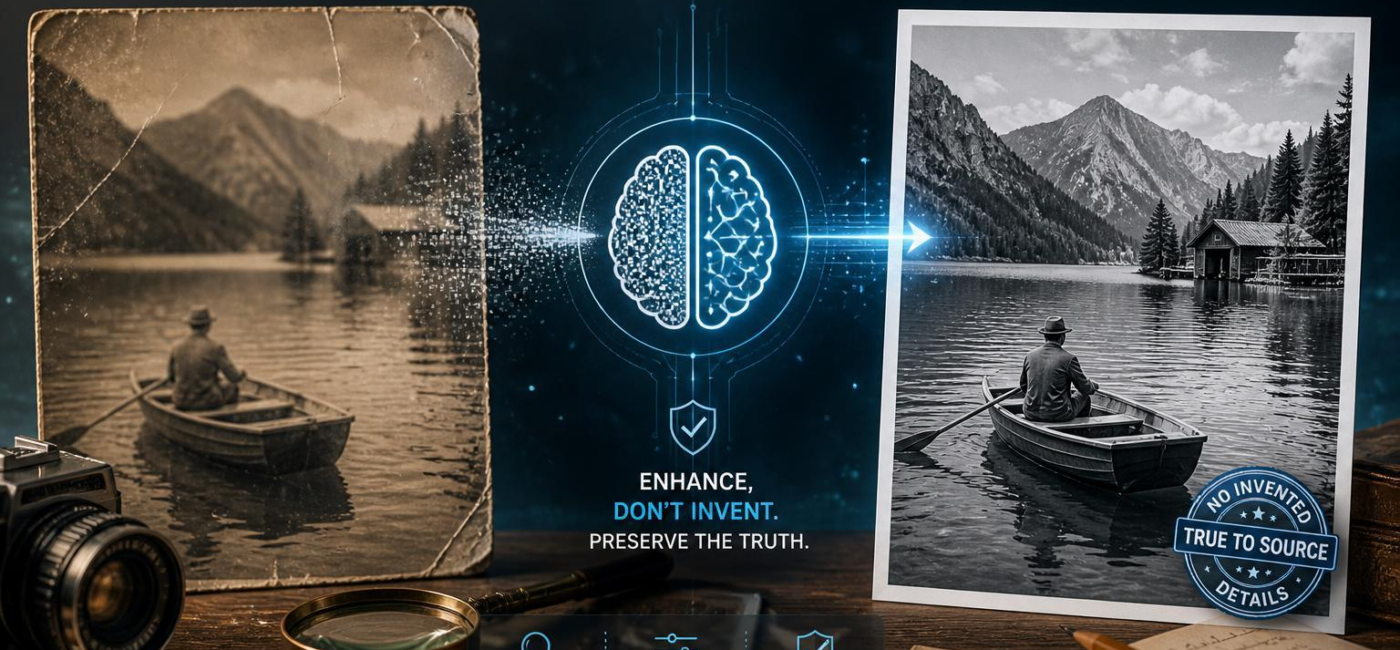
Can AI upscale old photos? Yes-but there is an critically important catch. It can make an image larger, cleanerand easier to read, yet it cannot truly recover details that were never captured in teh original. When an old photo is soft, fadedor heavily compressed, AI fills in some of the missing data with educated guesses. Those guesses can be helpful, but they are not always historically accurate.
That does not make AI restoration useless. Used carefully, it can improve a scan without changing the story the photograph tells. The key is knowing the difference between making existing details easier to see and adding convincing-looking details that may never have been there.
How AI Upscaling Works
AI upscaling starts with a small or damaged image and creates additional pixels so it can be displayed at a larger size.It looks at visible edges, color changes, shapes, texturesand patterns in the image, then uses those clues to produce a smoother, sharper version.
For example, an old brick wall may appear to have clearer mortar lines after upscaling. A portrait may gain more definition around the eyes, hairor mouth. sometimes that makes a photo much easier to enjoy. But the added pixels are still estimates. The software is not uncovering hidden information stored somewhere inside the file.
This matters most when the original is badly blurred. An AI tool may turn a vague face into one with distinct eyelashes, teethor hair strands that look believable but are not necessarily accurate. Lettering, jewelry, fabric patternsand distant faces can also change in subtle ways. A good restoration should make the original easier to see, not make uncertain details look certain.
Enhancement vs.Invented Detail
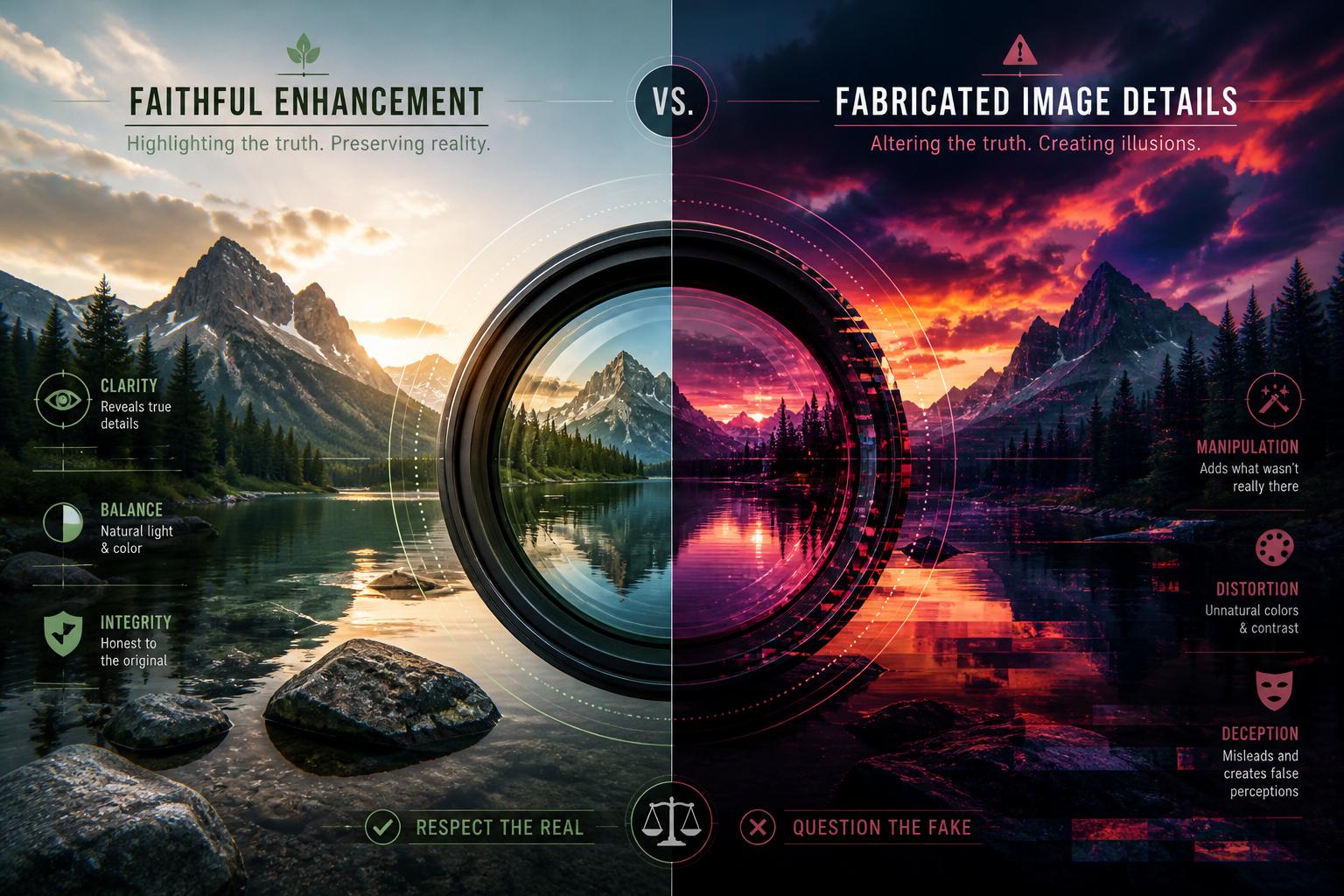
Faithful enhancement works with information that is already present in the photograph. It may improve faded contrast, reduce scanner noise, correct a color castor make a faint edge easier to distinguish. In some cases, this can help you read lettering on a sign or see the texture of clothing more clearly because those details were there all along, just hard to make out.
Invented detail begins when the image no longer provides enough evidence. If a face is only a blur, the software may supply a plausible version of eyes, skin texture, or hair. The result can look remarkable at first glance, but it is an interpretation of the photo rather than a reliable reconstruction.
for casual family snapshots, that may be perfectly fine if the goal is simply to create a more pleasant image. For genealogy, archives, journalismor past records, the distinction matters much more. Keep the unedited scanand treat heavily processed copies as enhanced versions-not proof of exactly what appeared in the original scene.
What to Look for in an Upscaling Tool
When restoring historical photos, restraint matters more than dramatic sharpness. A useful upscaler should improve readability while preserving the original pose, facial proportions, clothing, backgroundand overall character of the image.
Compare the edited version with the original at full size. Watch closely for changes in faces, hands, hair, lettering, jewelryand repeating patterns such as wallpaper or fabric. These are the areas where artificial-looking details tend to show up first. If a soft face suddenly has perfect eyelashes or sharply defined teeth that were not visible before, the tool is likely filling in the blanks.
It also helps to choose software that lets you control sharpening, noise reductionand face enhancement rather than applying everything automatically. Test it on more than one image.A setting that works well on a lightly faded portrait may create strange results on a scratched photo or a scan with tiny printed text.
How to Keep Restorations Honest
Start with the best scan you can make or find, then save that original file somewhere safe before making any changes. If the image needs cleanup, address dust, scratchesand color problems gently before increasing sharpness. Heavy sharpening can make damage look worse and can push an AI tool to invent texture where the photograph provides little evidence.
Moderate enlargement is usually safer than an extreme jump in size. It is indeed also worth retaining a little grain, softnessand age-related wear. Those qualities are not always flaws; sometimes they are an honest reflection of the photograph and the camera that produced it.
- Keep the original scan untouched.
- Compare every enhanced version with the source image.
- Be especially cautious with faces, handwriting, insigniaand text.
- Label restored copies clearly when they may be used as records.
Can AI upscale old photos without inventing details? Sometimes it can improve clarity while staying close to the source, especially when the original still contains usable visual information. But no tool can restore facts that were never recorded. When in doubt, accept a little softness. A photo that remains faithful to the original is usually more valuable than one that looks crisp but quietly rewrites the past.
AI tools built by Emerald Force
Built and supported by Emerald Force.
You might also like
- AI in Healthcare: Support, Not Autonomous Care
- The Best Prompt Format: Clear, Contextual, Specific
- The Total Cost of Enterprise AI Adoption
- AI Can Scaffold Apps-But Real Products Need Engineers
- Can AI Grasp Causality Beyond Scientific Correlation?
- Voice Cloning Permission: Consent, Rights, and Law
- How Ordinary People Should Use AI Wisely
- AI Sustainability: Scaling Benefits Beyond Costs
- Can AI Upscale Old Photos Without Inventing Details?
- Human-in-the-Loop: Oversight of AI Actions