

Can AI identify you from a photo? Sometimes, yes-especially when the image is paired with face-recognition tools, image databasesor details such as location metadata.A single photo is not always enough to reveal who someone is, but it can become surprisingly identifying when it is connected to other information already online.
How a photo can be matched to a person
Facial-recognition software starts by finding a face in an image, whether it is a holiday picture, a street photoor a social-media post. It looks at the relationships between facial features-the spacing of the eyes, the shape of the jaw, the bridge of the noseand other patterns-and turns them into a digital face template. That template can then be compared with templates in a database.
A possible match is not proof of identity. Lighting, image quality, camera angle, age, makeup, masks, and family resemblance can all affect accuracy. But a clear photo may still be enough to connect someone with a tagged profile, employee photo, identity recordor another image collection if the system can access it.
The concern is bigger than a computer recognizing a face.Once an image is searchable,it may help link a person’s appearance to their name,workplace,relatives,location,or online activity-often without that person realizing it.
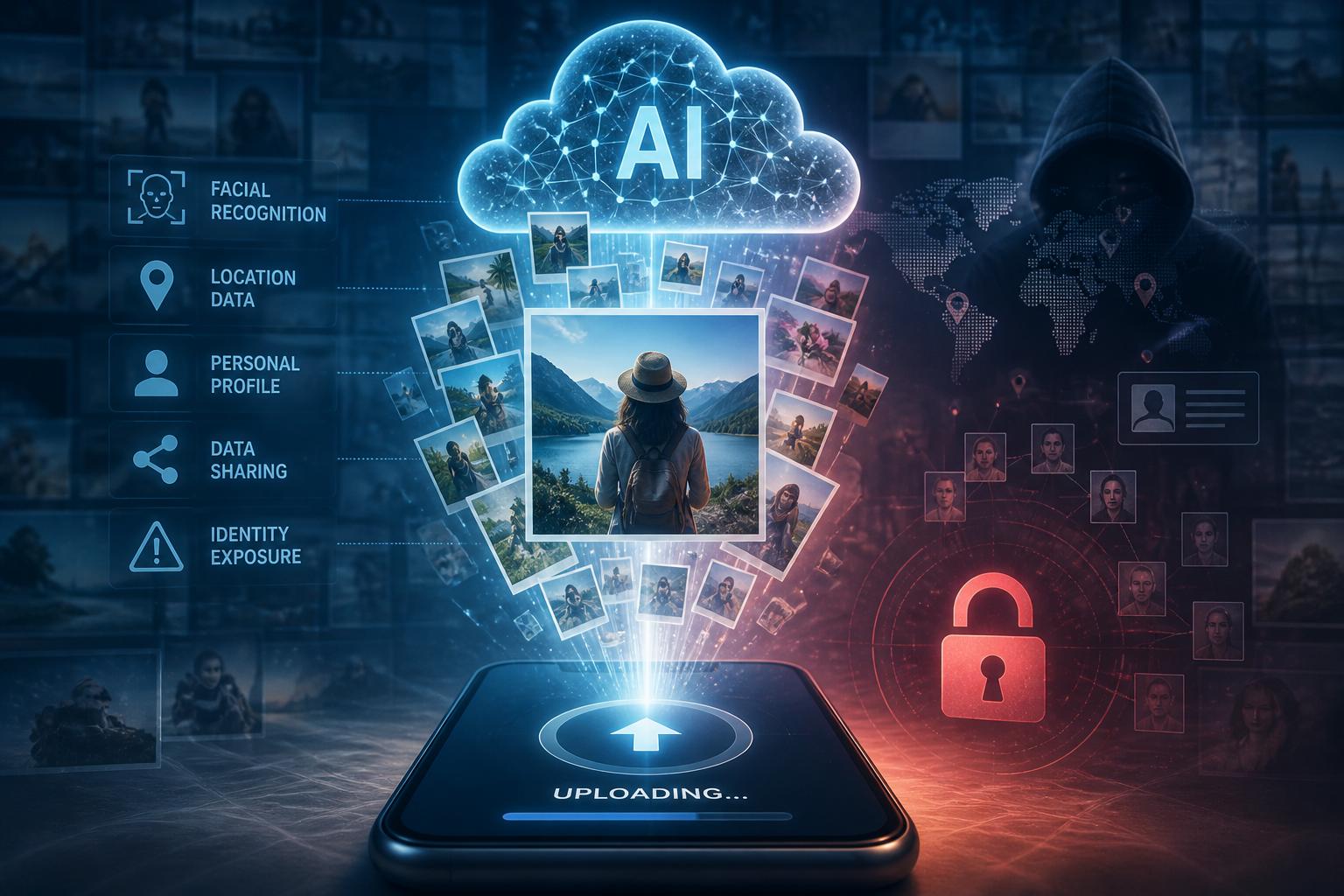
What you reveal when you upload a photo
A selfie or family photo can reveal much more than a face.The file may include metadata, such as when it was taken, what device captured it, and sometimes were it was taken. Even if that data is removed, the image itself may show a recognizable building, a school logo, a work badge, a license plate, or details inside your home.
AI platforms may process those details as part of providing their service. The practical privacy question is what happens next: how long the image is kept, whether it is shared with service providersand whether it may be used to develop or improve future products. Those answers vary by platform,so it is indeed worth reading the privacy settings and terms before uploading anything personal.
For sensitive images, keep the basics in mind: crop out addresses, documents, badgesand distinctive backgrounds; turn off location tagging where possible; and remove metadata before sharing. Be especially careful with photos of children,identity documents,medical information,or private areas of your home.
Why biometric data deserves extra care
A photo becomes more sensitive when it is indeed tied to a name, account, location historyor purchase record. Organizations may use facial data for building access, account verification, security monitoringor customer analysis. Problems can arise when that information is retained longer than expected, passed to outside vendorsor used for purposes people did not clearly agree to.
Biometric data is different from an ordinary password. You can reset a password after a breach; you cannot replace your face,voice,or fingerprints. if biometric information is exposed or reused across services, it can create long-term privacy and fraud risks.
Bad actors may also work with less direct material. Public photos, videos, leaked personal recordsand voice clips can be used in impersonation attempts or social-engineering scams. That does not mean every photo creates an immediate danger, but it is a good reason to be selective about what you publish and where you upload it.
How to reduce your exposure
Start with the images you can control. Review public social-media accounts,old forums,professional profiles,and photo-sharing sites. Remove or restrict photos you no longer need to have public, particularly clear, front-facing images. privacy settings are helpful, but thay cannot prevent screenshots, downloadsor copies made before you changed them.
It also helps to be thoughtful about everyday sharing.Before posting a group photo, consider whether everyone in it is indeed agreeable being identifiable. Avoid adding precise location details to images taken at home, work, schoolor places you visit regularly.On public-facing accounts, an avatar or less identifiable image may be a better choice than a high-resolution headshot.
No single step makes you invisible to facial-recognition systems. still, limiting public photos, removing unnecessary location cluesand checking how platforms handle uploaded images can make it harder for a casual photo to become a detailed profile of your life.
AI tools built by Emerald Force
Built and supported by Emerald Force.
You might also like
- Protect Family From AI Scams: Verify Before Paying
- Will AI Become Conscious? No Evidence So Far
- Where AI Agents Excel: Structured Digital Workflows
- How AI Strengthens Finance Teams and Reporting
- Can AI Fake Photos? How Synthetic Images Look Real
- AI Handles Routine Service; Humans Handle the Rest
- How AI Can Scale and Tailor Misinformation
- AI Helps Both Sides: Security Choices Decide
- Few-Shot Prompting: Learning from a Few Examples
- Inference Cost: The Compute Behind Model Outputs