
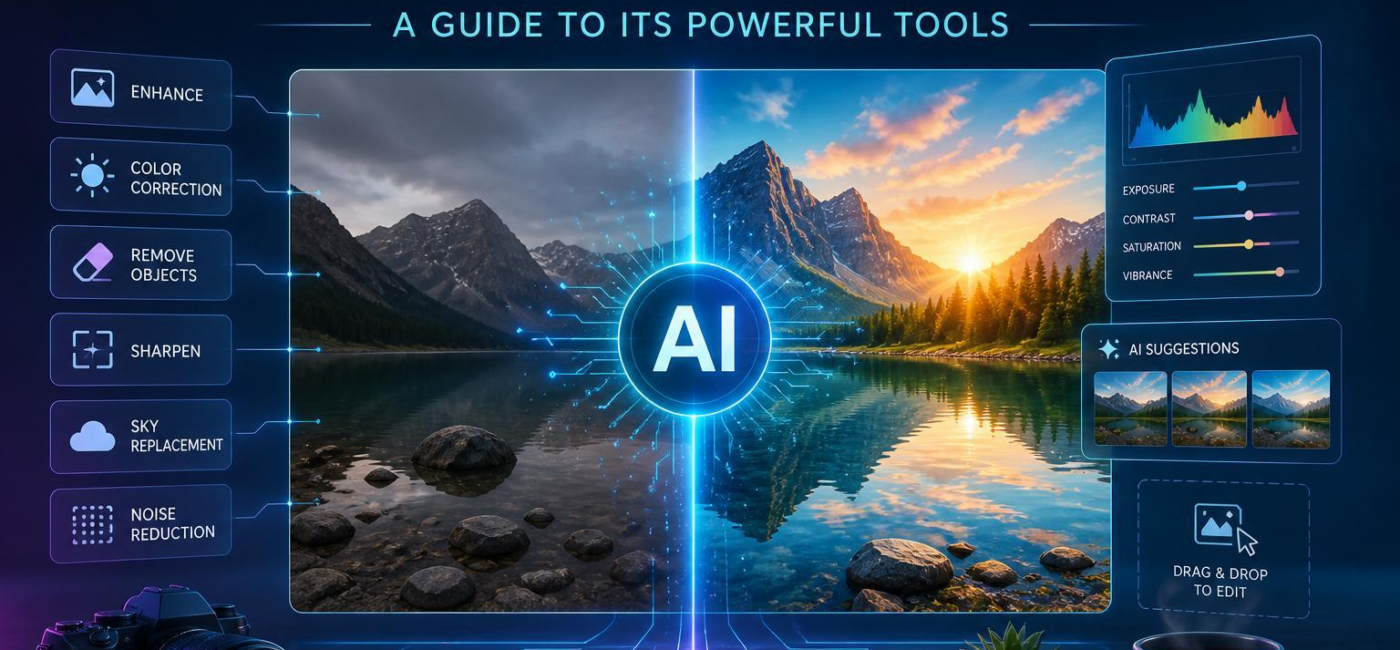
Can AI edit photos? Yes. It can remove unwanted objects, extend backgrounds, retouch portraits, improve lighting, and even shift the overall style of an image. That does not meen every result is perfect, though. AI works best as a helpful editing assistant: it can handle tedious corrections quickly, while you decide what still looks true to the original photo.
What AI Photo Editors Can Do
Conventional photo editing often means selecting, masking, cloningand adjusting parts of an image by hand. AI can make many of those tasks faster by recognizing common elements such as faces, skies, subjectsand backgrounds.Instead of applying one adjustment to the whole photo, you can often target only the area that needs attention.
That can be useful for everyday fixes: reducing noise in a low-light image, correcting faded color, recovering a slightly underexposed photo, sharpening a soft imageor cleaning up a distracting detail in the background.In portraits, AI tools may help soften a temporary blemish, tame stray hairs, brighten eyesor balance uneven light. The goal should be correction, not change. A good edit still looks believable.
AI is especially handy when you have a batch of similar images to work through. It can give you a starting point for selections and basic adjustments, but it is indeed still worth reviewing each photo before calling it finished.Automation saves time; your eye is what keeps the final image from looking overdone.
Removing Backgrounds and Cleaning Up Photos
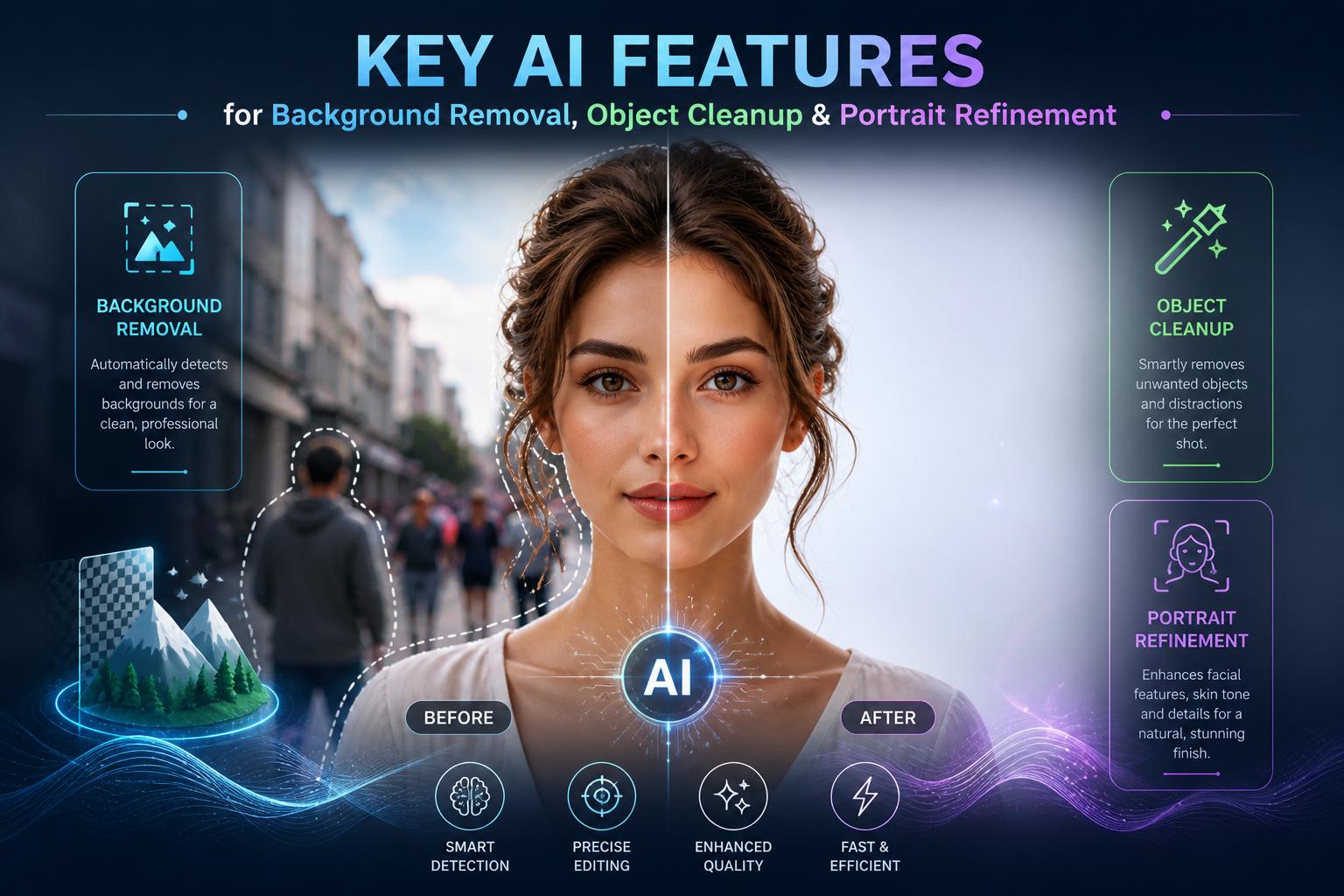
Background removal is one of the most useful AI editing features. Many tools can separate a person, product, petor other main subject from the rest of the image and place it on a clear background or a new scene. The better tools handle tricky edges reasonably well, including hair, fur, loose fabricand glasses, although those areas are always worth checking closely.
Object removal works in a similar way.You select something you do not want in the frame-a power line, sign, passerby, trash binor small visual distraction-and the software fills the empty space using nearby details. It can be remarkably effective for simple backgrounds. More complicated scenes may need a little manual cleanup, especially when the removed object overlaps a shadow, patterned wall, railingor another vital edge.
Portrait retouching deserves a light touch. AI can make targeted changes to skin, teeth, eyes, hair, and facial lighting without requiring you to mask every area manually. Still,it is easy to go too far. Keep skin texture, avoid overly bright teethand be careful not to alter facial proportions. The best portrait edit leaves the person looking like themselves.
Choosing an Editor That Fits Your Needs
The right AI photo editor depends on the kind of images you make.photographers and designers may need precise selections, layers, RAW-file support, color controlsand non-destructive editing. For casual use, simpler tools might potentially be enough if thay let you crop, improve lighting, remove distractions, resize photosand prepare images for social media or online listings.
Rather then choosing based on the longest feature list, try an editor with your own photos. Test it on a portrait with uneven lighting, a travel shot with a busy backgroundor a product image that needs a cleaner setting. Pay close attention to hair, hands, glasses, textand straight lines.Those are often the places where weak edits become noticeable.
If you upload personal or client images to an online service, read its privacy and storage terms first.That matters even more for family photos, paid client workor images that contain sensitive information. The best tool is one that gives you useful shortcuts without taking away control of the final result.
Keep the Final Image Natural
AI can make photo editing faster, but it should not replace a final review. Save the untouched original, work from a copyand inspect the edited version at full size before exporting it. Look for warped edges, repeated textures, strange shadows, softened details, or skin that has become too smooth. Small problems are easy to miss on a phone screen and much more obvious in a large print or high-resolution file.
It also helps to make changes selectively. Use masks, layers, or local adjustments when they are available so that a correction affects only the intended part of the image. A one-click enhancement can be useful, but it may also flatten contrast, shift colors, or add detail that was not really there.
- Keep the original file untouched.
- Zoom in on faces,hair,hands,text,and hard edges.
- Make sure lighting, shadows, colorand perspective still match the scene.
- Disclose major alterations when accuracy matters, such as in editorial or documentary work.
AI photo editing is most useful when it supports your intent rather than making every image look the same. Use it to remove distractions, repair small flawsand explore creative options-but trust your judgment on what belongs in the final photo. A strong edit should look less like an effect and more like the image you meant to capture in the first place.
AI tools built by Emerald Force
Built and supported by Emerald Force.
You might also like
- Can AI Fake Photos? How Synthetic Images Look Real
- AI Handles Routine Service; Humans Handle the Rest
- How AI Can Scale and Tailor Misinformation
- AI Helps Both Sides: Security Choices Decide
- Few-Shot Prompting: Learning from a Few Examples
- Inference Cost: The Compute Behind Model Outputs
- How to Benchmark Tools Before Buying: A Practical Guide
- Can AI Remove Backgrounds? A Proven Vision Use Case
- How AI Clusters Customer Feedback and Detects Sentiment
- AI Center of Excellence: Standards and Adoption