
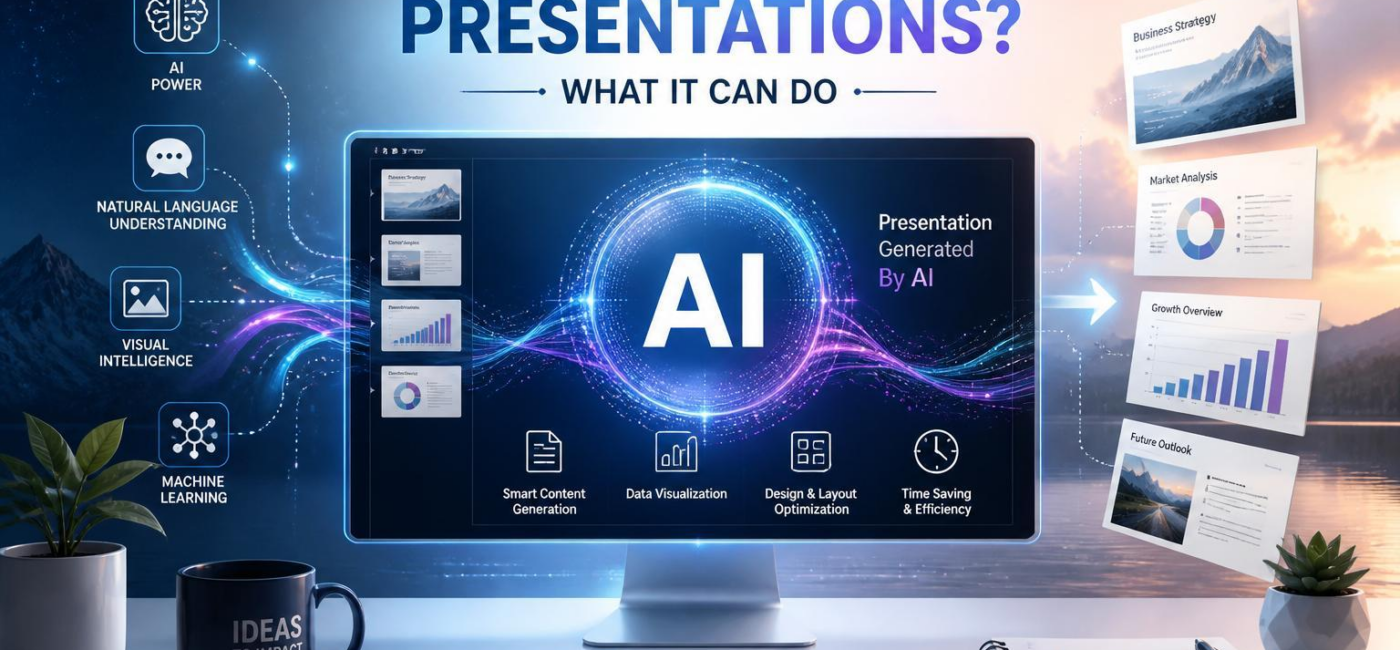
Can AI make presentations? Yes. AI can outline slides, draft speaker notes, suggest visualsand in certain specific cases generate a complete first-pass deck from a prompt, documentor existing outline. It is especially useful when you need to get past the blank page and organise a large amount of material quickly.Still, the best presentations need more than clean layouts and concise copy. They need a clear point of view, accurate factsand an understanding of the people in the room.
Getting the Structure Started
AI presentation tools can turn a rough prompt, source documentor outline into a workable sequence of slides in minutes. They can identify the main idea, group related pointsand suggest a basic flow: set the context, make the case, show supporting evidence, and end with a clear takeaway.
That can save a lot of time, notably when you are starting with scattered notes. AI can also spot when a slide is trying to say too much and recommend splitting the content into separate ideas. The result is a useful starting point-not a structure that should go straight into a meeting without review.
On the design side, AI can apply consistent layouts, typography, colorsand spacing across a deck. It may suggest images, iconsor slide formats that fit the subject. This helps create a more polished draft, even if the person building the presentation is not a designer. But design choices still need a human eye. A slide can look tidy and still fail to make its point.

What AI can definitely help Create
AI can handle much of the early drafting work.It can propose slide titles,summarize source material,write talking points,and produce speaker notes that give a presenter a place to begin. It can also offer different ways to frame an idea for a leadership team,customers,students,or another specific audience.
The quality of the output depends heavily on what you give it. A vague prompt tends to produce vague slides. A clear brief-one that includes the audience, goal, source factsand desired tone-gives AI something useful to work with. Rather than asking it to “make a presentation about marketing,” for example, explain what the audience needs to understand or decide by the end.
AI is also helpful with visual thinking. It can suggest when a paragraph might work better as a chart, a comparison, a timeline, or a simple diagram. It can draft chart captions, explain trends in plain languageand propose image concepts that reinforce the message. Those ideas can be valuable, but they are still suggestions. Check generated visuals and data explanations carefully before using them, especially when accuracy matters.
what Still Needs a Human Review
AI can produce a credible first draft, but it cannot fully understand the stakes of a particular meeting.A sales presentation may need proof that speaks to a buyer’s concerns. A board deck may require precise language around risk. A classroom presentation has to meet people where they are, not where a generic template assumes they will be.
This is where the presenter comes in. Review the facts, remove vague claimsand replace generic examples with details that matter to your audience. Ask whether each slide can stand on its own and whether the sequence leads naturally to the decision, discussionor action you want.
Visual review is just as vital. AI-generated slides can look polished while still being too crowded, poorly pacedor misleading. A chart may imply a stronger conclusion than the underlying data supports. An image might potentially be technically related to the topic but add nothing to the story. Before presenting, take time to check:
- facts, names, dates, figures, quotations, and sources;
- audience fit and brand requirements;
- readability, accessibilityand chart clarity; and
- the emphasis and nuance you want to bring as the speaker.
How to Use AI Well
Start with a brief, not just a topic. Tell the tool who the audience is, how much time you have, what you want people to do afterwardand the one idea they should remember.Include source material and any style or brand guidance you need it to follow.
It often helps to ask for a slide-by-slide outline before asking for design. That gives you a chance to fix the logic of the presentation before time is spent on layouts and visuals. Keep each slide focused on one main point, and move extra detail into speaker notes or supporting materials when needed.
Do not settle for the first draft. Ask AI to offer a few ways to explain a difficult idea, simplify a dense sectionor reframe a message for a different audience. then choose the version that best fits your purpose. Cut decorative slides, replace generic imageryand add the examples or context that only you know.
AI Can Build a Draft, but You Make it Persuasive
AI can make presentations faster and less intimidating to start.It can organize ideas,draft content,suggest visuals,and create a consistent-looking deck. What it cannot reliably provide is judgment: knowing what matters most, what the audience will questionand what should be left unsaid.
The strongest approach is simple: let AI handle the first pass, then make the deck your own. Review every claim, sharpen the storyand rehearse it aloud. A good presentation is not just a set of slides. It is a clear argument delivered for a specific audience by someone who understands why it matters.
AI tools built by Emerald Force
Built and supported by Emerald Force.
You might also like
- Can AI Fake Photos? How Synthetic Images Look Real
- AI Handles Routine Service; Humans Handle the Rest
- How AI Can Scale and Tailor Misinformation
- AI Helps Both Sides: Security Choices Decide
- Few-Shot Prompting: Learning from a Few Examples
- Inference Cost: The Compute Behind Model Outputs
- How to Benchmark Tools Before Buying: A Practical Guide
- Can AI Remove Backgrounds? A Proven Vision Use Case
- How AI Clusters Customer Feedback and Detects Sentiment
- AI Center of Excellence: Standards and Adoption