
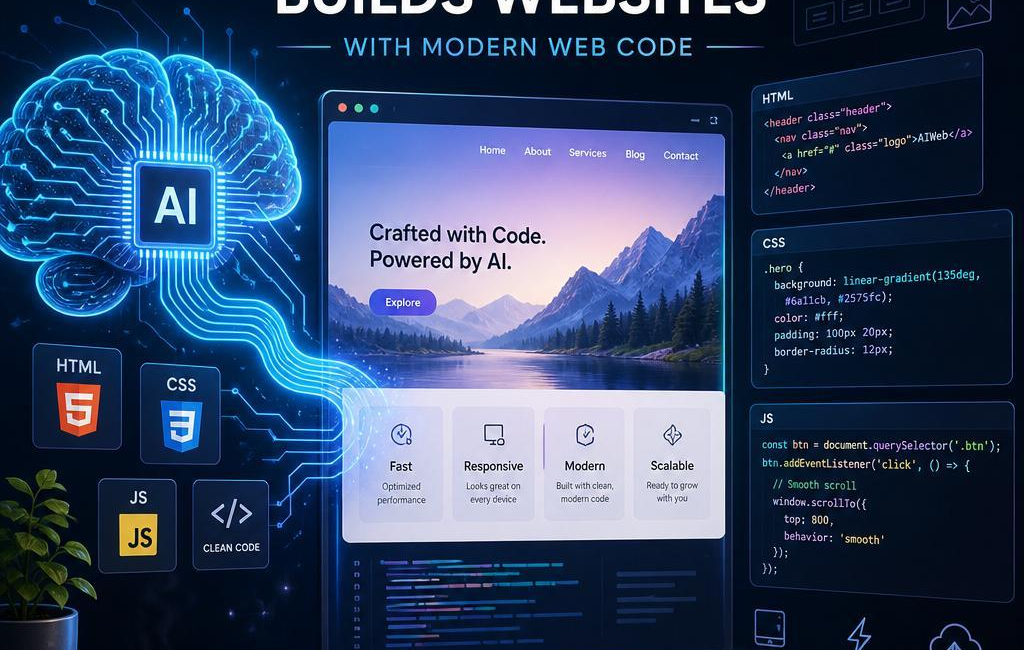
Can AI build websites? Yes. It can generate HTML, CSS, JavaScript, React componentsand even the basic scaffolding for backend features used in many common projects. That can be useful when you need to turn an idea into a working starting point quickly. It does not remove the need for design judgment, testingor a developer who understands the finished code.
The best results come from treating AI as a drafting tool. It can help create a page layout, build a component, explain a confusing functionor suggest an approach to a form or navigation menu. A person still needs to decide whether the code fits the brand, supports real usersand works reliably once it reaches production.
What AI can generate for a website
Most AI-generated front-end code comes in three familiar layers: HTML for structure, CSS for appearanceand JavaScript for interaction. A useful prompt can produce more than a collection of generic containers. It can create headings, navigation, forms, cards, buttons, imagesand labels that reflect the purpose of the page.
Having mentioned that, generated code is only a starting point. HTML should use meaningful elements and a sensible heading order. CSS should handle responsive layouts, readable typeand consistent spacing.JavaScript should support necessary interactions without adding avoidable complexity or slowing down the page.
Production-ready code is not defined by who wrote the first draft. It is defined by whether the code is clear, maintainable, accessibleand properly tested. Before publishing, review the page with real content, check it on diffrent screen sizes, try it with a keyboardand make sure analytics, formsand other integrations behave as was to be expected.

Choosing frameworks and UI components
AI is usually more helpful when it is indeed working within an established codebase. Frameworks such as React, Vueand Svelte give developers familiar ways to organize pages, reuse components, manage stateand handle routing.The right choice depends on the project. A simple marketing site may need very little client-side code, while an account-based submission may need more structure around data, forms, permissionsand navigation.
Consistency matters more than following every new framework trend. When a project has clear folders, documented design tokensand a small set of approved patterns, AI has a better chance of producing code that belongs in the application rather than introducing a second, incompatible style of development.
Component libraries and internal UI kits are helpful for the same reason. Instead of generating a new button, dialog, menuor form field from scratch every time, developers can ask AI to work with components the team already trusts. That helps maintain visual consistency and reduces the chance of breaking expected accessibility behavior. The goal is not to make every interface look identical; it is indeed to give the site a dependable foundation.
performance, accessibilityand responsive design
AI can be useful during performance reviews, especially when it helps surface obvious issues: oversized images, repeated scripts, missing image dimensions, unnecessary page weightor components that are doing more work than they need to. Those suggestions still need to be checked in context. A change that improves a score but removes useful content or damages an interaction is not a real improvement.
Accessibility deserves the same level of attention. AI can point out missing alternative text, weak color contrast, unclear labelsor a poor heading structure. It can also suggest responsive CSS and likely breakpoints. But automated suggestions do not replace hands-on checks. Someone should still use the site with a keyboard, review it at larger text sizes, test it on actual phones and tabletsand confirm that important messages are understandable with assistive technology.
- Use meaningful image alt text, or mark purely decorative images appropriately.
- Make sure buttons,menus,and forms work without a mouse.
- Check that content reflows cleanly and touch targets remain comfortable on smaller screens.
These are not separate finishing touches. Fast, accessible, responsive pages are easier for everyone to use, and they are easier to maintain when those needs are considered while the page is being built.
Review, testingand security
AI-generated code should go through the same review process as any other change. A page that looks correct in one browser is not automatically safe, maintainableor ready to ship. Review the code itself, not just the visual result. Look for duplicated logic, unclear names, unnecessary packages, exposed configuration valuesand assumptions that should be enforced on the server instead of the browser.
Forms, navigation, error states, and responsive layouts all need testing.So do less obvious situations: invalid input, permission failures, API errors, incomplete dataand actions a user should not be allowed to perform. A dashboard can hide a control in the interface while still leaving the underlying action exposed if server-side access checks are missing.
Security should be part of the normal development path, not a final task before launch. Keep secrets out of source code, handle untrusted content carefully, protect authentication flowsand update dependencies deliberately. Automated checks for formatting, testsand known dependency issues can help, but they do not replace human review of business rules and sensitive user flows.
Every generated change needs a person who understands it and is willing to maintain it. AI can save time on routine web code and help teams move from a rough concept to a working interface sooner. The final responsibility, though, remains human: build something clear, secure, accessibleand useful for the people who will actually use it.
AI tools built by Emerald Force
Built and supported by Emerald Force.
You might also like
AI Literacy: Understanding, Limits, and Responsibility
- Why AI Pilots Stall: Governance, Workflows, Trust
- How AI Can Help You Cook Smarter Every Day
- AI Disclosure at Work: Policy, Clients, and Risk
- AI Can Build Websites: From HTML to Backend Scaffolds
- AI Voice Scams Are Rising: Why Verification Matters
- Letting AI Run Terminal Commands: Essential Safeguards
- AI Lowers Routine Costs, but Expertise Still Decides
- AI Agents Today: Useful but Still Need Oversight
- How AI Enables Robots to Perceive, Plan, and Interact