

can AI fake documents? Yes. It can generate convincing text, images, signaturesand layouts, which is exactly why document verification matters. A fake pay stub, bank statement, invoice, proof-of-address letteror identity-related form no longer requires expert design skills. Someone can produce a polished-looking file quickly, then make small edits until it feels believable.
The risk is not that every AI-generated document will be flawless. It is indeed that many will look credible enough to get through a hurried first review. Old warning signs-uneven spacing, mismatched fonts, awkward logosand obvious copy-and-paste mistakes-are easier to hide than they used to be.
How AI makes document fraud easier
AI can imitate the visual cues people associate with legitimate paperwork: letterheads,familiar typefaces,seals,signatures,and formal language. That can make a false document look convincing at first glance, notably when the reviewer is busy or has no original record to compare it against.
But a professional appearance is not proof of authenticity. A document can look polished and still contain false facts. The more useful question is not “Does this look real?” but “Can the source and the details be independently confirmed?”
Income records, invoices, account statements, IDs, certificatesand authorization letters all deserve careful handling because they are often used to support decisions about money, identity, accessor contracts.
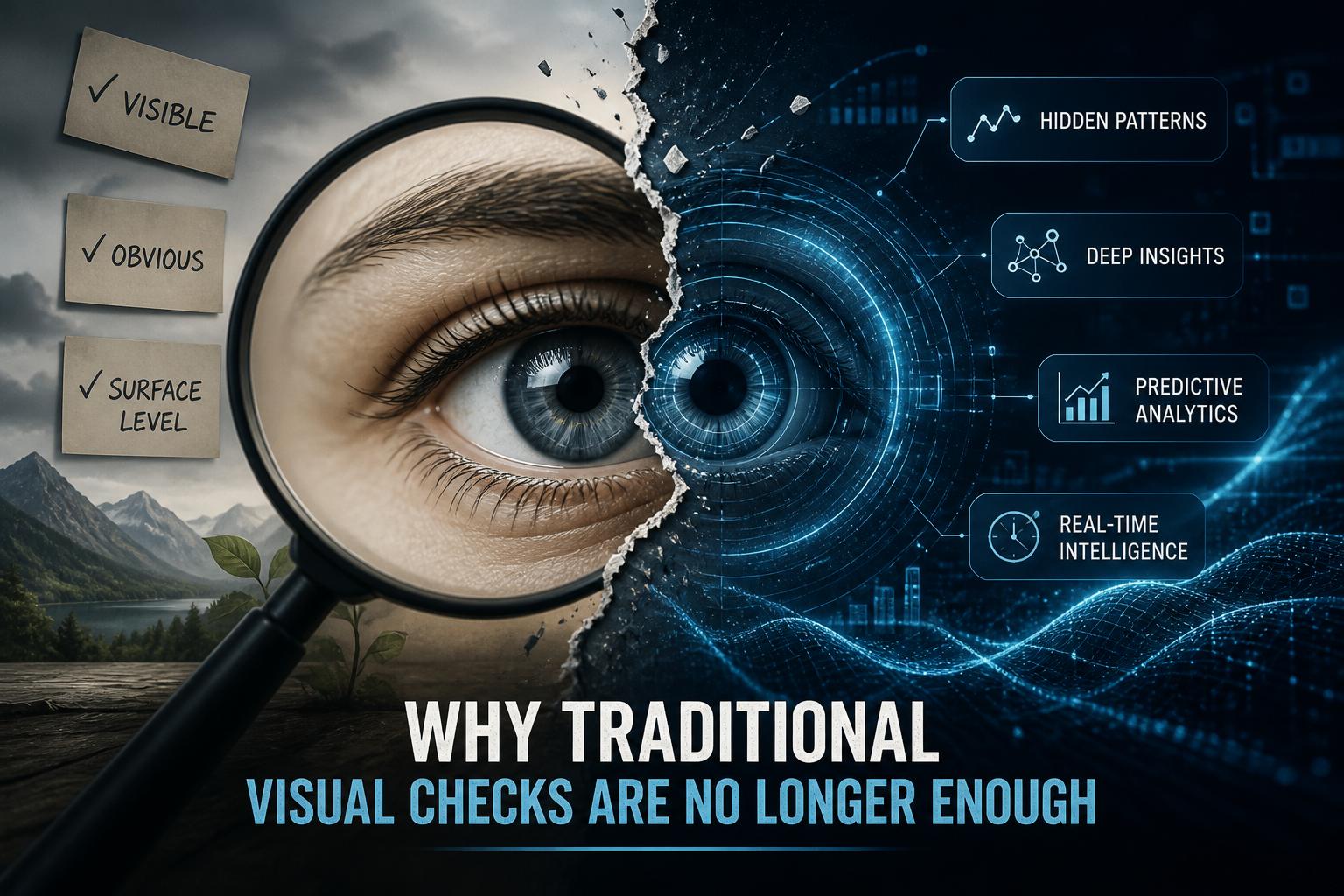
why a visual check is no longer enough
A swift review can still catch obvious problems, such as spelling errors, inconsistent brandingor dates that do not add up. It cannot, however, reliably show who created a document, whether it was altered after it was issuedor whether it was generated from scratch.
That is the weakness of relying on appearance alone. A convincing logo or signature may suggest legitimacy, but it does not establish origin. Even a clean, official-looking PDF may be based on made-up information.
Human judgment still matters. It just works best when it is paired with a verification step outside the document itself. Such as, a reviewer may confirm a reference number with the issuing organization, compare the information with an autonomous recordor request the original through a trusted system.
How to verify a document
Start with the claimed source. Use an organization’s official website, known phone number, secure portal, or existing business contact to confirm the document. do not rely only on a phone number, email address, QR codeor link printed in the document, since those details can be changed by the person submitting it.
Where available, check digital signatures and certificate details, verify reference numbers against official recordsand review metadata or file history for anything that needs explaining. Metadata should not be treated as conclusive on its own, but it can be useful when it conflicts with the document’s claimed history.
It also helps to request the document through a verified sender or secure system rather than accepting a forwarded file with no clear chain of custody. No single check catches every fake. together, however, these steps make it much harder for a polished document to pass without scrutiny.
Build checks into the process
Good controls reduce the chance that one convincing document can trigger a payment, approval, or account change without anyone questioning it. Sensitive records-such as invoices, banking-detail changes, contracts, identity documentsand payment instructions-should move through a clear process with defined ownership and approval points.
Keep source files in controlled repositories, limit editing access to people who need it, and retain version history where possible. The goal is not to create unneeded delays. It is to make sure there is a reliable record of where a document came from, who reviewed itand what was approved.
- Use a second person to review high-risk requests or changes.
- Confirm unusual payment or banking changes through a known, independent contact channel.
- Keep the original submission, supporting correspondenceand approval record together.
Extra care is warranted when a request is urgent,comes from a new vendor,involves altered PDFs,or changes banking details. These situations are not automatically fraudulent, but they should not be rushed through because a document looks convincing.
Staff also need permission to pause and ask questions. A simple escalation path gives employees somewhere to turn when a sender, signature, account changeor document detail does not feel right.regularly reviewing permissions, approval thresholdsand inactive accounts can close gaps before they are used.
Trust the source, not the polish
AI has made it easier to create documents that look legitimate. That does not mean every document should be treated as suspicious, but it does mean visual credibility is no longer enough.
The safest approach is straightforward: verify vital documents against a trusted source, especially when they affect payments, identity, contractsor access. A polished page may look official. Independent confirmation is what makes it trustworthy.
AI tools built by Emerald Force
Built and supported by Emerald Force.
You might also like
- Renewable Energy Helps, but Can’t Erase AI’s Footprint
- How AI Models Meaning Without Human Understanding
- AI Can Fake Documents-Why Verification Matters
AI Can Feel Like a Friend, but It Is Not One
- Can AI Take Meeting Notes? It Captures Decisions
- How Platforms Detect AI-Generated Abuse Online
- Renewables Help, but Cannot Erase AI’s Footprint
- How AI Can Produce Racist and Sexist Outputs
- AI in Healthcare: Empowering Clinicians, Not Replacing Them
Artificial Intelligence: Systems That Mimic Human Thought