

The importance of Workflow Mapping in AI Integration
Before diving into AI deployment, gaining a clear picture of your existing processes is invaluable. Workflow mapping uncovers hidden bottlenecks, redundanciesand decision points that can dramatically effect how AI tools perform in real-world conditions. By visually charting every step, team members align on key stages where automation or AI augmentation offers the greatest return on investment. This not only safeguards against costly missteps but also provides a baseline to measure AI-driven efficiencies. Emphasizing openness and collaboration, workflow maps empower cross-functional teams to identify valuable time savings and prioritize AI integration efforts effectively.
- Pinpoint critical pain points: Discover where tasks stall or require repetitive manual input.
- clarify AI’s role: Define exactly where AI can optimize or replace human effort.
- set measurable goals: Establish clear benchmarks to test AI’s impact on time and accuracy.
| Workflow Stage | Current time | Target AI-Reduced Time | Potential Time Saved |
|---|---|---|---|
| Data Collection | 5 hours | 1 hour | 4 hours |
| Data Validation | 3 hours | 0.5 hours | 2.5 hours |
| Report Generation | 4 hours | 1.5 hours | 2.5 hours |
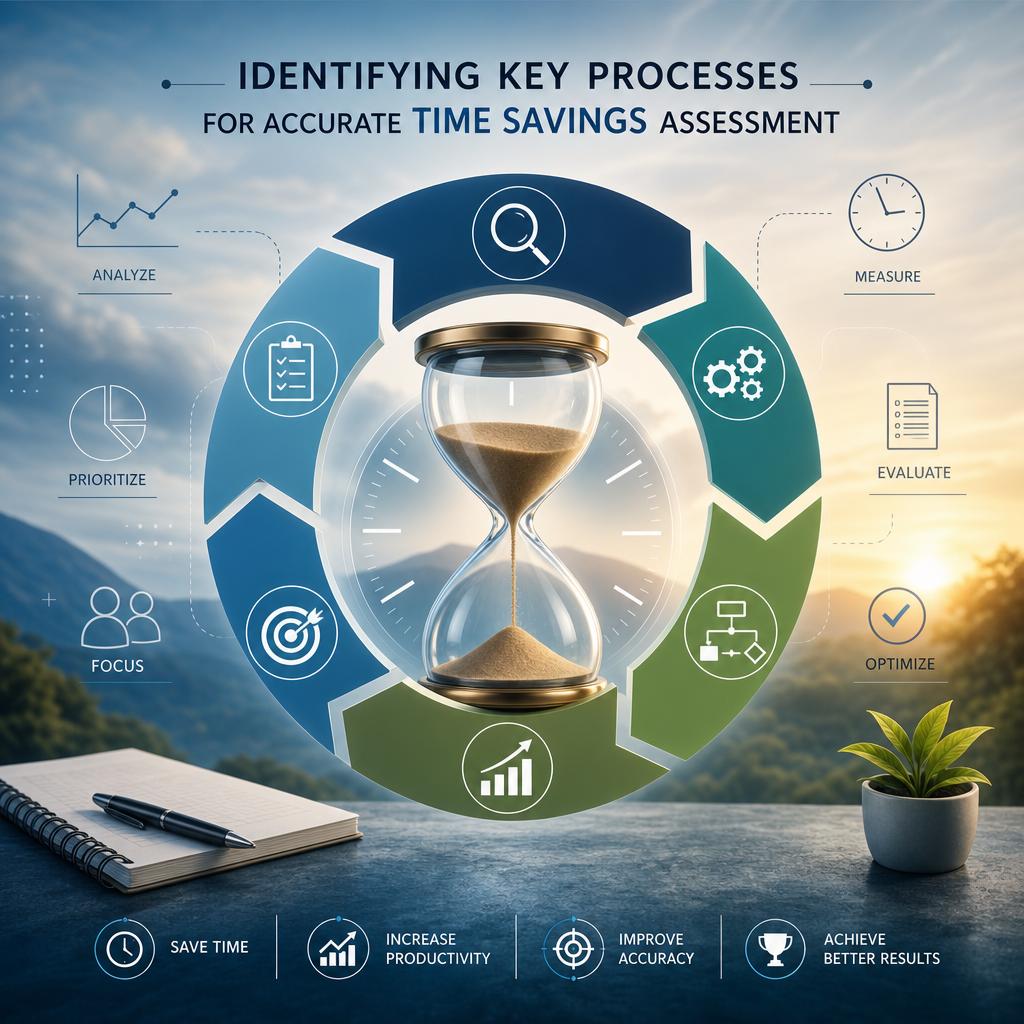
Identifying Key Processes for Accurate Time Savings Assessment
To accurately quantify the time savings AI can deliver, it’s essential first to pinpoint which processes truly matter. Begin with a thorough workflow mapping that captures every step from initiation to completion. This exercise reveals critical bottlenecks, repetitive manual tasks, and resource-intensive activities where AI intervention offers the highest yield. Focus on processes characterized by:
- High frequency – repeated tasks offer accumulating time savings.
- Rule-based decision points - where AI can replicate or augment human judgment.
- Data-intensive operations – which AI algorithms can process faster and with fewer errors.
Once these processes are identified, test AI solutions on a controlled scale to measure actual time reductions. Monitoring before-and-after metrics such as processing duration, error ratesand human intervention requirements provides concrete evidence of AI’s impact. Below is a sample framework to compare workflows pre- and post-AI adoption:
| Process Step | Manual Time (min) | AI time (min) | Time Saved (%) | Comments |
|---|---|---|---|---|
| Data Entry | 15 | 5 | 67% | Automation reduced keystrokes |
| Decision Validation | 10 | 3 | 70% | AI alerts cut review time |
| Report Generation | 20 | 8 | 60% | Templates auto-filled by AI |
Through such methodical workflow evaluation and testing, organizations can establish a realistic and actionable blueprint for maximizing AI-driven time savings with precision.
Effective Strategies for Testing AI Efficiency in Workflow Automation
Before diving into complex AI solutions, the crux lies in thoroughly mapping out your existing workflow. This deliberate step not only highlights key operational bottlenecks but also pinpoints stages where automation can yield the most tangible time savings. Focus on visualizing process steps, decision pointsand handoffs to clarify where human effort is intensive or slow. Effective mapping involves:
- Documenting each task’s duration and variance
- Identifying repetitive manual interventions
- Highlighting synchronization issues across different teams or systems
- Setting baseline metrics for both performance and time consumption
This foundation empowers teams to set realistic benchmarks,allowing AI efficiency tests to measure real improvements over current standards. Precision in the workflow blueprint becomes the linchpin for isolating AI contributions and preventing misattributions of performance gains or losses.
Once the workflow is mapped, the next critical phase is systematically testing AI-driven time savings under controlled conditions. Conduct parallel runs where manual and AI-assisted processes execute the same tasks to compare actual time expenditures and error rates.Data should be collected and analyzed with clear KPIs such as:
| Metric | Manual Process | With AI | Time Savings |
|---|---|---|---|
| Average task duration | 15 min | 7 min | 53% |
| Error rate | 5% | 2% | 60% |
| Employee involvement | High | Moderate | Reduced |
Evaluating these metrics over multiple cycles ensures that AI automation offers consistent advantages before scaling up efforts. This rigorous, data-driven methodology is essential to validate claims of improved efficiency and justify investment in AI integration for workflow automation.
Maximizing ROI by Iterating Workflow and AI Implementation
To truly enhance returns and drive operational efficiency,it’s essential to iteratively refine your workflow alongside AI integration. Start by visually mapping out every process step to identify bottlenecks, redundanciesand manual touchpoints ripe for automation. This approach allows businesses to achieve targeted time savings, as small, measurable improvements compound to deliver important productivity gains. As part of this process,testing AI interventions in controlled segments helps verify impact before full-scale deployment,reducing risk and ensuring continuous learning.
Consider the following focal areas for ongoing optimization:
- Data accuracy: Ensure clean, actionable inputs for AI to boost output quality.
- User feedback loops: Capture insights from end users to refine AI rules and workflows.
- Performance benchmarks: Regularly evaluate time saved and costs reduced to adjust strategies.
| Iteration Phase | Key Activity | Expected Outcome |
|---|---|---|
| Initial Mapping | Document workflows end-to-end | Baseline time metrics |
| Pilot AI Testing | Apply AI on select tasks | Validate time savings |
| Feedback & Adjustment | Gather user insights & refine | improved accuracy & efficiency |
| Full Integration | Scale AI solutions association-wide | Maximized ROI |