

The Integration of AI in Streamlining Routine Office tasks
Artificial intelligence (AI) is revolutionizing how everyday office tasks are managed, enabling organizations too achieve greater efficiency and accuracy.Routine activities such as scheduling meetings, handling emailsand managing digital files are increasingly automated with AI-powered tools. These systems not only reduce human error but also liberate employees from repetitive labor, empowering them to focus on more strategic and creative responsibilities. Automation technologies like natural language processing and machine learning are now being embedded into common office software,allowing seamless integration without disrupting existing workflows.
- Data Entry and Validation: AI can automatically input and verify large volumes of data with exceptional precision.
- Customer Support Bots: Clever chatbots provide instant, 24/7 assistance, improving response time and satisfaction.
- Document Management: AI classifies and organizes files based on content recognition, simplifying retrieval.
| Office Task | Conventional Approach | AI-Enhanced Approach |
|---|---|---|
| Scheduling | Manual calendar coordination | Automated meeting proposals and reminders |
| Email Filtering | Manual sorting | AI-driven priority tagging and response suggestions |
| Report Generation | manual data compilation | Automated real-time report creation |
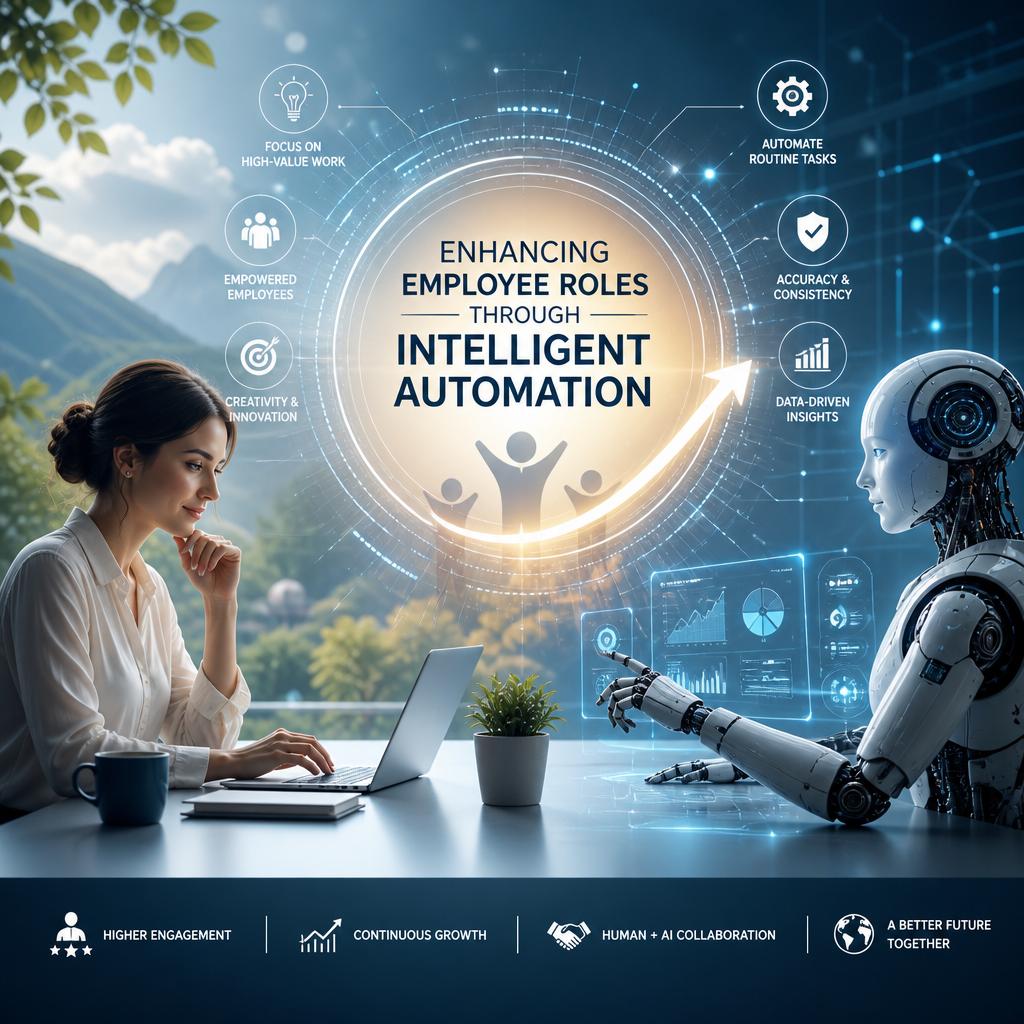
Enhancing Employee Roles through Intelligent Automation
Intelligent automation redefines traditional job boundaries by integrating AI-powered tools that handle repetitive and time-consuming tasks. This shift allows employees to focus more on strategic, creativeand interpersonal responsibilities that truly add value to their organizations. By automating data entry, schedulingand routine communications, employees can dedicate their expertise to problem-solving, decision-makingand innovation-capabilities that machines cannot replicate. The result is a workplace where human skills are amplified, fostering a culture of continuous growth and engagement.
Organizations that adopt intelligent automation witness a change in employee roles characterized by enhanced efficiency and elevated job satisfaction. Here are key benefits experienced:
- Skill Diversification: employees develop new competencies as they collaborate with AI systems, leading to dynamic career pathways.
- Reduced Burnout: Automation of monotonous tasks reduces stress and improves overall well-being.
- Greater Collaboration: Freed from administrative burdens,teams invest more time in cross-functional problem-solving.
| Before Automation | After automation |
|---|---|
| Manual data processing | data insight interpretation |
| Task repetition | Creative project advancement |
| Isolated work | collaborative teamwork |
strategic Implementation of AI for Organizational Efficiency
The integration of artificial intelligence within office environments has redefined workflows by automating repetitive tasks and allowing professionals to focus on higher-value activities. Organizations that strategically deploy AI tools witness significant gains in productivity and decision-making accuracy. Key advantages include:
- Automated Data Processing: AI-driven software efficiently handles vast amounts of data, reducing errors and accelerating report generation.
- Enhanced collaboration: Intelligent assistants facilitate seamless interaction and project management across teams.
- Adaptive Learning Systems: AI platforms evolve with organizational needs, optimizing performance based on user behavior and feedback.
To further illustrate the dynamic roles AI plays within office settings, consider the following breakdown of typical task management before and after AI implementation:
| Task Category | Pre-AI Efficiency | Post-AI Efficiency | Shift in Workforce Role |
|---|---|---|---|
| Data Entry | 40% time-consuming | Automated, 90% time saved | From manual entry to oversight & exception handling |
| Report Generation | Daily manual compilation | automated real-time dashboards | Focus shifts to analysis and strategy |
| Customer Queries | Handled via email/calls | AI chatbots provide instant responses | Human agents reserved for complex cases |
By thoughtfully integrating AI, companies enable employees to transcend routine functions, embracing roles that require creativity, critical thinkingand emotional intelligence. This transformation not only boosts operational efficiency but also fosters a more engaged and innovative workforce poised to meet future challenges.
Best Practices for Balancing Automation and Human Expertise
Striking the ideal balance between automation and human expertise requires a strategic approach that emphasizes collaboration rather than replacement. While AI can efficiently handle repetitive and data-intensive tasks, human insight remains invaluable for decision-making, creativityand emotional intelligence. Organizations should prioritize integrative workflows where automated systems augment human roles, allowing employees to focus on more complex and value-driven activities. This approach not only enhances productivity but also fosters continuous learning and adaptation in a rapidly evolving work surroundings.
Implementing best practices means establishing clear guidelines that delineate responsibilities between machines and humans. Consider the following essentials for ensuring harmonious coexistence:
- Regular training programs to upskill employees for supervisory and analytical roles alongside AI tools.
- Transparent decision-making processes where human oversight is integrated to validate AI-driven outcomes.
- Continuous performance evaluation of both automated systems and human operators to identify improvement points.
| Focus Area | Human Role | Automation Role |
|---|---|---|
| Data Processing | Interpret context and nuances | Handle bulk extraction and organization |
| Decision Making | Apply judgment and ethical considerations | Provide data-driven recommendations |
| Customer Interaction | Manage complex queries and empathy | Automate routine support requests |