
Description
Description
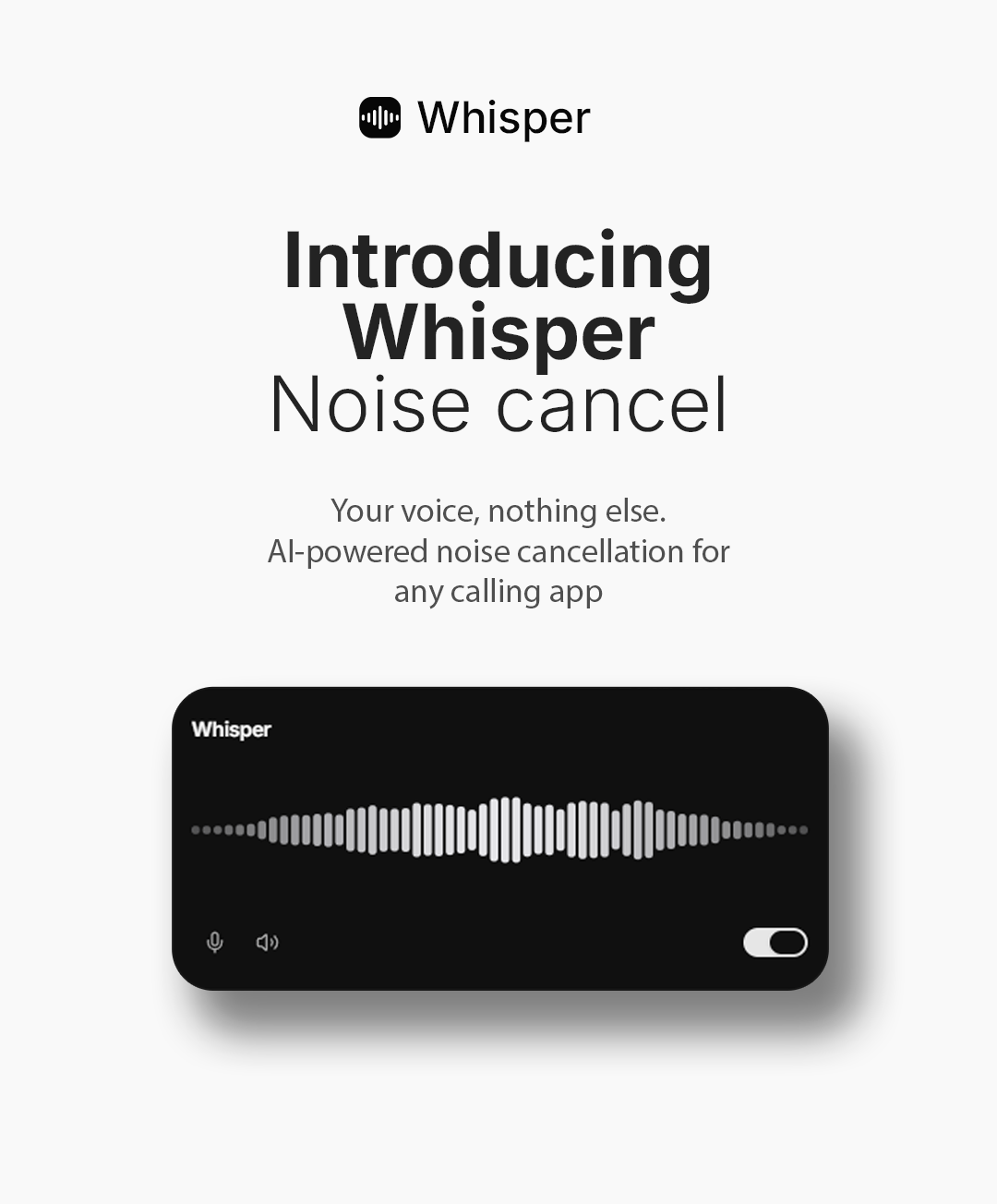
Whisper is an AI noise canceling virtual mic for Windows and macOS. It removes background noise from your microphone in real time, using an AI model that runs 100% on your CPU — no GPU, no cloud, no subscription. Your clean voice is delivered to a virtual microphone that works with any calling, meeting or streaming app.
Your voice, nothing else — keyboard clicks, fans, traffic and room noise disappear from your calls.
Try the Demo
Download the free demo and hear the difference on your own microphone:
Windows: whisper-demo-windows.zip
macOS: whisper-demo-macos.zip
⚠ The demo has the same audio quality as the full version, limited to 15-minute sessions and a 7-day trial.
⚠ Windows: if SmartScreen warns, click More info → Run anyway (unsigned demo build).
⚠ macOS: after moving it to Applications, run once in Terminal:xattr -cr "/Applications/Whisper Demo.app" && codesign --force --deep --sign - "/Applications/Whisper Demo.app"
then open the app normally. This one-time step applies to the full version too (see the notice above) — for the full app the path is /Applications/Whisper.app.
Key Features
- Real-Time AI Noise Reduction: Powered by DeepFilterNet3, a state-of-the-art neural network processing your voice in 10 ms frames — the same class of technology used by Krisp and NVIDIA Broadcast.
- 100% On-Device: Audio never leaves the machine. No cloud processing, no account, no subscription, no GPU required — runs light on any modern dual-core CPU.
- Works With Every App: Outputs to a virtual microphone (VB-CABLE on Windows, BlackHole on macOS) that Zoom, Teams, Discord, Meet, OBS and any other app can use as input.
- Minimal Floating Gadget: A frameless, elegant card with a live waveform of your denoised voice. Window controls appear on hover; drag it anywhere.
- One-Click Setup: Physical mic and virtual output are detected and pre-selected automatically. Missing driver? The app shows a guided download screen.
- Robust Audio Engine: Lock-free ring buffers, clock-drift compensation, automatic model recovery and a dry-signal safety bypass — engineered for long, glitch-free sessions.
- Cross-Platform, One Codebase: Windows 10/11 (x64) and macOS (Apple Silicon + Intel, universal binary) built with Tauri v2 + Rust + React.
- Tiny Footprint: ~15 MB installer, ~40 MB installed — a fraction of Electron-based apps.
- Demo Build System Included: Generate your own time-limited demo variant with a single build flag (compiled-in limits, side-by-side install).
How It Works
- Install the free virtual audio driver (VB-CABLE on Windows / BlackHole on macOS) — the app guides you if it’s missing
- Open Whisper — your mic and the virtual output are pre-selected
- Turn on the switch and watch the live waveform of your clean voice
- In Zoom/Teams/Discord/OBS, select the virtual device as your microphone
- Done — everyone hears your voice without the background noise
Requirements
- OS: Windows 10/11 (x64) or macOS 11+ (Apple Silicon or Intel)
- Microphone: any built-in or external mic
- Virtual audio driver (free): VB-CABLE (Windows) or BlackHole (macOS)
- To build from source (optional): Node.js 20+, pnpm 10+, Rust 1.82+ and the Tauri v2 toolchain
What’s Included
- Ready-to-use installers for Windows (.exe/.msi) and macOS (universal .dmg)
- Full source code — Rust audio engine + React/TypeScript UI (Tauri v2)
- Demo-variant build system (one flag → time-limited demo with its own app identity)
- Complete HTML documentation (installation, driver setup, usage, building, customization, troubleshooting)
- GitHub Actions workflows that build all installers in the cloud (Windows + macOS, full + demo)
- Audio diagnostics tools (device/loopback tester and AI benchmark)
- Third-party license notices ready for redistribution
Important Note Before Buying
Virtual Audio Driver:
Whisper routes clean audio through a free third-party virtual audio driver (VB-CABLE on Windows, BlackHole on macOS), installed separately by the end user — the app guides them through it. These drivers are not part of this product, and we are not affiliated with their vendors.
Code Signing & Apple Notarization:
Installers are provided unsigned/not notarized — demo and full version alike. On Windows, SmartScreen shows a one-time warning (“More info → Run anyway”). On macOS (Sequoia/Tahoe), the app is blocked on first launch without an “Open Anyway” option; the user must run a one-time Terminal command (fully documented in the included guide):
xattr -cr /Applications/Whisper.app && codesign—force—deep—sign – /Applications/Whisper.app
Eliminating these warnings requires the buyer’s own certificates: an Apple Developer account (US$99/year) for macOS notarization and/or a Windows code-signing certificate. The included source code and CI workflows are ready for both, but registration with Apple/certificate authorities is not included and is the buyer’s responsibility.
Support Notes:
- Setup: Full documentation is included. If you need assistance, please open a request through the Support tab on this item page — all customer support is handled exclusively through the official Envato item support system.
- Scope of Support: Support covers the Whisper application. Issues with third-party drivers, OS audio configuration, or code-signing/notarization procedures are outside our scope.
- Bug Reports: As an independent developer, I cannot offer immediate technical support. In the event of project bugs, please wait for the next scheduled update.
Changelog
Changelog – Version 1.0.0 (July 2026)
---------------------------------------
- Initial release
- Real-time AI noise reduction (DeepFilterNet3, on-device CPU inference)
- Virtual microphone output (VB-CABLE / BlackHole) for any calling app
- Automatic device detection with guided driver installation
- Minimal frameless gadget UI with live waveform (shadcn/ui Luma, dark)
- Drift-compensated audio engine with glitch protection
- Windows (x64) and macOS (universal) installers
- Demo build variant (15-min sessions, 7-day trial) with side-by-side install
- Full source code + HTML docs + CI build workflows
Whisper is a desktop app for Windows and macOS that reduces background noise from a microphone in real time. It processes audio on the computer and sends the cleaned result through a virtual microphone, which can then be selected in calling, meeting, streaming, or recording software. It is intended for people who make voice or video calls, attend online meetings, stream, or record audio from noisy homes, offices, or public places. It may be useful where keyboard sounds, fans, traffic, or room noise are distracting.