
Description
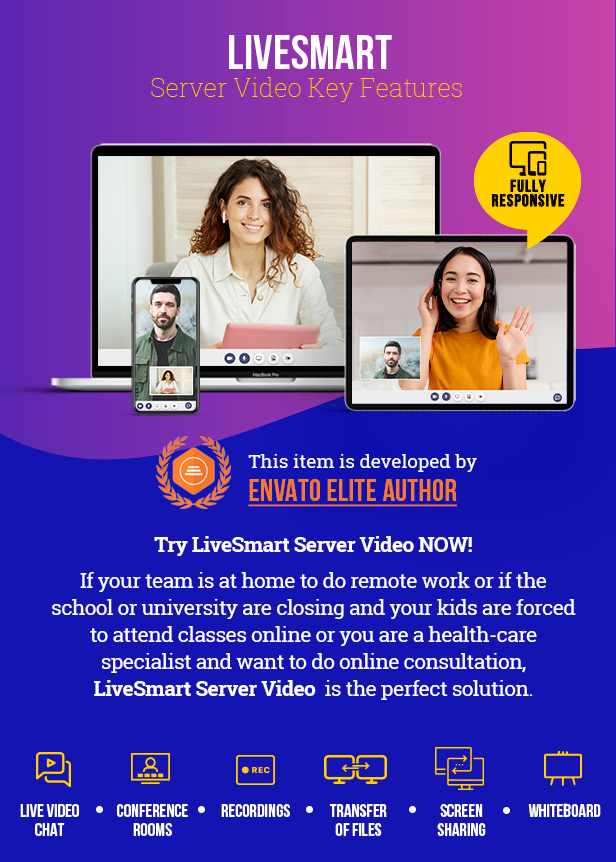
LiveSmart Server Video is an advanced standalone web application that reshapes the landscape of digital interaction. It transcends conventional communication boundaries by offering video, audio, recording, screen sharing, and file transfer capabilities for theoretically unlimited number of attendees. What sets it apart is its independence from cumbersome third-party installations or external account dependencies. All you need is a browser on your desktop or mobile device, and you’re set to connect with the world.
Streaming to Facebook and YouTube
Exceptional new release with outstanding feature – your visitors can not stream directly to Facebook or YouTube over RTMP. For more information check the user manual.
Video AI avatars!
Interact and add in a conference our smart AI generated video avatar and have a meaningful conversation on a variety of topics.
You can also generate your own video AI room – login here
with testvideo/testvideo and go to Rooms – Video AI Avatars. From there you can choose avatar, background, video quality and save the room.
The potential of using video avatars with AI is enormous – from personal assistants in online stores, weather forecasts, trader plarforms or airports/trip advisors or just for fun chat.
Follow this article for more detailed information about the feature.

Previous updates
– Personalization of rooms – you can add avatar to your profile and change the look&feel of the meeting rooms with your preferences. Login here with demo_1/demo_1 and check how this is done from Rooms – Personalization. Avatar can be changed or used a predefined from host profile page, then you can start a personal meeting from Rooms -> Room management and check “Saved or started room will use your personal details…” upon starting the meeting. Visit this video for more details about personalization feature;
– Breakout rooms and reactions. Host can setup breakout rooms, so attendees can join different rooms and attend meetings. Later on they can go back to main room;
– Presence button. Visitors of your site can directly contact administrator with video request. You can visit the demo visitor page. There is a button showing currently red. If you login to the dashboard with demo/demo account, button will go green and visitor can start a video request;
– LiveSmart is now monetizable. You can start earning money with it – setup a payment plan and add subscriptions. Also they can have own branding, look&feel and logo. Use PayPal, Strip or Authorize.net for payments;
– ChatGPT support: Enable Chat GPT and you can ask AI different questions in the chat panel;
– Integrations with Perfex CRM, Sngine, WoWonde and PlayTube platforms;
LiveSmart Server Video is perfect for:
Features
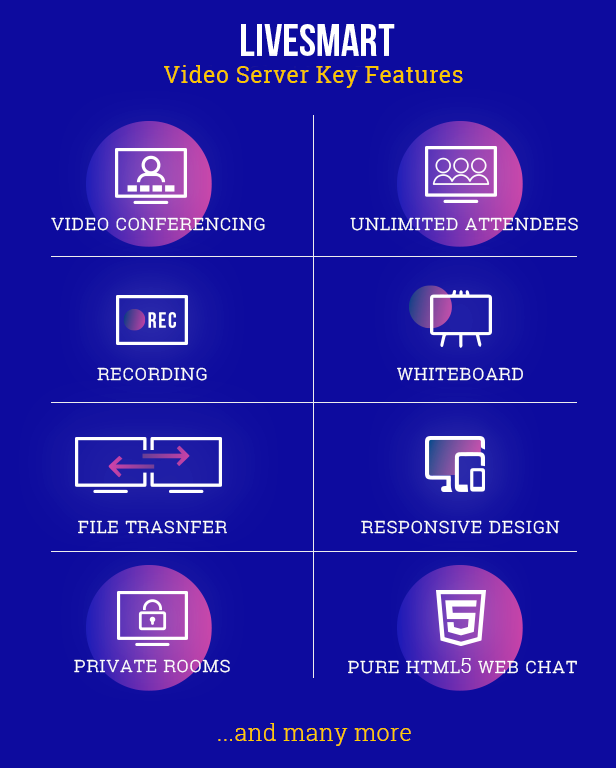
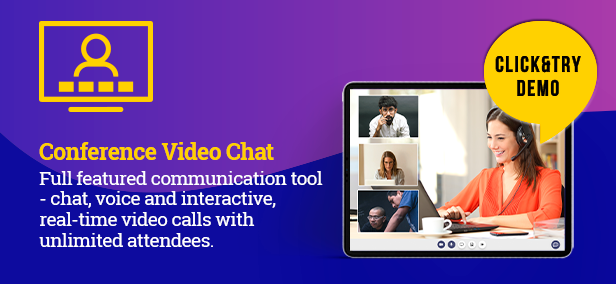
| High-Quality Video and Audio
Demo – experience smooth, uninterrupted conversations with state-of-the-art video and sound clarity |
| ______________________________________ |
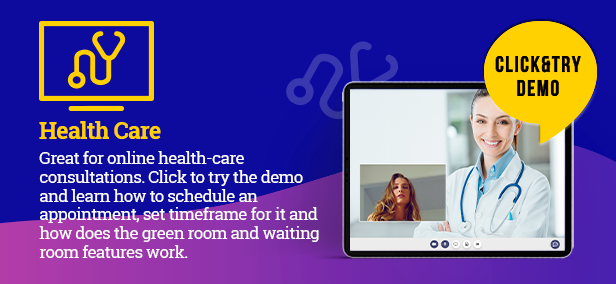
| Online scheduling
Health-care solution. Schedule meetings on definite timeframe. Augment verbal and visual communication with a robust chat function, perfect for Q&A sessions, resource sharing, and engaging participant interaction. |
| ______________________________________ |
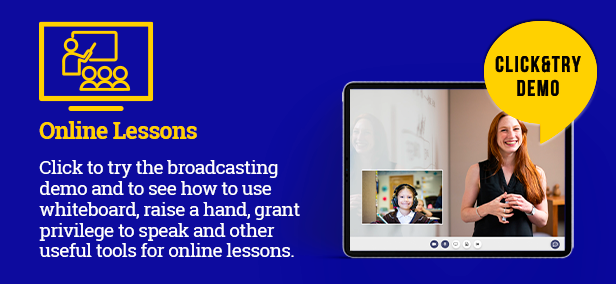
| Online lessons
Broadcasting demo. Host webinars or meetings with as many participants as you need, thanks to the scalable architecture of the platform. |
| ______________________________________ |
| Monetization and subscriptions
Subscriptions and payments. Start using LiveSmart as SaaS and earning money with it. |
| ______________________________________ |
| Video AI Avatars
Combines the amazing capabilities of OpenAI ChatGPT with a video avatar by your choice. Interact with one of the greatest AI generated video avatars having a meaningful conversation on a variety of topics. More info here |
| ______________________________________ |
| ChatGPT
Directly start a meeting. You can ask AI different questions, while in a call or alone in the room. |
| ______________________________________ |
| Speech recognition
Speech is transformed into text messages, bringing presentations and collaborative sessions to life. |
| ______________________________________ |
| Text to speech
Type in your chat and your attendee will receive voice messages. This functionality can be combined with translation module. |
| ______________________________________ |
| Speech to text & translation
Translation demo. Speech to text and translation. It requires Google API key and is available for Chrome. Chat messages are also translated. |
| ______________________________________ |
| Breakout rooms and reactions
Host can organize breakout rooms and make attendees join different meetings. Also visitors can react with different emojis;. Login to dashboard with demo/demo, make sure breakout rooms and reactions are enabled and start a meeting. |
| ______________________________________ |
| Private rooms
You can setup a private room by defining a password for it. |
| ______________________________________ |
| ScreenShare, File share
Share your entire screen to present document or slides. Send files to all your participants. |
| ______________________________________ |
| Waiting room and admission
Attendee can adjust video and audio settings before joining a meeting. Also host can have the option to admit a visitor or not in the meeting. |
| ______________________________________ |
| Whiteboard
Collaborative whiteboard to help online teaching and presenters. |
| ______________________________________ |
| Chat
Interactive chat with user management |
| ______________________________________ |
| Stream YouTube video
Start the demo, open Settings, fill in YouTube URL and the video will start streaming. |
| ______________________________________ |
| Switch camera
Switch between front and back camera of your mobile. |
| ______________________________________ |
| Localization
For more information about how to do the localization of LiveSmart, visit this guide. |
| ______________________________________ |
| Presence button
If you want your customers to be able to contact you with video. Open the dashboard login with demo/demo, then on another device or in incognito open the button demo page and you will see how button goes green and the visitor can start a video request. |
| ______________________________________ |
| Sngine Integration
Demo site is available with admin1/admin1234 and demo1/demo1234. |
| ______________________________________ |
| PerfexCRM Integration
Demo with admin1234@new-dev.com / admin1234 as staff member and demo1234@new-dev.com / demo1234 as customer. |
| ______________________________________ |
| WoWonder Integration
You can see the demo site and login with admin1/admin1234, demo1/demo1234 or create own user. |
| ______________________________________ |
| PlayTube Integration
You can see the demo site and login with admin1/admin1234, demo1/demo1234 or create own user. |
Check the User Guide section for a detailed description of all the features.
Supported browsers and OS
LiveSmart Server Video is supported on all major browsers:
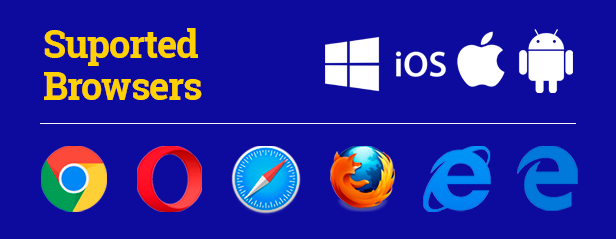
– Desktop PC. Microsoft Edge 12+, Google Chrome 28+, Mozilla Firefox 22+, Safari 11+, Opera 18+, Vivaldi 1.9+,
– Android. Google Chrome 28+ (enabled by default since 29), Mozilla Firefox 24+, Opera Mobile 12+
– Chrome OS.
– Firefox OS.
– Mobile Safari at least iOS 11 and Mac Safari.
Requirements
– HTTPS (SSL certificate) and root access needed (usually shared hosting do not offer this service, so you need VPS or dedicated server);
– For server side scripts: at least Node 16.x;
– You need port 9002 to be opened. You can change the port from your configuration file;
– Some basic skills of system administration.
A Leap Into Enhanced Connectivity
Digital innovation shapes our world, and LiveSmart Video Server leads the change in transforming how we connect. Think of the potential. A world where distance has no bearing on our ability to interact. This is what LiveSmart Video Server offers. Whether you’re connecting a small team or linking thousands, the server adapts, ensuring every exchange is clear and seamless.
What makes LiveSmart Video Server stand out is its blend of ease, powerful features, and robust security. It’s a platform that not only meets today’s demands but also evolves with the times, staying ahead of the curve.
Educators, businesses, and families will find in LiveSmart Video Server a reliable partner that grows with them. It’s a pledge to a future where every meeting, lesson, and shared family moment can happen without the constraints of physical presence.
Installation Guide, FAQ and Demos
Requirements and installation video tutorial
Meeting Scheduling Demo (health-care consultation)
Broadcasting Demo (online lessons, live streaming)
Speech to text and translation
Dashboard demo, login with demo/demo
Copyright and terms of usage
Changelogs
v1.0.23 - Mar 22, 2026
- Direct streaming to Facebook or YouTube;
- Integration with Liveavatar API of HeyGen;

v1.0.22 - Dec 1, 2025
- Integration with D-ID, addding 100+ avatars;
- Allowing usage of models like Gemini, Copilot, DeepSeek, Nvidia, Mistral, Dolphin, etc;
- UI updates;

v1.0.21 - Mar 23, 2025
- Video avatar can now participate in a conference;
- Added audio only avatar;
- Added payment plan per minute usage;
- Multiple feature requests;

v1.0.20 - Sept 08, 2024
- Updated Video AI avatar UI and added new advanced functions;
- Added hourly payment facility;
- Performance improvements and fixes;

v1.0.19 - May 04, 2024
- Video AI Avatars;
- Updated dependencies and optimizations;
- Feature requests, bug and UI fixes;

v1.0.18 - Mar 03, 2024
- Video session logs;
- Feature requests, pinned chat by default, presence button updates;
- Updated dependencies;
- Bug and UI fixes;

v1.0.17 - Feb 01, 2024
- Personalization of meeting rooms and adding profile avatars;
- Integration with Support board and JustFans platforms;
- ChatGPT keeps contexts of conversation memory;

v1.0.16 - Dec 23, 2023
- Feature requests: updated WP plugin, attendee is prompted to confirm when host enables his/her audio or video, timer in waiting room;
- Fixed audio while screen sharing;
- UI and packages updates;

v1.0.15 - Nov 05, 2023
- Feature requests: breakout rooms and reactions;
- UI and performance improvements;

v1.0.14 - Oct 02, 2023
- Updated dependencies and performance imrovements;
- Feature requests, pinned chat;
- Bug fixes;

v1.0.13 - Sep 07, 2023
- New UI and enhanced chat;
- Fixed performance;
- Bug fixes;

v1.0.12 - Aug 8, 2023
- Added presence button;
- Perfex CRM integration;
- Added manual payment method;

v1.0.11 - Jul 1, 2023
- Added subscriptions, plans and payments with PayPal, Stripe and Authorize.net;
- Customers can have different look&feel, logo and design of video and dashboard panels;
- Fixes and UI changes;

v1.0.10 - May 20, 2023
- Chat GPT support;
- Performance improvements;
- Run time saving of recorded file;
- Chat panel enhancements;
- Drag&drop for file transfer in video panel;
- Feature requests: added URL on clicking exit meeting; allowing anonymous users; video panel can be pinned;
- Mobile friendly UI changes and bug fixes;

v1.0.9 - Apr 8, 2023
- WoWonder and Sngine plugin;
- Saving big recording files on exit;
- Bug fixes and UI changes;

v1.0.8 - Feb 22, 2023
- WoWonder integration with v.4.1.5;
- Uload large files from recroding on the server;
- Improved mobile view;
- Bug fixes and UI changes;

v1.0.7 - Nov 21, 2022
- WoWonder integration and streaming;
- Enhanced private messaging;
- Improved waiting room;
- Virtual background (still beta code);
- Added active meetings in Dashboard;
- Bug fixes and UI changes;

v1.0.6 - July 31, 2022
- Feature requests:
  - Video, audio and screenshare constraints;
  - Local feed window can be fixed bottom left;
  - Enable/disable snapshot option;
- Bug fixes and UI changes;

v1.0.5 - June 24, 2022
- Added script to ease the installation and setup process;
- Added video sharing facility;
- Added cache invalidation upon new release or changes of the configurations;
- Multiple feature requests;
- Bug fixes and UI changes;

v1.0.4 - May 22, 2022
- Recordings are saved on server, autostart option;
- Updated API;
- Added waiting room;
- Added terms and conditions checkbox configuration;
- Minor fixes and UI changes;

v1.0.3 - Mar 18, 2022
 - Speech to text, text to speech and translation facilities;
 - Voice commands;
 - Feature request - allow only room from the list to be accessed;
 - UI changes and minor fixes;

v1.0.2 - Feb 27, 2022
 - Users and chat history added. Room can be locked for users;
 - Room adminssion facility;
 - API for join and start meeting;
 - UI changes and fixes;
 - Attendees can do private chat from video panel and host can mute attendees;
 - New tab in preferences for changing video aspect ratio.

v1.0.1 - Feb 3, 2022
 - Initial release of LieSmart Server Video;
LiveSmart Server Video is self-hosted web software for running video meetings, webinars, and live streams in a browser. It includes video and audio calls, screen sharing, chat, recording, file sharing, waiting rooms, breakout rooms, and whiteboards. It can also stream through RTMP to platforms such as YouTube and Facebook, and supports AI chat and video-avatar features. It is intended for organizations and developers that want to run their own conferencing service, including educators, telehealth providers, customer-support teams, communities, and businesses offering branded paid meeting or streaming services.