Description
Cloud Storage is a self-hosted document and folder-sharing platform that is easy
to set up without any coding knowledge. It
allows you to upload multiple files and folders and share them with unlimited users. You can copy or move
documents and
folders to different locations within the drive, download them, and preview documents directly. Users can add
comments
to documents and send them via email. Cloud Storage offers various options for storing files, including AWS S3,
Cloudflare
R2, or a local server. Additionally, it features OCR-enabled content search, making it easy to find documents
based on
their content.
Demo
https://cloudstorage.mlglobtech.com
Credentials
User Name: admin@gmail.com
Password: admin@123
User Name: employee@gmail.com
Password: employee@123
Features:
-
Full Source Code:
You will receive the full source code of YourDrive, along with the build version for both SQL Server and MySQL
database
providers. -
Cross Platform: Angular and .NET Core are open source and cross-platform, allowing you to run
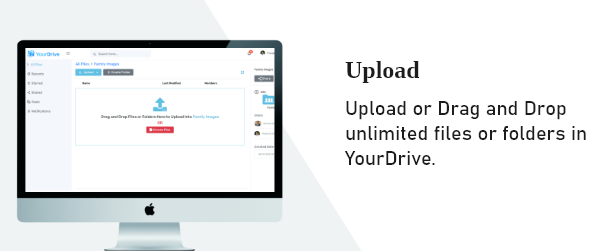
and deploy them on any server. - Upload: Upload or drag and drop unlimited files and folders into YourDrive.
-
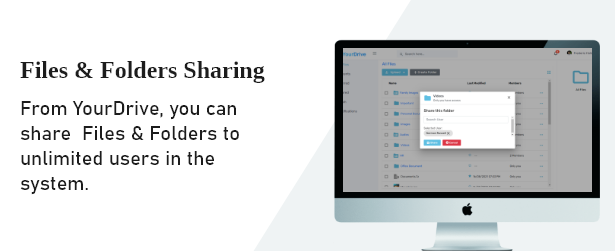
Files & Folders Sharing: Files and folders in your system can be shared with unlimited users,
with flexible rights assigned to each user for
precise control and collaboration. -
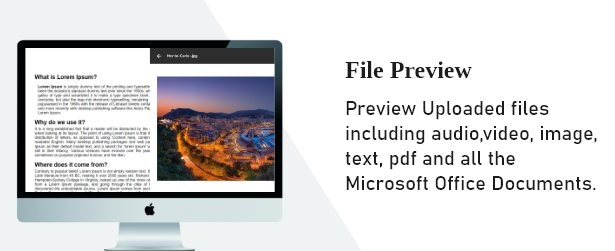
File Preview: Preview uploaded files, including audio, video, images, text, PDFs, and all
Microsoft Office documents. -
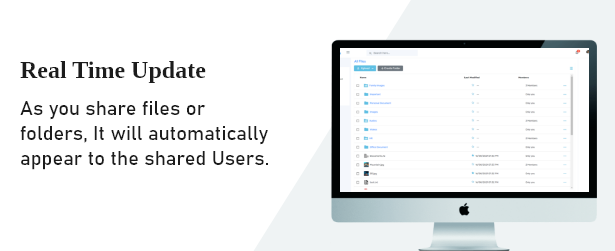
Real Time Update: As you share files or folders, they will automatically appear for the shared
users. -
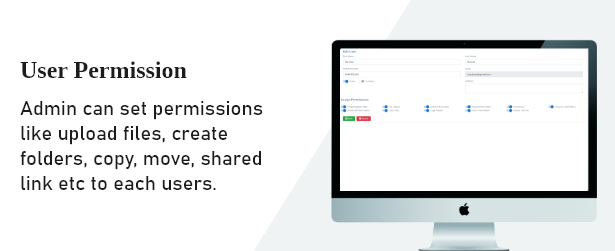
User Permission: Admins can set permissions for each user, such as uploading files, creating
folders, copying, moving, sharing links, and
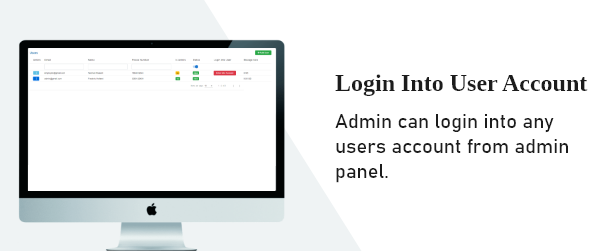
more. - Login Into User Account: Admins can log in to any user’s account directly from the admin panel.
- Notification: As you share files or folders, the shared users will receive instant notifications.
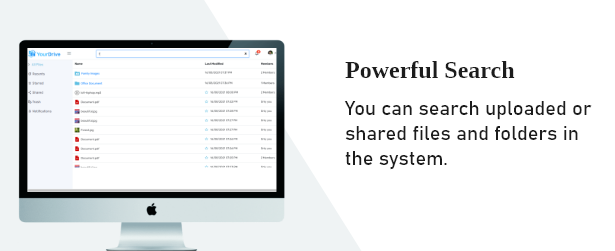
- Powerful Search: You can search for uploaded or shared files and folders within the system.
-
Deep Search: Deep Search enables powerful, full-text search capabilities across various document
types, allowing users to locate
specific information inside both text-based and image-based files. -
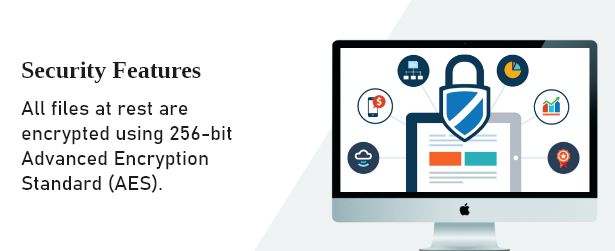
Storage Settings: Users can configure storage options with encryption enabled, ensuring secure
file management across AWS S3, Cloudflare
R2, or the default local server. They can change the storage option at any time without affecting previously
stored
files, which remain accessible from yourdrive. -
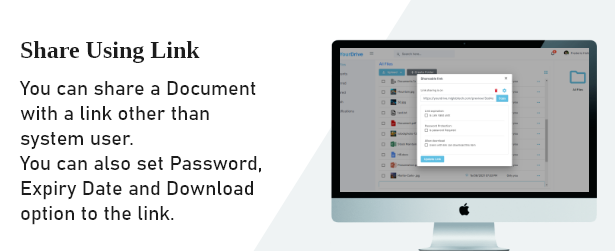
Share using Link: You can share a document via a link with users outside the system, and set
options such as password protection, expiry
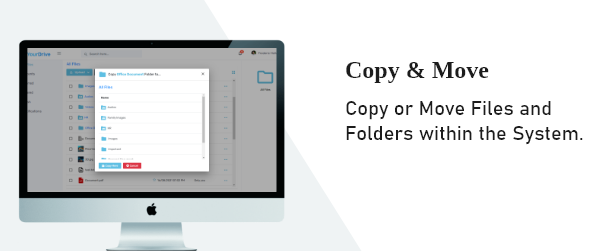
date, and download permissions for the link. - Copy & Move: Copy or move files and folders within the system.
-
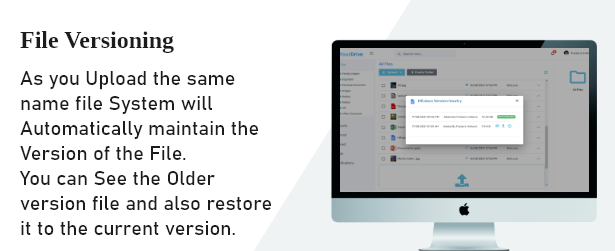
File Versioning: When you upload a file with the same name, the system will automatically
maintain its version. You can view previous
versions and restore them to the current version. -
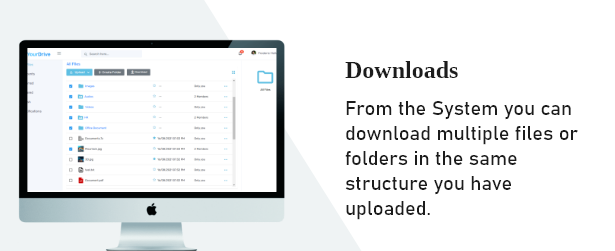
Downloads: From the system, you can download multiple files or folders while maintaining the
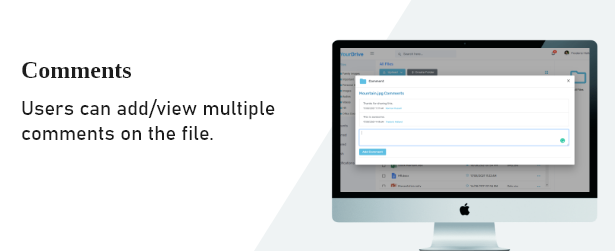
original upload structure. - Comments: Users can add and view multiple comments on files or folders.
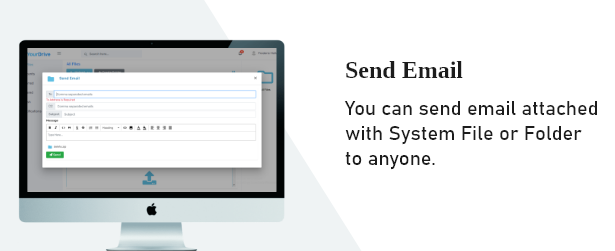
- Send Email: You can send an email with a system file or folder attached to anyone.
- Starred Document or Folder: You can add stars to files and folders for easy access in the future.
-
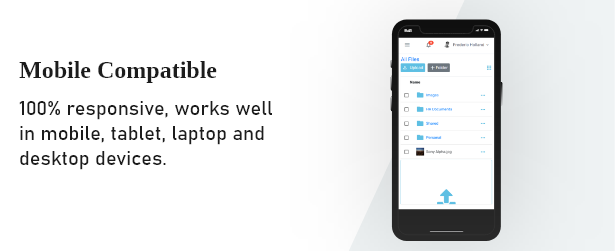
Mobile Compatible: 100% responsive, ensuring seamless functionality on mobile, tablet, laptop,
and desktop devices. -
Support Multiple Language:The application comes with English, Spanish, Arabic, Russian, Japanese,
Korean, Turkish, French and Chinese languages by
default.
Project Requirement
- .Net Core Runtime
- SQL Server/MySQL Database.
- To Host Application on Shared Linux hosting it is required standard user account with sudo privilege.
- The latest non-preview .NET runtime installed on the server.
Please be informed that you will need internet connection to install the project. we have mentioned all the steps
in
a documentation that how to install on Linux and Windows server however It would be difficult for
non-technical person to install project, we offer installation service for $20. Please check Documentation in
your
download for more info.
Project Technologies
- .Net 8
- Angular 18.
Important Note on Installation
Installing the YourDrive on a server can be challenging for non-technical users, especially on a
Linux
server. It is important to note that this system cannot be hosted on Linux shared hosting environments. To
successfully
host the YourDrive on a Linux server, you will need either a Virtual Private Server (VPS) or a
Dedicated Server. These options provide the necessary resources and control to ensure optimal performance and
security
for the application.
For users interested in hosting the YourDrive on a Windows environment, it is possible to set it up
on
both Windows shared hosting and Dedicated Servers. Hosting on Windows shared hosting may offer a more user-friendly
experience for those less familiar with server management, while a dedicated server provides enhanced control and
resources for more demanding applications.
We recommend consulting with a technical professional or service provider to assist with the installation process,
especially if you are not familiar with server management.
Change logs:
2.3 Bug Fixes and UI Enhancements - 17 Oct 2025
----------------------
2.3 New Features & Bug Fixes -- Breaking Changes -- 17 Nov 2024
    OCR Enabled Content Search.
    While sharing files and folders, flexible rights can be assigned to each user.
    Support Multiple Language.
----------------------
2.3 Bug Fixes & New Features -- 11 Nov 2022
    Bug Fixes
    Comment on folder
    Move Multiple file/folder
    Send Multiple file
--------------
2.2 Improve UI And Bug Fixes -- 18 June 2022
    Search menu on mobile view.
    Improvement on breadcrumbs.
    Replace HTML Editor.
    Truncate File/Folder Name settings.
    Bug Fixes.
--------------
2.1 Breaking Changes -- 7 Jan 2022
    Admin can Assign Permission to Users.
    File Path Fixes.
    Admin can Login into any User's account.
    Fixes Sidebar issue.
    Select all files and folders.
    User wise usage disk space.
--------------
2.0 Breaking Changes -- 8 Oct 2021
    Download All Files (Zip).
    Right click menu.
    Deleted files folder - Empty Trash button.
    Link expiration date and time.
    All files stored on the server in encrypted form.
    You can copy the file/folder within the same folder.
    When a folder or file is clicked, an information screen appears on the right.
    Total disk space used.
    File Preview with Move Next and Previous Documents.
--------------
1.0 Initial Release -- 26 Aug 2021
File Manager and Cloud Storage with OCR is a self-hosted system for storing, organizing, sharing, and finding files. Users can upload folders and documents, preview common file types, set access permissions, share files by link, and keep earlier file versions. Its OCR search reads text inside scanned documents and images, so people can search by content rather than only file names. It can use local storage or services such as AWS S3 and Cloudflare R2. It is for individuals, teams, and organizations that manage many documents and want control over where files are stored.