
Description
⚠️ Important Requirements
This script requires third-party API keys to function. The buyer must obtain their own keys from:
- AssemblyAI (for transcription – Free tier available)
- Google Cloud Platform (Optional, for large file uploads – Free tier available)
Comprehensive documentation is included.



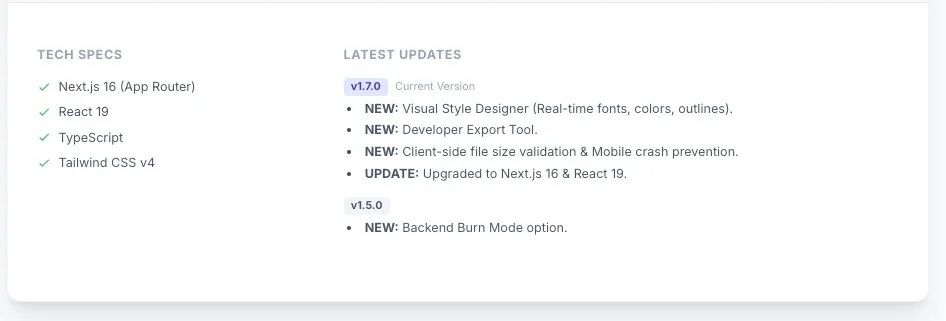
CHANGELOG
- v2.0 – “Studio” Update (Major Release) – Transforms the subtitle tool into a full AI Video Editor
- Advanced Remotion Studio (Beta)
- Fully browser-based editor (no server rendering)
- Viral animation styles:
- Karaoke Mode (word-fill gradient)
- Hormozi Pop (bounce + scale)
- Neon Glow (cyberpunk glow)
- Box Highlight (educational highlighter style)
- Typewriter (character reveal)
- Aspect Ratio Switcher (16:9, 9:16, 1:1) with Pan & Scan controls
- Customization & Branding
- Custom font uploads (.ttf, .otf)
- Multi-layer media support:
- B-Roll video overlays
- Images, logos, watermarks, stickers
- Auto-Emoji AI (automatic contextual emoji placement)
- Editor Enhancements
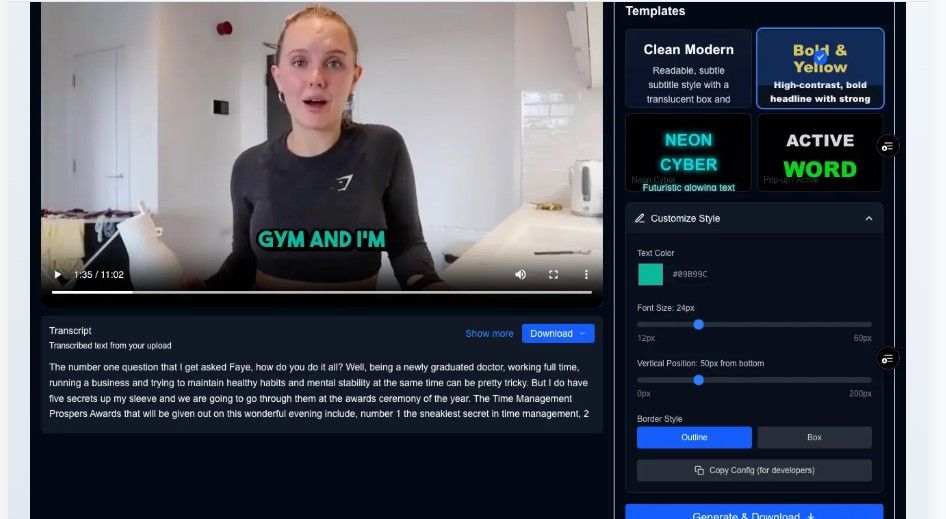
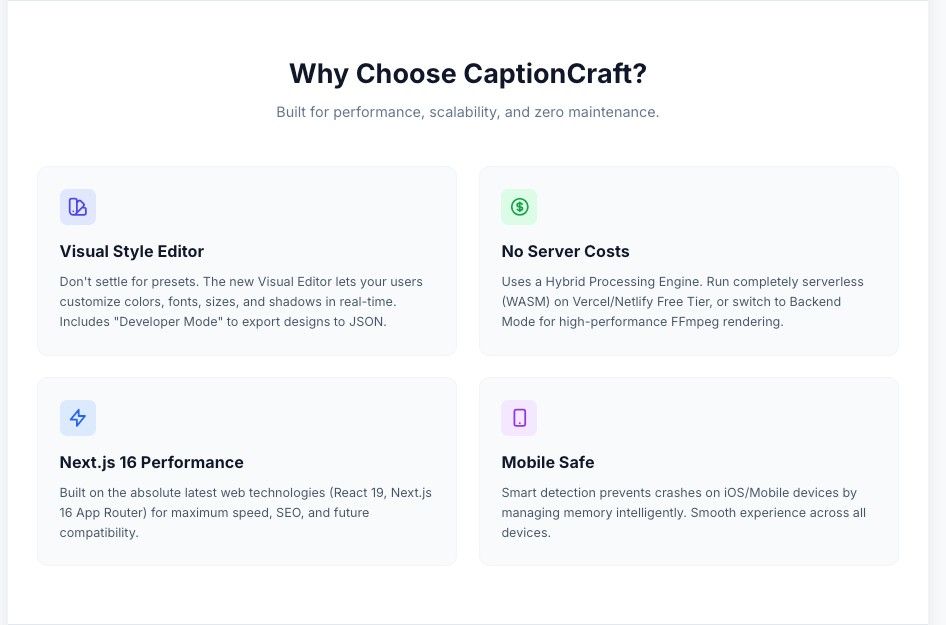
- Live visual template designer (colors, sizes, shadows, borders)
- Thumbnail generator (PNG frame capture)
- Retention progress bar (top or bottom placement)
- Interactive transcript (click to seek, double-click to edit)
- Fixes & Improvements
- 500MB file size validation
- Mobile stability detection (iOS memory warnings)
- Optimized IndexedDB Bridge architecture
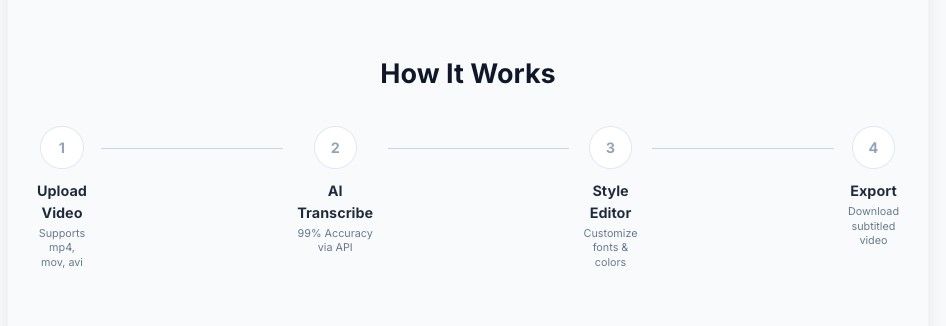
CaptionCraft is a web-based tool that creates subtitles and captions for video content using AI. Users can upload a video, generate a transcript, edit the wording and timing, and apply ready-made caption templates for different visual styles. It is intended for creators, marketers, educators, businesses, and social media teams that need readable captions for videos without manually transcribing every line. The templates help keep captions consistent across posts and make them easier to adapt for platforms such as TikTok, Instagram, YouTube, and LinkedIn.